
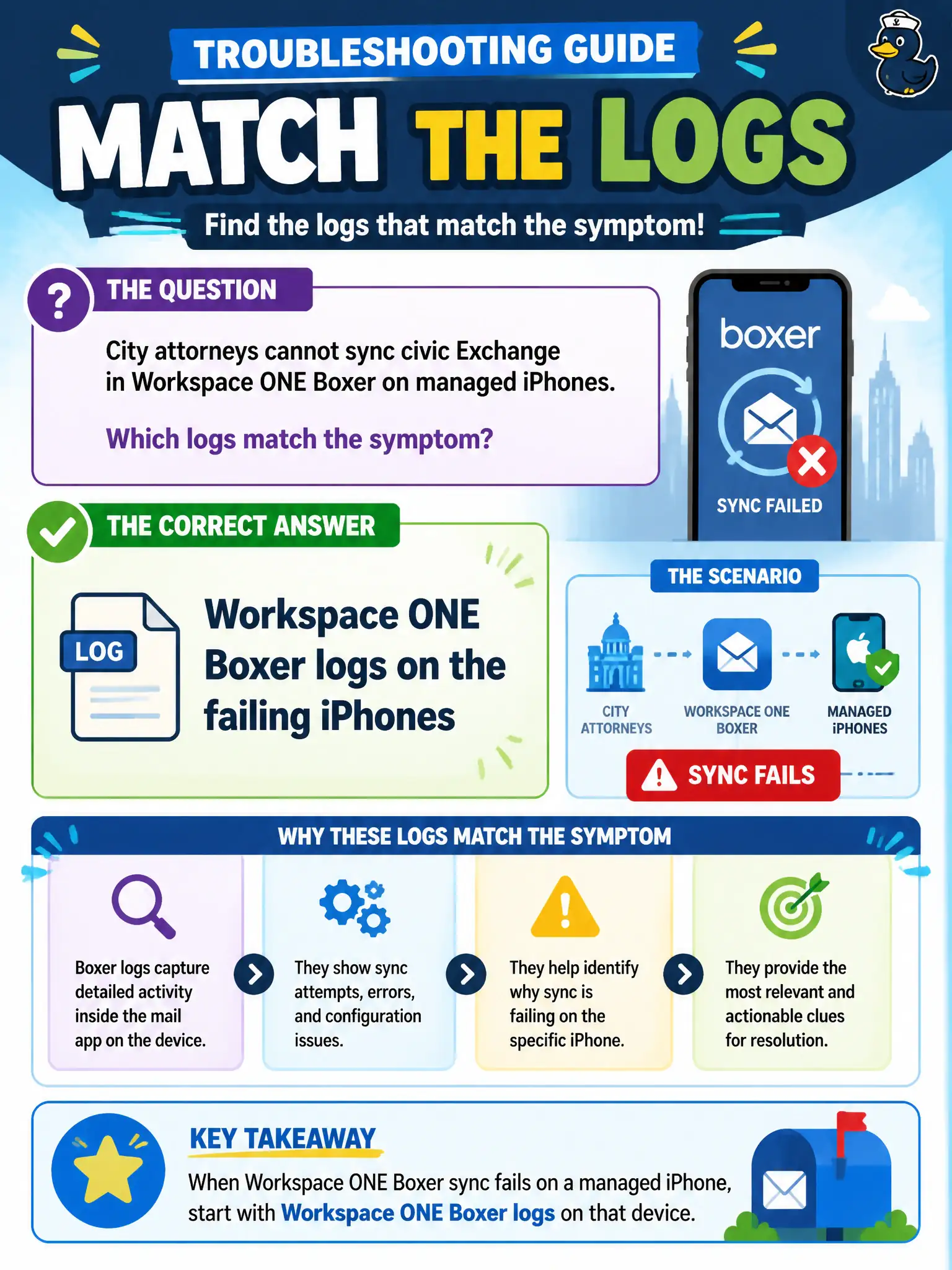
City attorneys cannot sync civic Exchange in Workspace ONE Boxer on managed iPhones. Which logs match the symptom?
Select an answer to reveal the explanation.
Short Explanation
If the civic mailbox will not sync, collect the mail app's logs. Boxer is the client on those iPhones; Horizon Agent on a courtroom desktop does not explain an Exchange sync miss.
Full Explanation
When city attorneys cannot sync civic Exchange in Workspace ONE Boxer on managed iPhones, Workspace ONE Boxer logs on the failing iPhones match the symptom. Mail sync failures are recorded in the managed mail client. Legal hold and counsel availability depend on restoring Boxer sync quickly with the correct mobile log set rather than rebuilding VDI pools. Horizon Agent logs from the attorney VDI pool diagnose desktop sessions, not Boxer Exchange sync on phones. App Volumes Agent logs for a legal writable volume address Windows package state, not mobile mail sync. Horizon Client logs from a courtroom thin client explain brokered display sessions, not Boxer mailbox connectivity. Exam caveat: Sync failures inside Boxer require Boxer logs even when the same attorneys also use Horizon desktops. Operational check: Export Boxer logs from a failing attorney iPhone per documentation during a sync attempt, and correlate with UEM email configuration before involving VDI teams. Keeping the civic evidence trail tied to the failing component also reduces cross-team handoffs that delay public services. Document the collection source and timestamp in the municipal ticket so the next operator can continue without rework.