
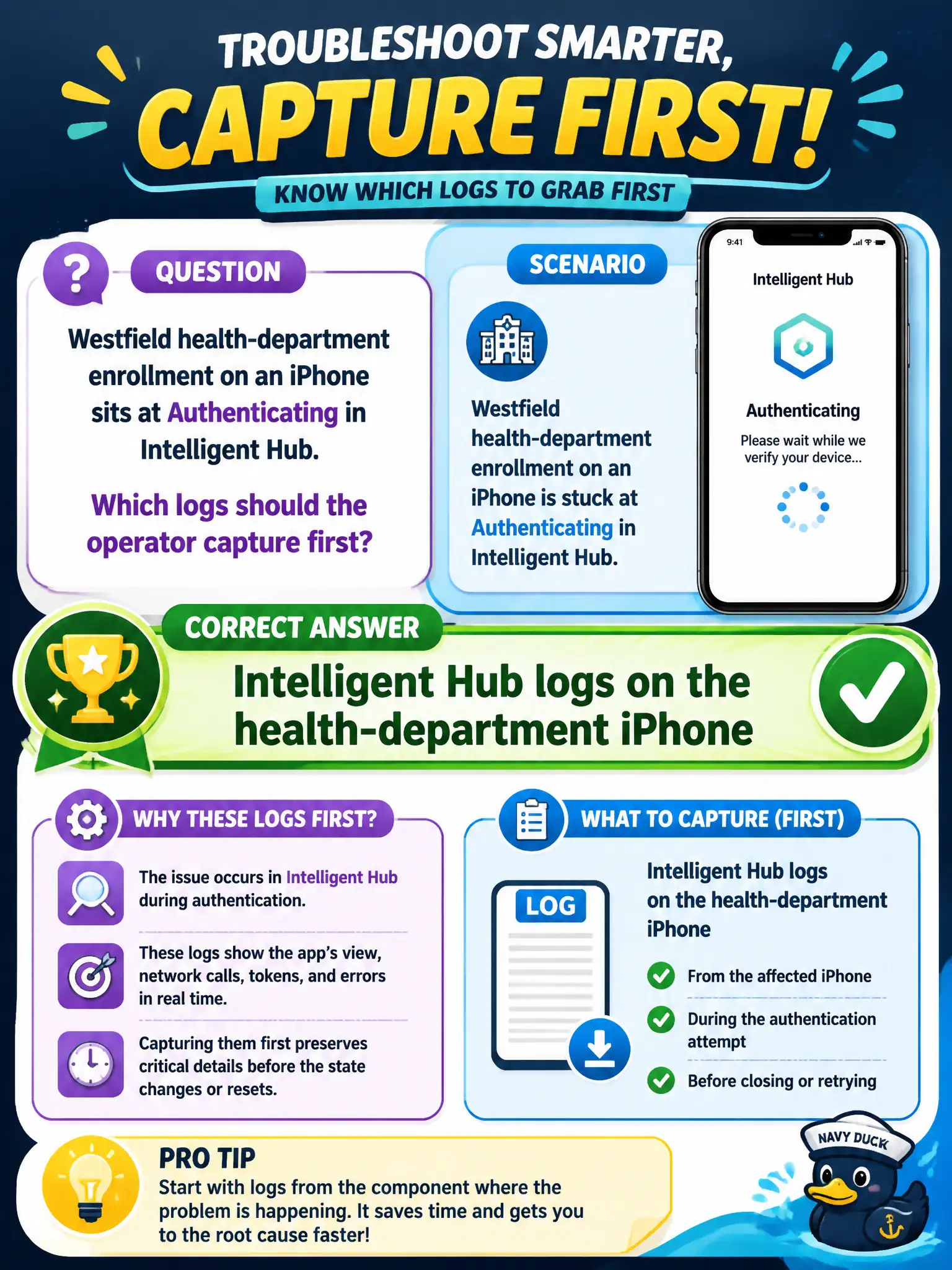
Westfield health-department enrollment on an iPhone sits at Authenticating in Intelligent Hub. Which logs should the operator capture first?
Select an answer to reveal the explanation.
Short Explanation
Stuck at Authenticating inside Intelligent Hub is a Hub-on-the-phone problem. Do not pull Horizon Agent logs from a clinic desktop that this iPhone never even sat down at.
Full Explanation
When Westfield health-department enrollment on an iPhone sits at Authenticating in Intelligent Hub, the operator should capture Intelligent Hub logs on that health-department iPhone first. The stuck state is in the enrollment client on the device. Clinic onboarding queues clear faster when staff pull Hub logs immediately instead of imaging unrelated clinic desktops. Horizon Agent logs on a clinic Windows 10 desktop the phone never launched cannot explain mobile enrollment authentication. App Volumes Agent logs from App Volumes Manager relate to desktop packaging, not Intelligent Hub enrollment. Horizon Client DCT from a nurse's home laptop is unrelated to an iPhone stuck at Authenticating in Hub. Exam caveat: Enrollment symptoms require Hub-on-device logs; do not pivot to Horizon or App Volumes collections for a phone that never launched VDI. Operational check: On the stuck iPhone, use the documented Intelligent Hub log export or share function, capture during Authenticating, and review UEM enrollment connectivity afterward if needed. Keeping the civic evidence trail tied to the failing component also reduces cross-team handoffs that delay public services. Document the collection source and timestamp in the municipal ticket so the next operator can continue without rework.