
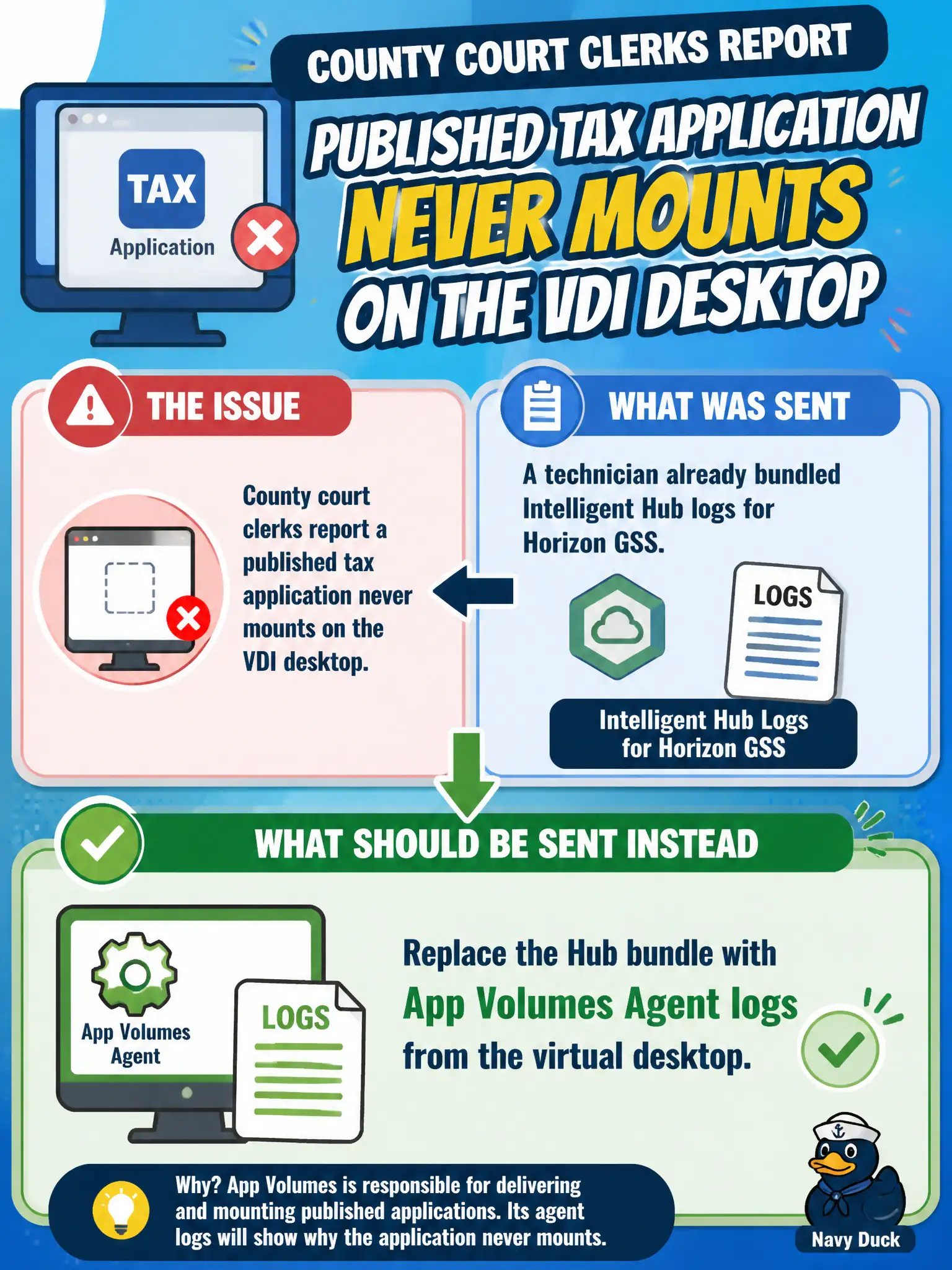
County court clerks report a published tax application never mounts on the VDI desktop. A technician already bundled Intelligent Hub logs for Horizon GSS. What should be sent instead?
Select an answer to reveal the explanation.
Short Explanation
A package that will not mount is App Volumes Agent on the desktop, not Intelligent Hub on a phone. Sending Hub logs to Horizon GSS for an attach failure is the wrong product's suitcase.
Full Explanation
When county court clerks report a published tax application never mounts on the VDI desktop and a technician already bundled Intelligent Hub logs for Horizon GSS, those Hub logs should be replaced with App Volumes Agent logs from the virtual desktop. Package mount failures are diagnosed from the App Volumes Agent on the guest. Court packaging tickets move faster when technicians discard enrollment logs and attach the Agent capture that shows mount errors. Keeping the Hub bundle is wrong because catalog authentication on a phone is not the App Volumes attach path inside the desktop. Sending only Connection Server install logs from a replica-server build does not capture in-guest package attach events. Sending only Workspace ONE Web logs from the clerk's phone addresses the wrong product and platform for a VDI package mount. Exam caveat: Match the log family to the symptom: missing published tax app mount means App Volumes Agent, not Intelligent Hub. Operational check: Collect App Volumes Agent logs from a clerk desktop at login, verify package assignment in App Volumes Manager, and send that evidence to GSS instead of the Hub bundle. Keeping the civic evidence trail tied to the failing component also reduces cross-team handoffs that delay public services.