
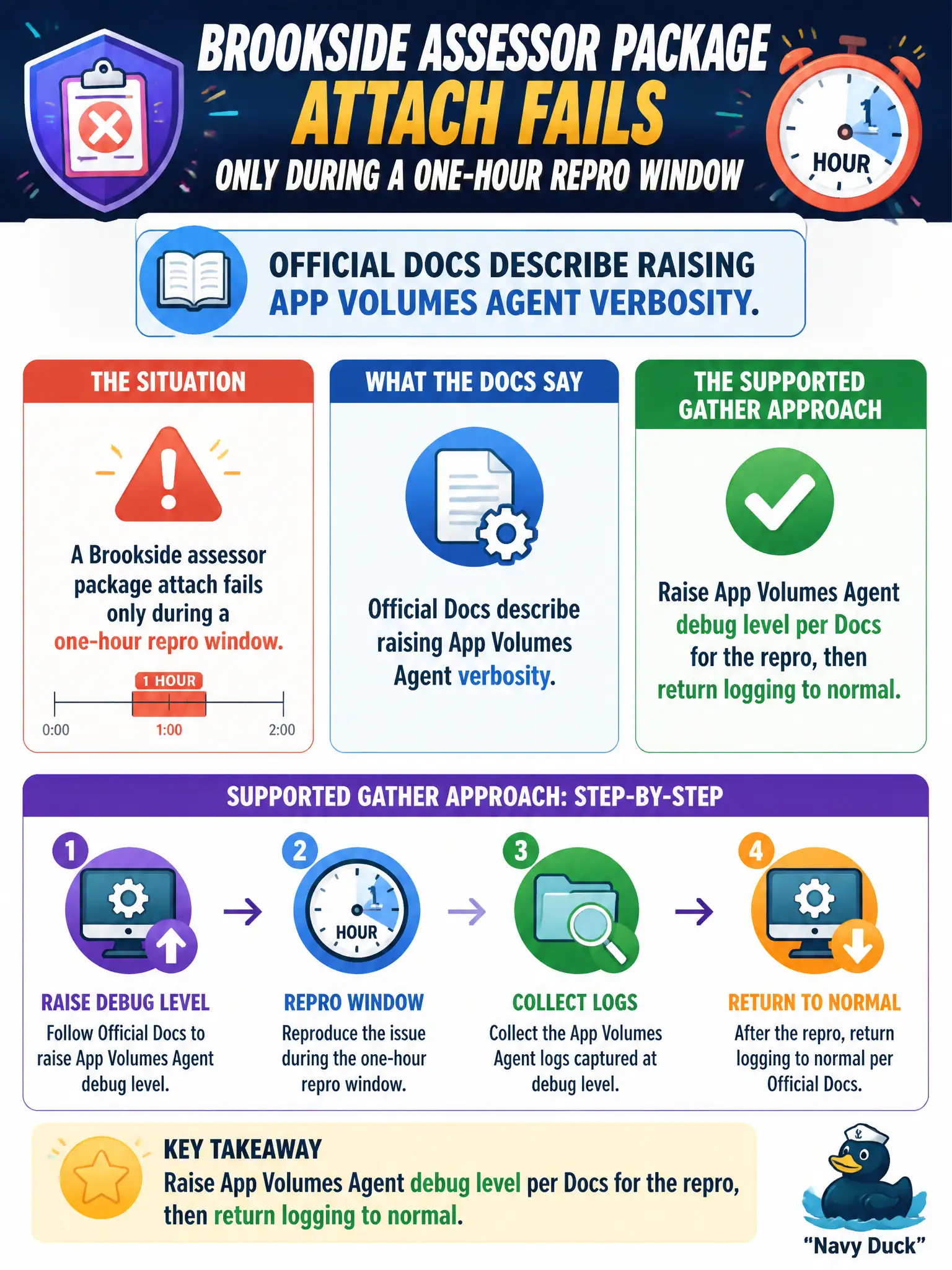
A Brookside assessor package attach fails only during a one-hour repro window. Official Docs describe raising App Volumes Agent verbosity. What is the supported gather approach?
Select an answer to reveal the explanation.
Short Explanation
Turn the App Volumes Agent's microscope on for the one-hour repro, then put it back. Leaving verbose logging forever just fills the disk, and a homemade agent is not how you gather logs.
Full Explanation
When a Brookside assessor package attach fails only during a one-hour repro window and official Docs describe raising App Volumes Agent verbosity, the supported gather approach is to raise App Volumes Agent debug level per Docs for the repro, then return logging to normal. That captures detail without leaving debug enabled forever. Assessor-season packaging issues are easier to escalate when GSS receives a time-bounded debug capture instead of an always-on verbose agent image. Inventing a custom App Volumes Agent and leaving debug logging enabled permanently is unsupported and noisy. Enabling Horizon Client DCT on a Mac that never launched the assessor desktop gathers the wrong component. Capturing Boxer logs because email sync timestamps loosely match the window does not diagnose App Volumes attach failure. Exam caveat: Temporary, documented verbosity changes are in-scope; permanent debug or wrong-product logs are not. Operational check: Follow Docs to raise App Volumes Agent logging on a repro desktop, reproduce the one-hour attach failure, collect logs, then restore the normal logging level. Keeping the civic evidence trail tied to the failing component also reduces cross-team handoffs that delay public services.