
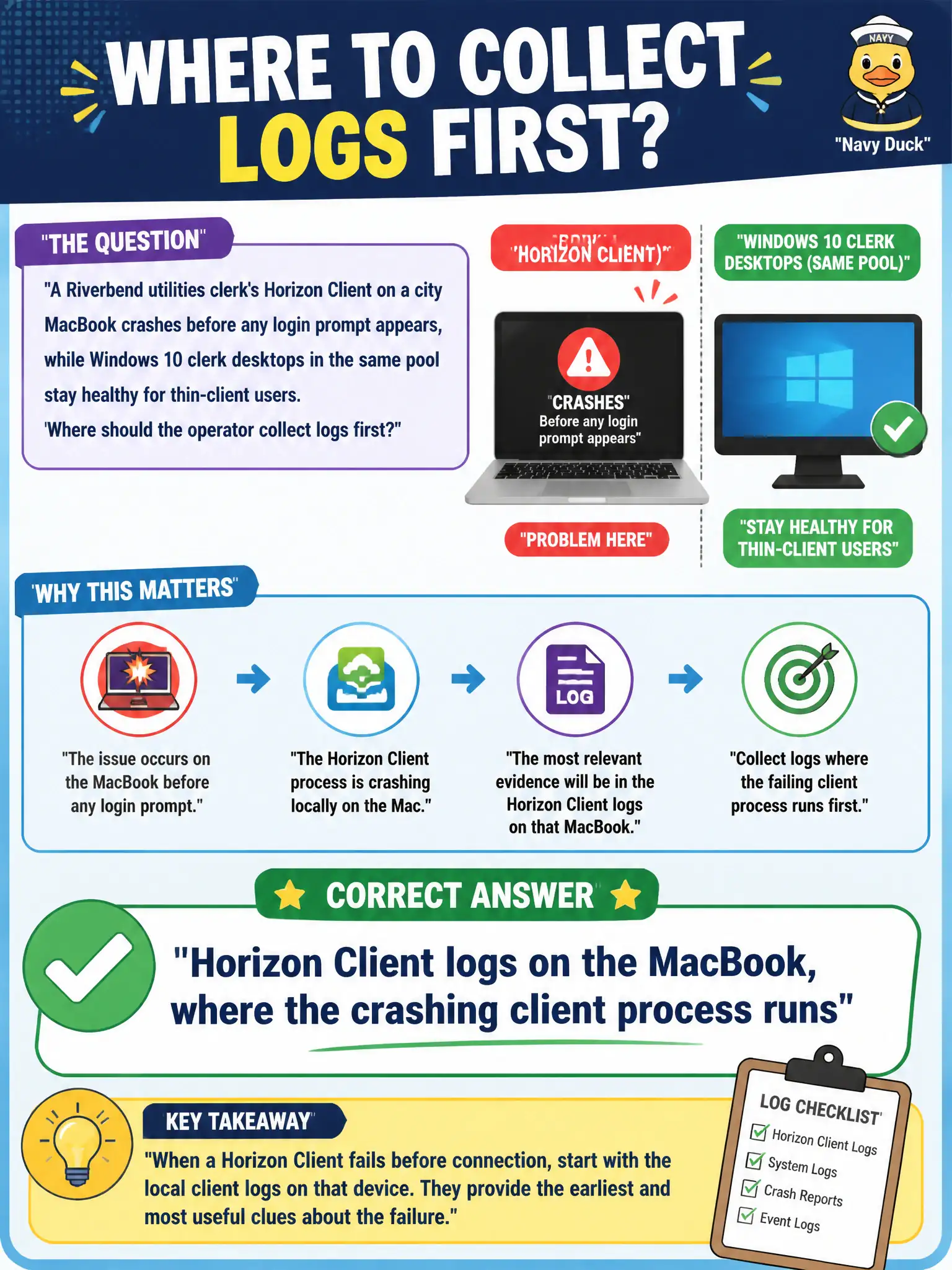
A Riverbend utilities clerk's Horizon Client on a city MacBook crashes before any login prompt appears, while Windows 10 clerk desktops in the same pool stay healthy for thin-client users. Where should the operator collect logs first?
Select an answer to reveal the explanation.
Short Explanation
Logs live where the noisy part lives. This crash is the Mac client falling over on the sidewalk before it ever knocks on the Windows desktop's door, so you grab Horizon Client logs on that MacBook, not Agent logs from a VM that never started.
Full Explanation
When a Riverbend utilities clerk's Horizon Client on a city MacBook crashes before any login prompt appears, while Windows 10 clerk desktops in the same pool stay healthy for thin-client users, the operator should collect Horizon Client logs on the MacBook first. The crashing process runs on that endpoint before a brokered guest session exists. Utilities Mac users are a distinct client platform, so municipal runbooks should explicitly start with Client logs when only macOS endpoints fail before the login UI. Horizon Agent logs on a representative Windows 10 clerk desktop that never launched for this clerk cannot explain a pre-login client crash on the MacBook. Intelligent Hub logs from the clerk's enrolled iPhone address mobile enrollment and catalog issues, not a macOS Horizon Client crash. App Volumes Manager logs stored on the Horizon Connection Server relate to packaging infrastructure, not the Client process that died before login. Exam caveat: Collect logs on the component that fails; a healthy pool for other clients does not move first collection onto Agent of an unused desktop. Operational check: Enable or gather Horizon Client logging on the MacBook per documentation, reproduce the pre-login crash, and submit those client logs before expanding to Agent or Connection Server.