
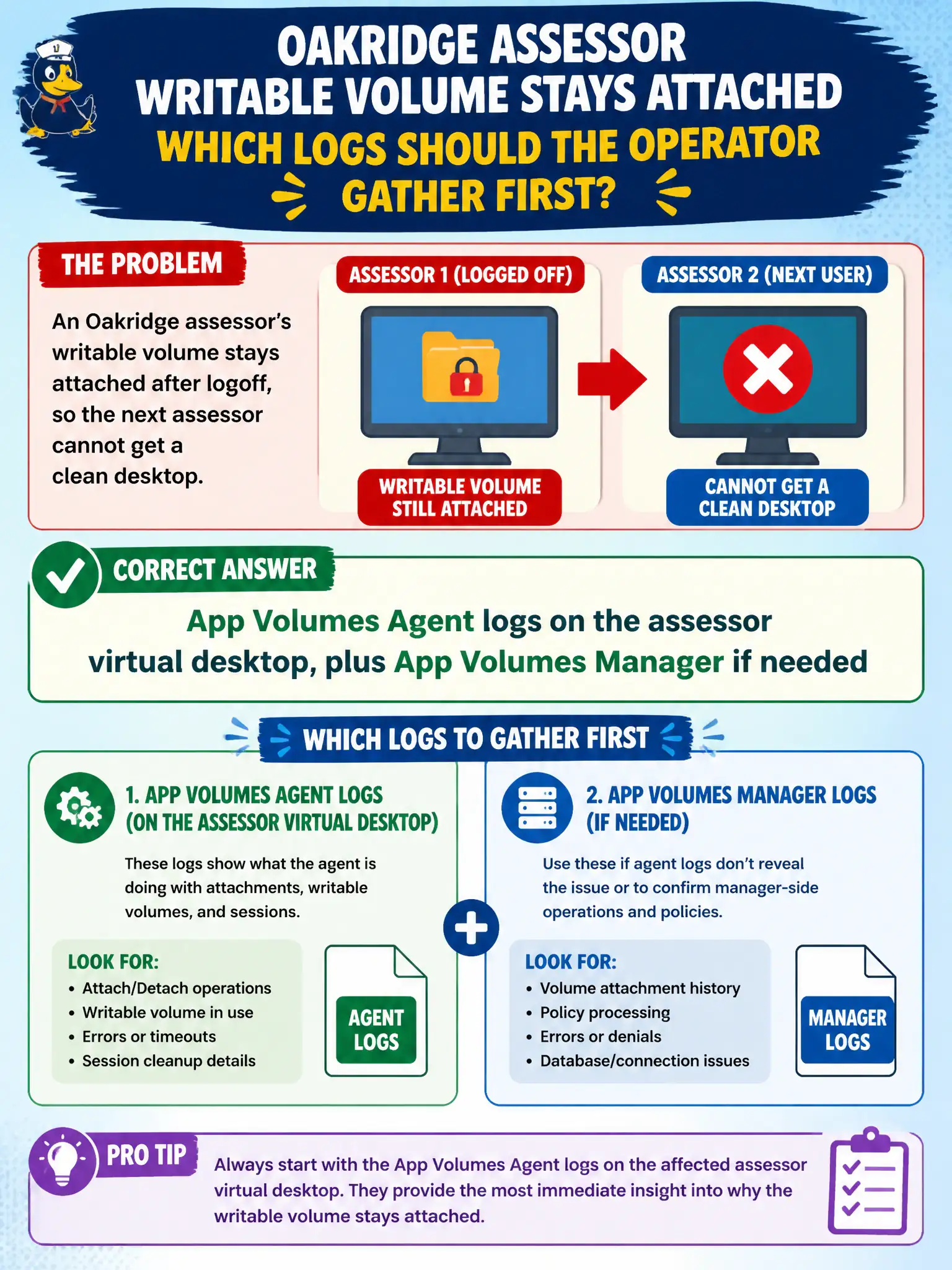
An Oakridge assessor's writable volume stays attached after logoff, so the next assessor cannot get a clean desktop. Which logs should the operator gather first?
Select an answer to reveal the explanation.
Short Explanation
A writable volume that will not let go is an App Volumes story, not a mail-or-PDF story. The agent that attached the volume lives inside the assessor desktop, so that is where the first log bundle comes from.
Full Explanation
When an Oakridge assessor's writable volume stays attached after logoff so the next assessor cannot get a clean desktop, the operator should gather App Volumes Agent logs on the assessor virtual desktop first, plus App Volumes Manager logs if needed. Writable detach and attach behavior is recorded by the App Volumes stack on that guest and manager. Floating assessor pools depend on clean writable detach; sticky attachments create cross-user data risk that Agent and Manager logs are designed to expose. Workspace ONE Boxer logs from the assessor's phone diagnose mail sync and cannot explain a sticky writable on a VDI desktop. Horizon Client logs on a home laptop that never launched the session have no attach or detach events for that writable. Workspace ONE Content logs from a tablet outside the pool address file-locker sync, not App Volumes writable lifecycle. Exam caveat: Writable-volume problems are App Volumes domain even when Horizon successfully brokered the previous session. Operational check: On the affected assessor VM, collect App Volumes Agent logs around logoff and login, check Manager attachment status for the writable, and confirm detach completed before the next user. Keeping the civic evidence trail tied to the failing component also reduces cross-team handoffs that delay public services.