
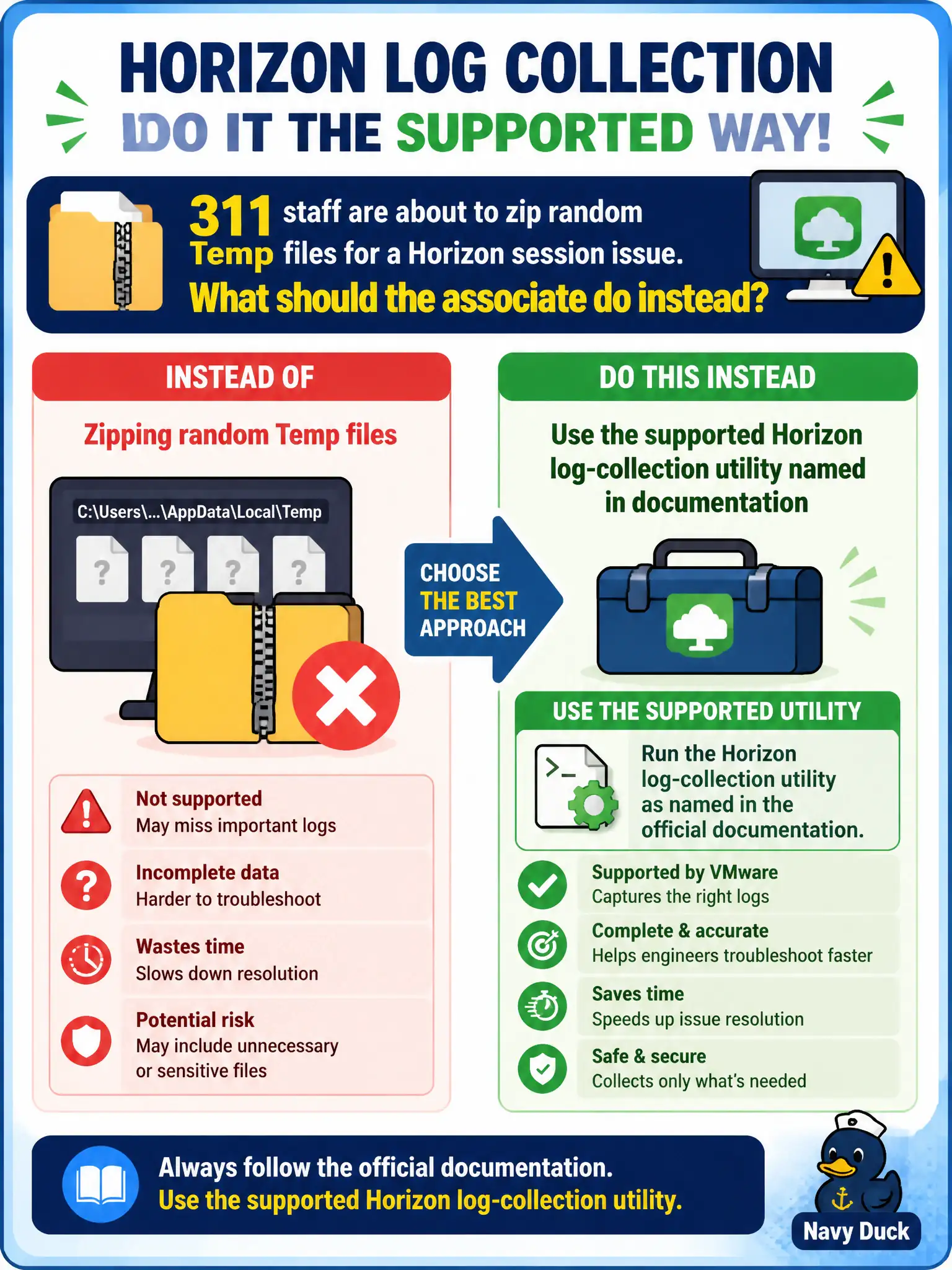
311 staff are about to zip random Temp files for a Horizon session issue. What should the associate do instead?
Select an answer to reveal the explanation.
Short Explanation
Do not shovel the junk drawer into a zip and call it evidence. Photos, pagefiles, and Hub logs are the wrong pile. Horizon documents a supported collection utility (DCT and related tools) so 311 gathers the real session logs.
Full Explanation
Instead of zipping random Temp files for a Horizon session issue, 311 staff should use the supported Horizon log-collection utility named in official documentation. That utility gathers the correct components into a support-ready bundle for Global Support Services or internal escalation. Contact-center shift leads should refuse ad-hoc Temp zips and require the documented utility output before paging senior Horizon engineers. Sending only a smartphone photo of the desktop is anecdotal evidence and not a log set. Copying the Windows pagefile is not an official Horizon log artifact and wastes time without aiding analysis. Gathering Intelligent Hub logs assumes every VDI issue is enrollment, which is false when the session problem sits in Horizon Client or Agent. Exam caveat: Associates must prefer documented collection tools over improvised file grabs whenever escalation is likely. Operational check: Open documentation for the Horizon version in use, run the named log-collection utility on the affected client or agent host, and submit that bundle rather than a Temp-folder zip. Documented collection also captures the right verbosity and component set that GSS expects for Blast session analysis.