
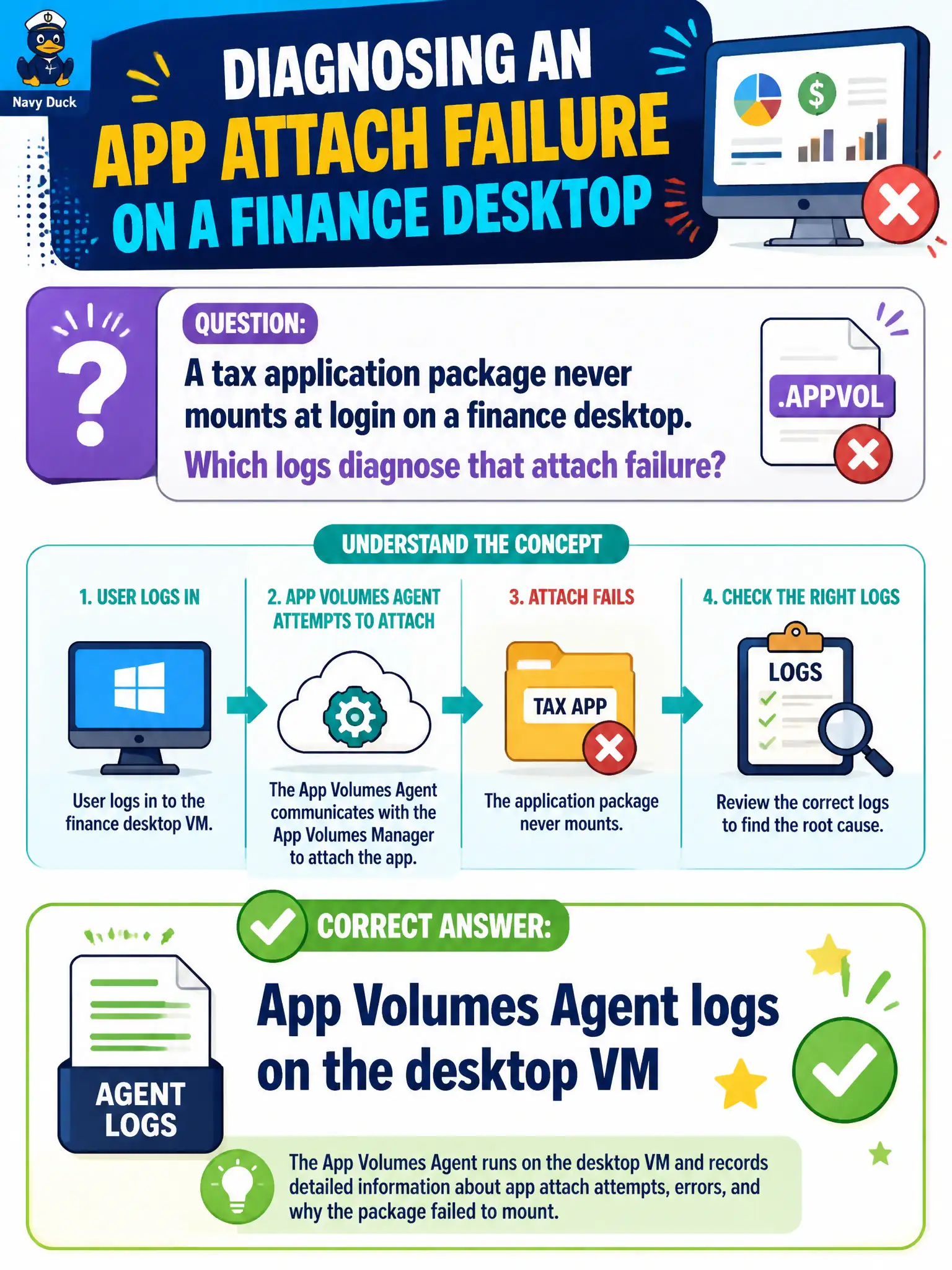
A tax application package never mounts at login on a finance desktop. Which logs diagnose that attach failure?
Select an answer to reveal the explanation.
Short Explanation
A package that will not snap on is an App Volumes Agent story inside the desktop. Boxer is mail, Client logs stop at the broker door, and Assist is a camera on the session. Collect App Volumes Agent logs on the finance VM.
Full Explanation
When a tax application package never mounts at login on a finance desktop, App Volumes Agent logs on that desktop VM are the diagnostic source for attach failure. Package mount is an in-guest App Volumes operation after the Horizon session is already established. Finance desktop tickets about missing Tax-Calc icons should default to App Volumes Agent collection rather than reinstalling Horizon Client. Workspace ONE Boxer logs on a phone address mail sync and cannot diagnose package mount on a VDI desktop. Horizon Client logs that only show broker FQDN lookup explain client-to-broker connectivity, not whether App Volumes attached inside the guest after login. Workspace ONE Assist recordings capture remote-control sessions and are not App Volumes attach logs. Exam caveat: Package-mount failures remain an App Volumes Agent problem domain even when Horizon Client successfully brokered the desktop. Operational check: On a failing finance desktop, collect App Volumes Agent logs around login time, confirm the package assignment in App Volumes Manager, and retry attach after correcting assignment or agent health. Confirming assignment in App Volumes Manager alongside Agent logs prevents chasing broker DNS when the package simply is not entitled.