
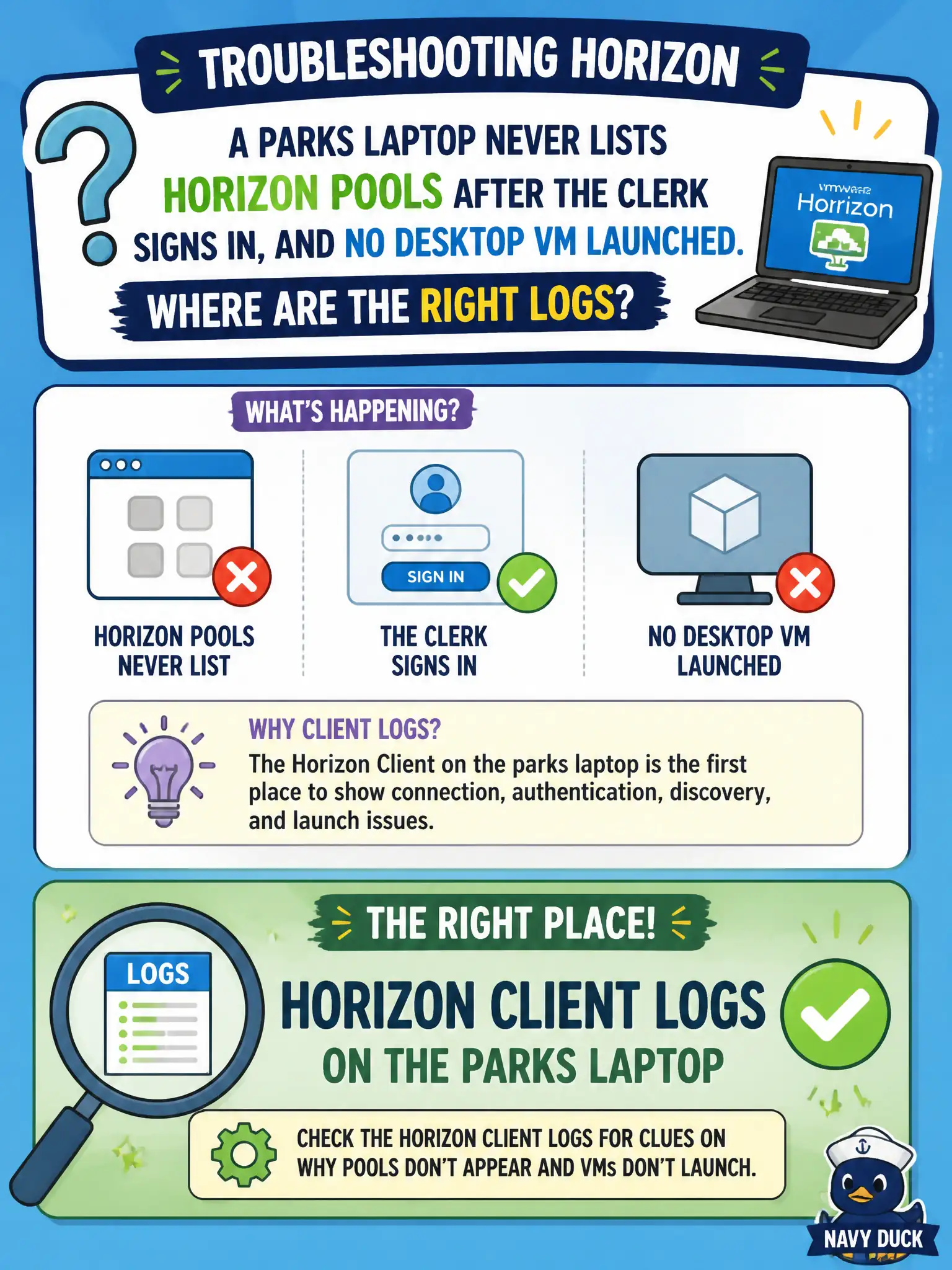
A parks laptop never lists Horizon pools after the clerk signs in, and no desktop VM launched. Where are the right logs?
Select an answer to reveal the explanation.
Short Explanation
If the menu of pools never appears, the problem is still on the laptop's client, not inside a VM that never woke up. App Volumes and Hub logs answer different tickets. Gather Horizon Client logs on the parks endpoint.
Full Explanation
If a parks laptop never lists Horizon pools after the clerk signs in and no desktop VM launched, the right logs are Horizon Client logs on that laptop, because the failure is on the client side before any agent session exists. Broker authentication and entitlement enumeration are client-visible events. Field laptops that show an empty catalog after login are classic Client-side collection cases, and municipal runbooks should say so explicitly. Horizon Agent logs on a VM that was never started cannot explain a missing pool list on the endpoint. App Volumes Agent logs matter only after a desktop is running and packages should attach, which never happened here. Intelligent Hub enrollment logs on an iPad address mobile enrollment, not Horizon Client broker enumeration on a parks laptop. Exam caveat: No-pool-list and never-launched symptoms point to Client and broker authentication or entitlement visibility, not Agent-on-guest collection. Operational check: Enable or locate Horizon Client logging on the parks laptop per documentation, reproduce sign-in, capture the client logs showing the broker response, and verify entitlements in Horizon Console if the client receives an empty catalog.