
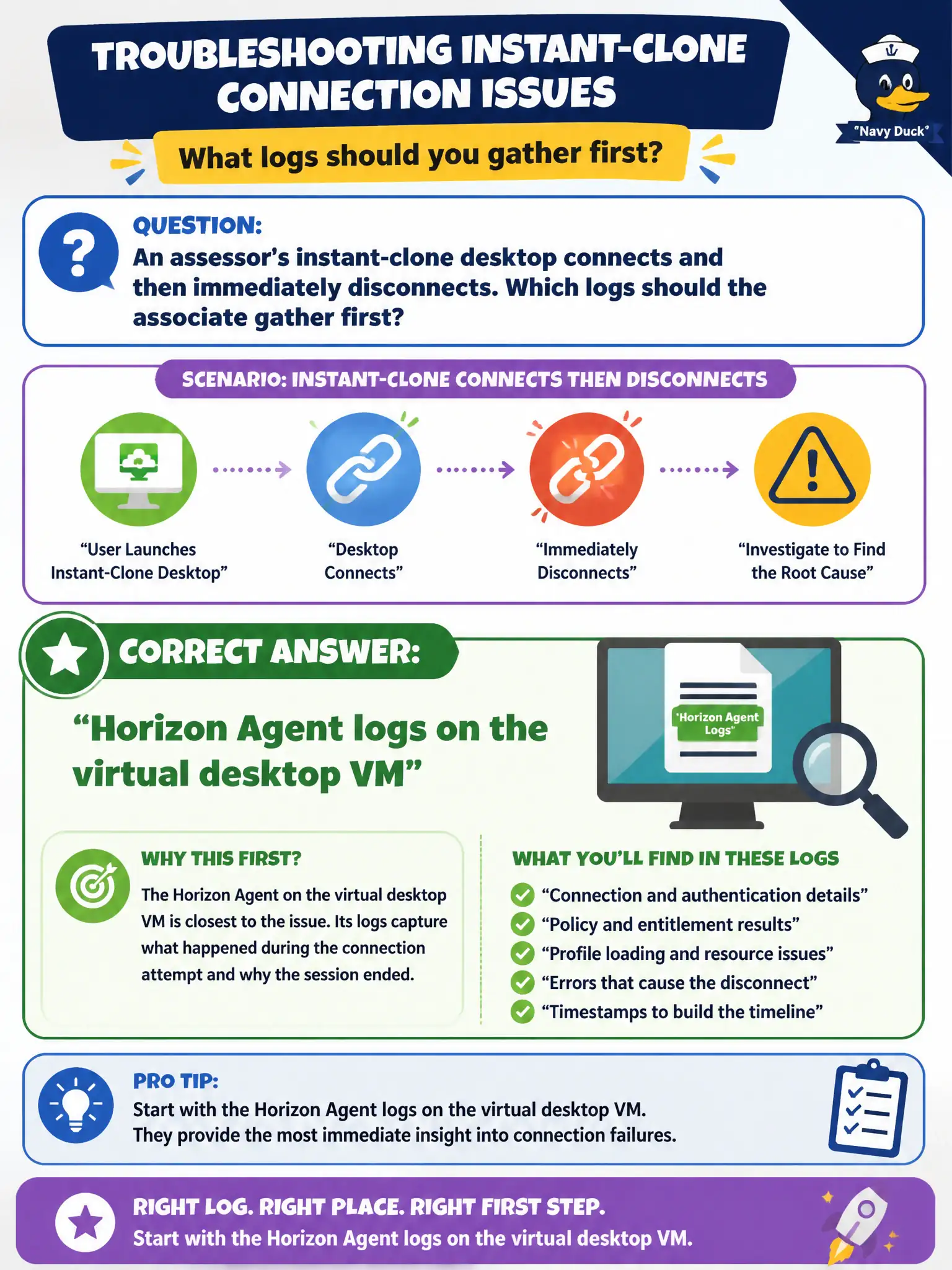
An assessor's instant-clone desktop connects and then immediately disconnects. Which logs should the associate gather first?
Select an answer to reveal the explanation.
Short Explanation
The session died inside the desktop, so collect the Agent's diary on that VM. Hub, Boxer, and Content logs live on mobile productivity apps that never hosted this Blast session. Horizon Agent is installed on the virtual desktop or RDSH, and that is where these logs sit.
Full Explanation
When an assessor's instant-clone desktop connects and then immediately disconnects, the first logs to gather are Horizon Agent logs on the virtual desktop VM, because the failure occurs after a session has reached the guest operating system. That is where session teardown and agent-side faults are recorded. Assessor helpdesks shorten mean time to repair when they stop collecting phone app logs for post-connect desktop drops and go straight to the agent on the clone. Intelligent Hub logs on the assessor's phone relate to enrollment and catalog behavior, not the desktop disconnect path after a successful connect. Workspace ONE Boxer logs cover Exchange on mobile and are unrelated to a Horizon VDI disconnect. Workspace ONE Content logs address secure file access on tablets or phones, not Horizon Agent session teardown on the clone. Exam caveat: Gather logs where the failing component runs—after connection, that is typically the agent on the desktop VM rather than mobile productivity apps. Operational check: Reproduce once if safe, collect Horizon Agent logs from the assessor clone using documented paths or the supported collection utility, and correlate disconnect timestamps before expanding to Connection Server or Client logs.