
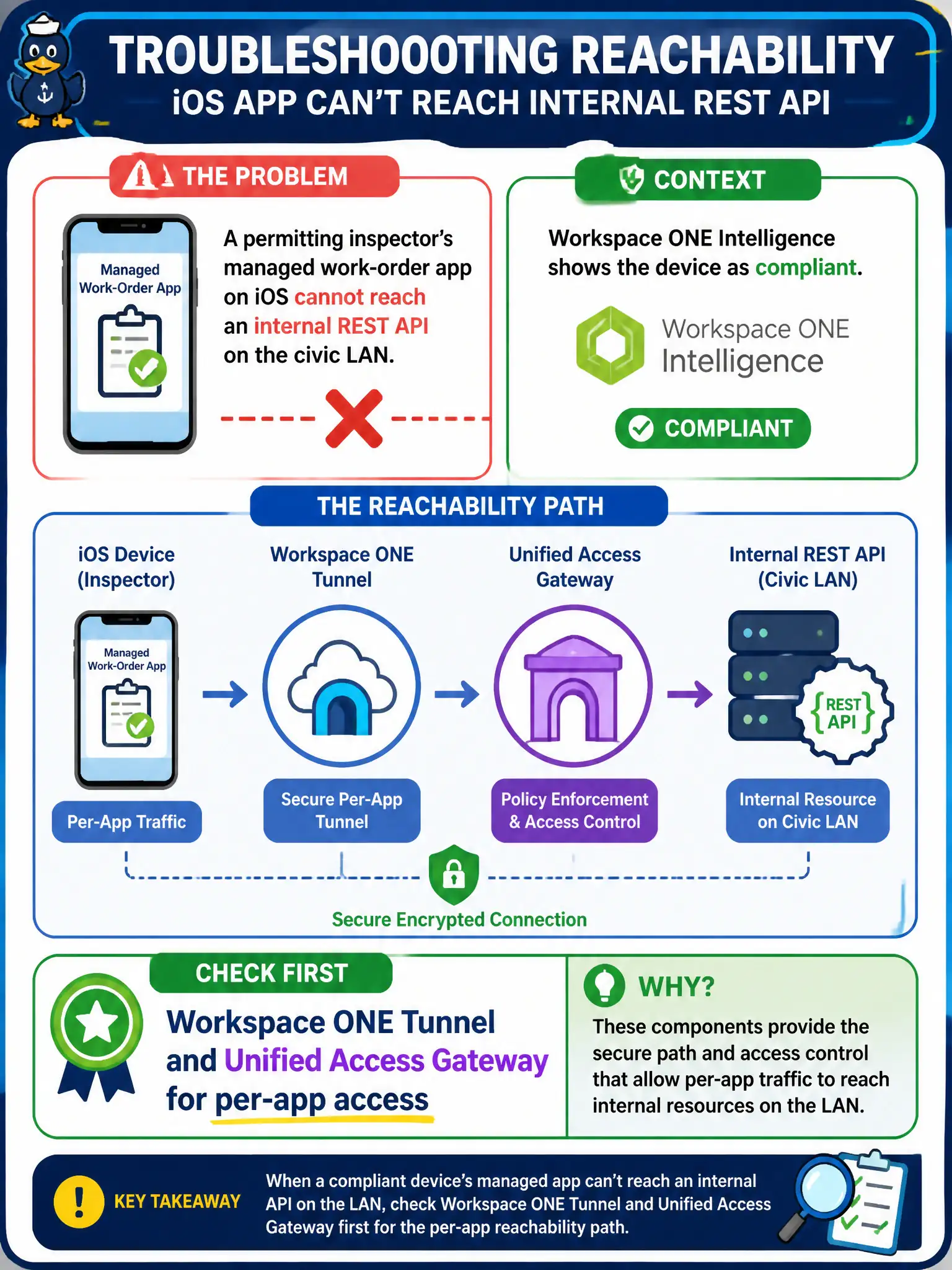
A permitting inspector's managed work-order app on iOS cannot reach an internal REST API on the civic LAN. Workspace ONE Intelligence shows the device as compliant. Which product should the associate check first for that reachability path?
Select an answer to reveal the explanation.
Short Explanation
If the work app cannot knock on an internal API, the hallway is Tunnel through UAG, not a file locker or a remote-control session. Intelligence already said the device is compliant, so this is not a dashboard mystery. Check Tunnel and Unified Access Gateway first.
Full Explanation
When a managed mobile work-order app cannot reach an internal REST API on the civic LAN, the first product path to validate is Workspace ONE Tunnel in front of Unified Access Gateway. Device compliance reported by Workspace ONE Intelligence only reflects posture; a compliant phone can still lack per-app VPN assignment, profiles, or UAG reachability. Permitting field staff lose productivity when teams chase UEM compliance dashboards while the actual missing piece is the Tunnel profile for the work-order app. Workspace ONE Content stores and syncs documents; it does not expose REST APIs as PDF files or open LAN sockets for application backends. Workspace ONE Assist provides remote control for support workflows and does not become the managed app's LAN path. Dynamic Environment Manager injects Windows environment settings on Horizon desktops and does not inject mobile routes for iOS apps. Exam caveat: Compliance-green distractors are common on this objective—posture is necessary but not sufficient for internal application reachability. Operational check: Verify the work-order app is assigned to Tunnel, confirm UAG Tunnel edge health, and test API reachability from that app while a non-Tunneled browser fails the same call.