
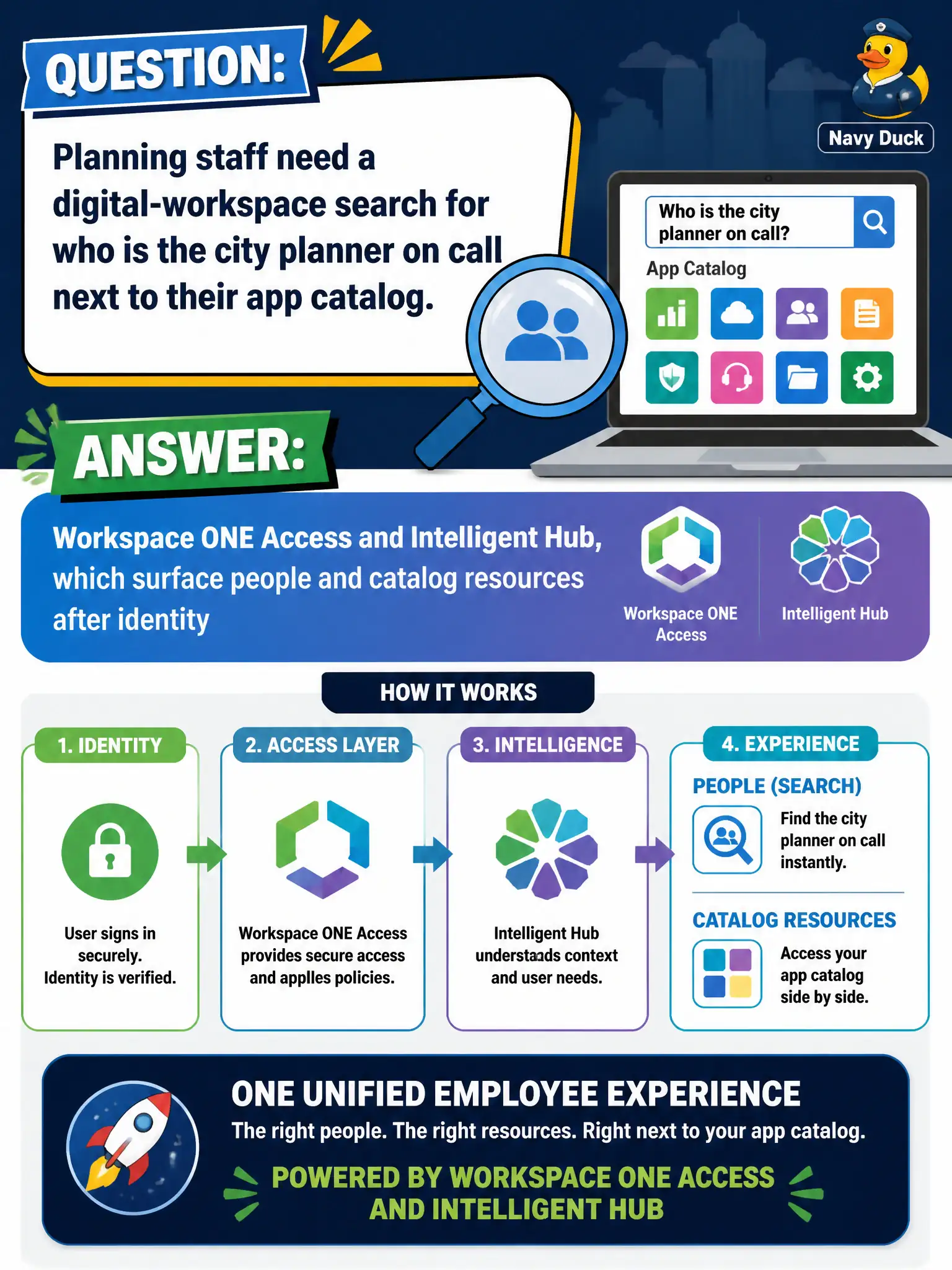
Planning staff need a digital-workspace search for who is the city planner on call next to their app catalog. Which product family underpins that employee workspace experience?
Select an answer to reveal the explanation.
Short Explanation
The on-call planner lookup is a hallway directory inside the same digital workspace as the app tiles. Access and Hub put people and resources in that lobby after you sign in. DEM shortcuts, App Volumes layers, and Horizon Help Desk are not that employee catalog.
Full Explanation
Planning staff who need a digital-workspace search for who is the city planner on call next to their app catalog are looking at the employee workspace experience underpinned by Workspace ONE Access and Intelligent Hub, which surface people and catalog resources after identity. Access authenticates and underpins the digital workspace; Hub presents catalog tiles and people-style directory experiences in one civic lobby after sign-in. The on-call planner lookup is a hallway directory inside the same workspace as the app tiles—not a separate desktop-management product. Dynamic Environment Manager fails by concept: writing a planner-on-call shortcut to the Windows desktop personalizes a session, but DEM is not the Hub people catalog or Access-backed workspace search. App Volumes fails because attaching a people-search package to a planner writable volume only delivers a Windows application layer to a Horizon desktop; it does not create the Access/Hub employee people-and-catalog experience. Horizon Help Desk fails because it is an administrator troubleshooting console for sessions and users with entitled pools—it lists operational session data for support staff, not a staff-facing people search beside the app catalog. Exam caveat: people and catalog features in Hub depend on Access (and related directory) configuration and entitlements; simply installing Hub without Access identity integration does not deliver that workspace experience, and DEM/App Volumes remain complementary for Windows desktops rather than substitutes. Operational check: sign in as planning staff to Intelligent Hub after Access authentication, confirm both entitled apps and people/on-call style search appear in the workspace, and verify DEM shortcuts or App Volumes attachments alone do not recreate that Hub people catalog.