
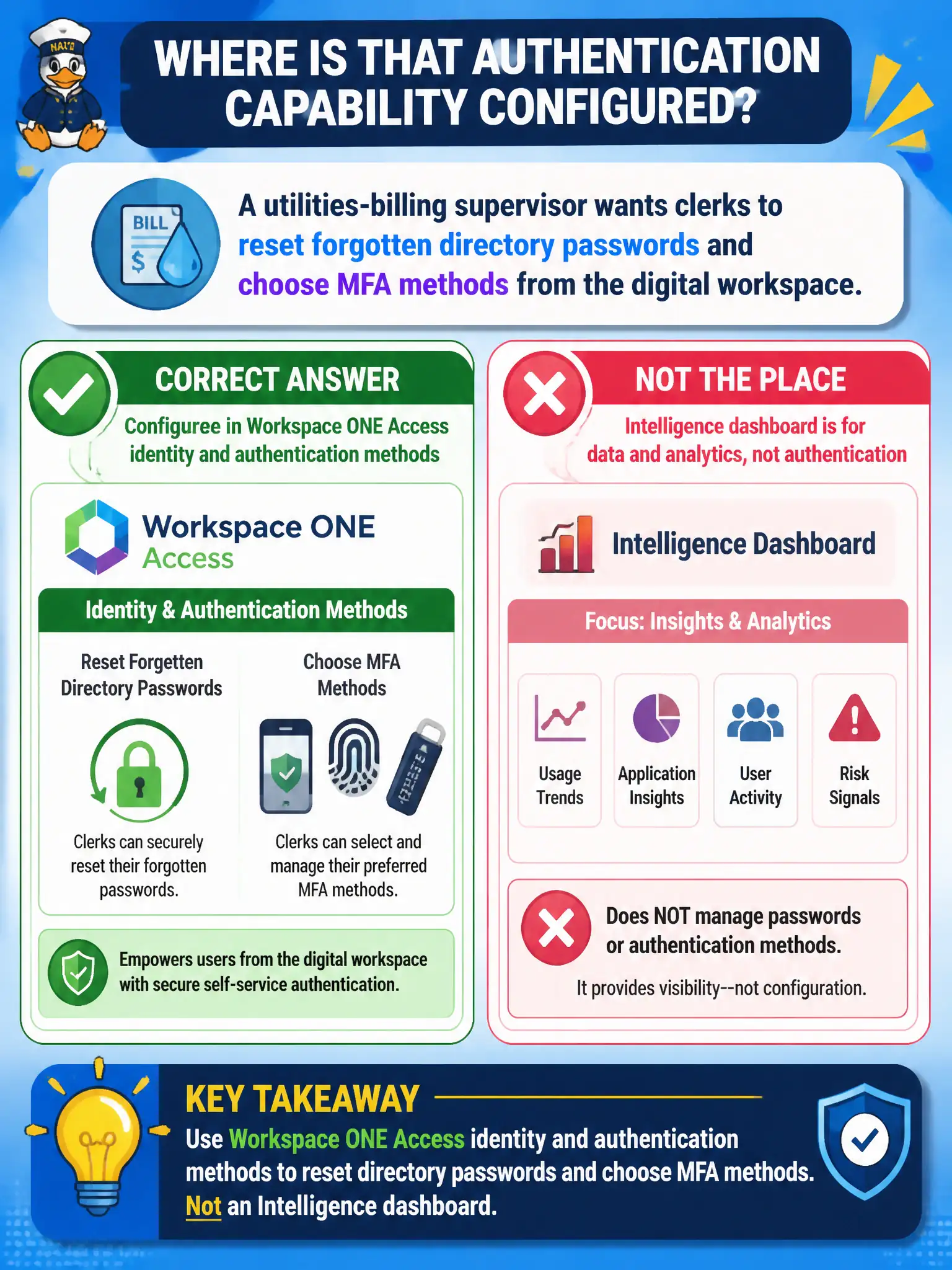
A utilities-billing supervisor wants clerks to reset forgotten directory passwords and choose MFA methods from the digital workspace. Where is that authentication capability configured?
Select an answer to reveal the explanation.
Short Explanation
Password reset and MFA live at the identity desk, not on a pretty chart of failed logons. Access is where directory auth methods hang. Intelligence can show you the smoke; it does not hand out new keys.
Full Explanation
A utilities-billing supervisor who wants clerks to reset forgotten directory passwords and choose MFA methods from the digital workspace must configure that capability in Workspace ONE Access identity and authentication methods, not on an Intelligence dashboard. Access hosts identity sources and authentication method policies—directory authentication, self-service password reset flows, and MFA method enrollment—that surface through the Hub/digital-workspace experience. Password reset and MFA live at the identity desk; charts of failed logons do not hand out new keys. A Workspace ONE Intelligence widget that graphs failed logons fails by concept: Intelligence visualizes and can automate on telemetry, but widgets do not configure IAM methods or perform authoritative password resets as the Access identity plane. The App Volumes Manager password tab distractor fails because App Volumes Manager assigns packages and writable volumes; it is not an identity provider and has no role as the clerk-facing password/MFA self-service desk for directory accounts. Dynamic Environment Manager helpdesk fails because DEM helpdesk verifies and repairs user environment settings (shortcuts, mappings, profiles)—it does not store Windows password hashes as an IdP and is not where MFA methods are chosen for Access. Exam caveat: self-service password and MFA options depend on how Access is integrated with the directory and which authentication methods are licensed and enabled; Presence of an Intelligence failed-logon widget does not equal Access self-service configuration. Operational check: open Access authentication and identity settings (or the Hub self-service flows they power), confirm password reset and MFA method choices are available to a test billing clerk, and verify that Intelligence, App Volumes, and DEM consoles do not expose those same IAM controls.