
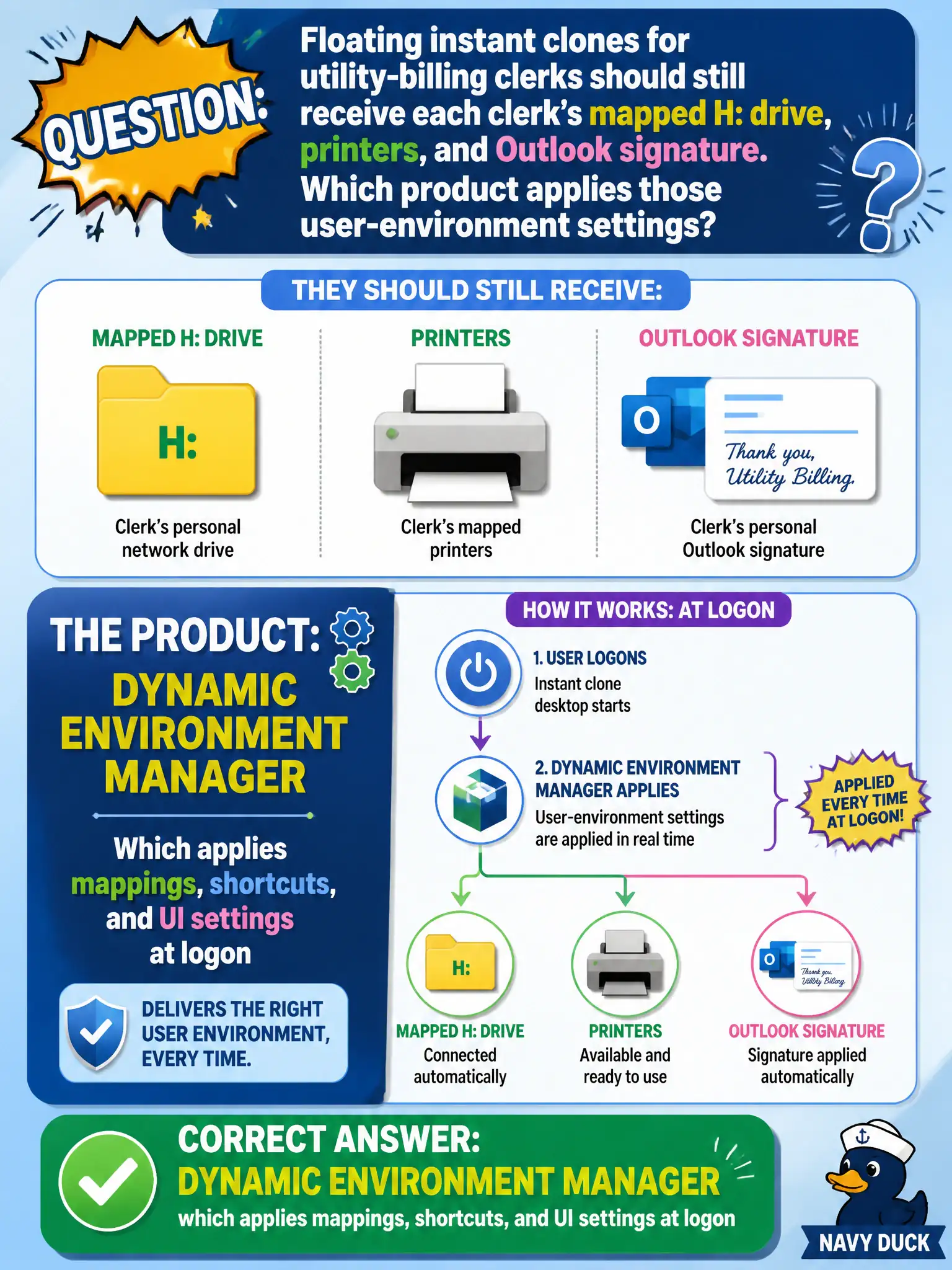
Floating instant clones for utility-billing clerks should still receive each clerk's mapped H: drive, printers, and Outlook signature. Which product applies those user-environment settings?
Select an answer to reveal the explanation.
Short Explanation
The clone is a blank rental car; DEM is the seat-memory that puts H:, printers, and the Outlook signature back where the clerk left them. App Volumes brings apps, not those environment knobs. UEM compliance and NSX DFW are the wrong toolbox.
Full Explanation
Floating instant clones for utility-billing clerks that should still receive each clerk’s mapped H: drive, printers, and Outlook signature need Dynamic Environment Manager, which applies mappings, shortcuts, and UI settings at logon. DEM personalizes the Windows user environment independently of the non-persistent gold image used by the billing pool. App Volumes application packages deliver applications; they are not the supported primary way to map printers and signatures the way DEM does. Workspace ONE UEM compliance policies manage endpoint compliance and do not push Outlook signatures onto Horizon VDI as the DEM replacement in this design. NSX Distributed Firewall does not inject drive letters based on security tags as a user-environment solution. Exam caveat: DEM settings often combine with App Volumes apps and Horizon Smart Policies—keep personalization versus application-layering roles straight when multiple products appear in a civic design. Operational check: configure H:, printers, and signature in DEM for a billing group, log on a floating clone, confirm settings apply for two different clerks, verify App Volumes and UEM were not used to create those mappings, and save the DEM configuration baseline.