
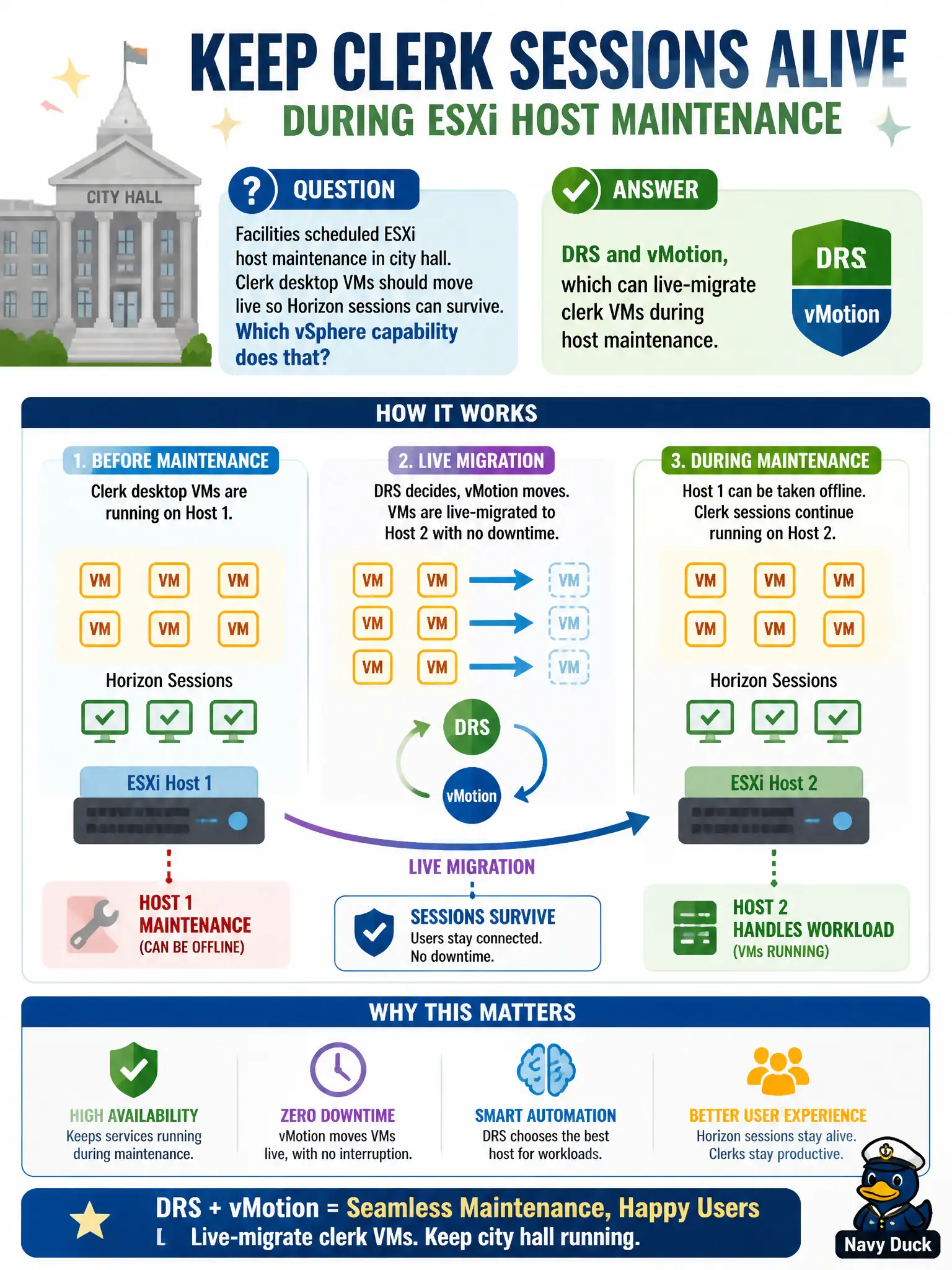
Facilities scheduled ESXi host maintenance in city hall. Clerk desktop VMs should move live so Horizon sessions can survive. Which vSphere capability does that?
Select an answer to reveal the explanation.
Short Explanation
vMotion is the moving truck that relocates the whole clerk VM while the session keeps running. DRS can decide when to load that truck for host maintenance. Help Desk logoff, UAG SSL, and Assist do not slide VMs to another host.
Full Explanation
When facilities schedule ESXi host maintenance in city hall and clerk desktop VMs should move live so Horizon sessions can survive, DRS and vMotion live-migrate those VMs during host maintenance. That vSphere capability is what keeps municipal clerk sessions alive across host evacuation without forcing mass logoffs. Horizon Help Desk force-logoff is a session management action, not the mechanism by which VMs change ESXi hosts. Unified Access Gateway SSL offload terminates edge TLS and does not relocate VMs into the DMZ. Workspace ONE Assist unattended remote control manages UEM endpoints and does not remote-control the ESXi hypervisor for migrations. Exam caveat: vMotion requires cluster networking and storage configuration that supports migration; Help Desk logoff is a last resort for stuck sessions, not a host-maintenance strategy. Operational check: enable DRS appropriately, place a host into maintenance mode during a change window, confirm clerk VMs migrate with sessions intact where supported, verify operators did not use Help Desk force-logoff or Assist as the migration mechanism, and record success for facilities. Keep civic diagrams labeled so help-desk and network teams do not swap these products during incidents.