
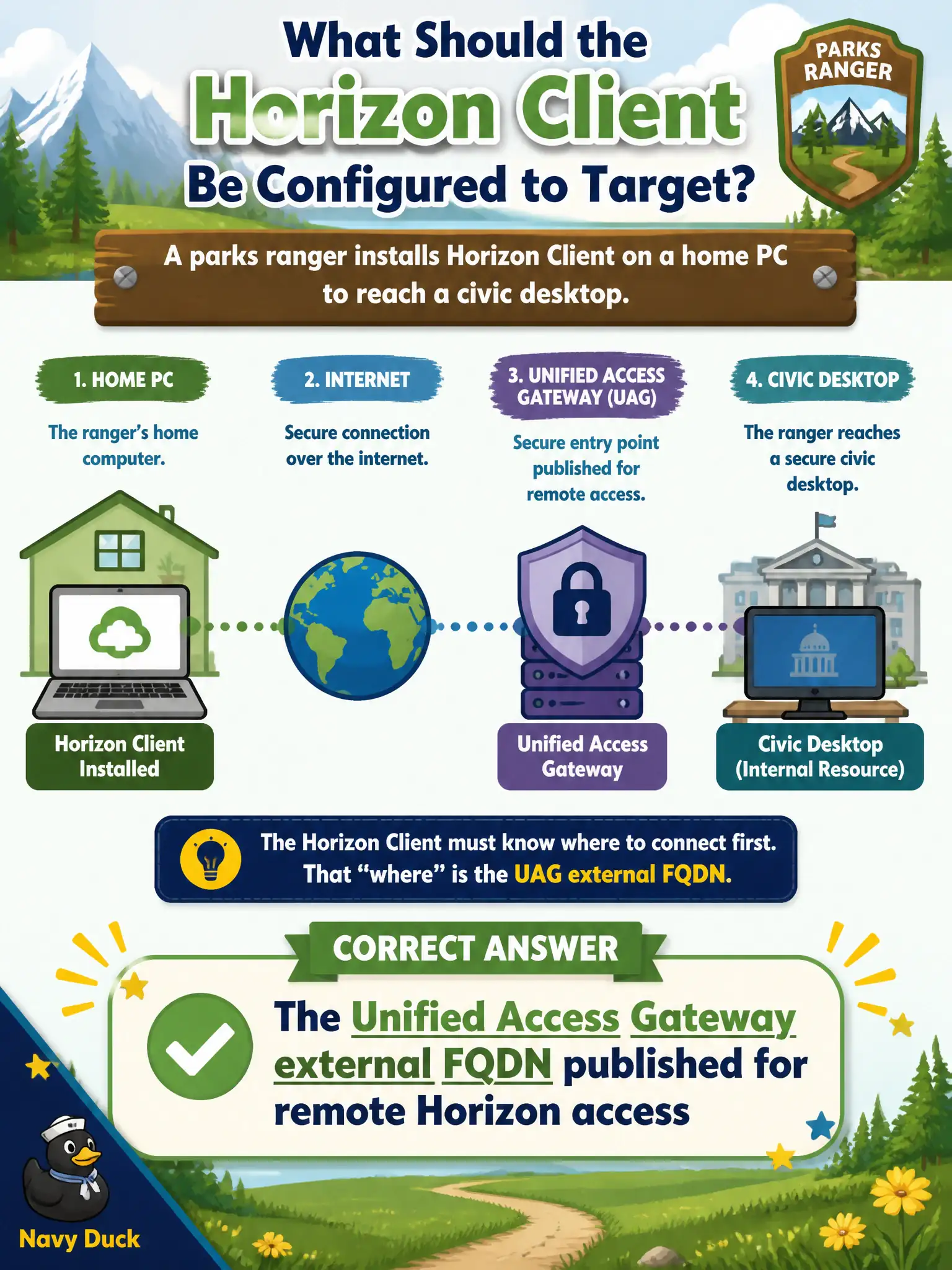
A parks ranger installs Horizon Client on a home PC to reach a civic desktop. Which name should the client be configured to target?
Select an answer to reveal the explanation.
Short Explanation
From a kitchen table, Horizon Client does not dial the internal broker—it dials the published UAG name. That external FQDN is the front door. vCenter and App Volumes Manager are back-office phones the home PC should never call.
Full Explanation
A parks ranger installing Horizon Client on a home PC to reach a civic desktop should configure the client to target the Unified Access Gateway external FQDN published for remote Horizon access. Remote users on untrusted home ISPs hit UAG; they should not be pointed at internal-only Connection Server names intended for library LAN thin clients. The internal Connection Server FQDN used by library LAN thin clients is inappropriate for home users and would require unsafe exposure if published. The vCenter Server appliance hostname holds desktop VMs but is never the Horizon Client entry point. The App Volumes Manager URL attaches packages inside an already-brokered desktop and is not what Horizon Client uses to start the session. Exam caveat: split-path designs are normal in cities—internal broker VIP for trusted LAN, UAG FQDN for remote—and mixing those targets is a frequent operational mistake on ranger laptops. Operational check: from a home-like network, launch Horizon Client to the UAG FQDN, authenticate, start the ranger desktop, confirm DNS for the internal Connection Server name does not resolve or is unreachable from that untrusted path, and update the ranger setup guide accordingly.