
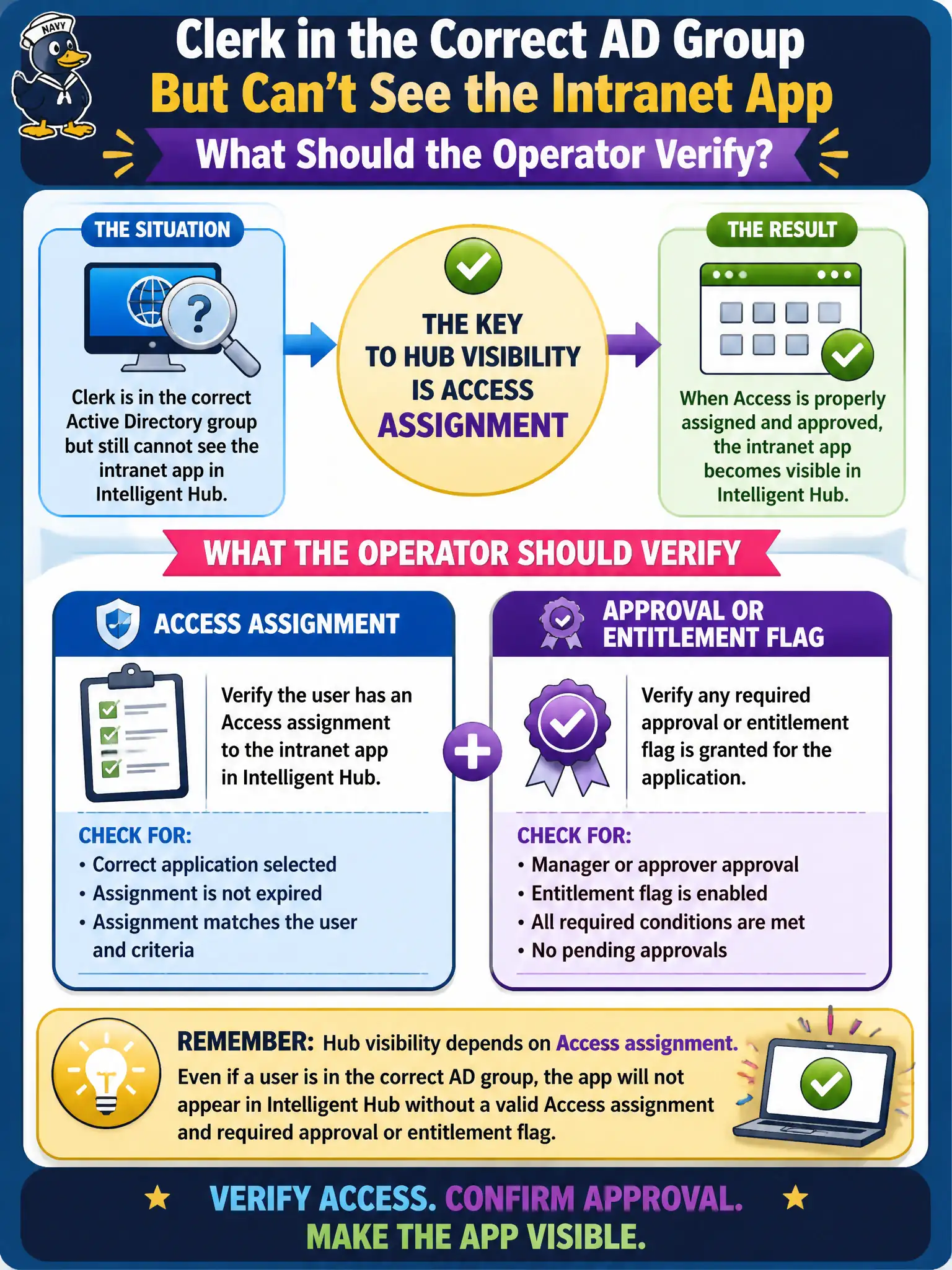
A clerk is in the correct Active Directory group but still cannot see the intranet app in Intelligent Hub. What should the operator verify?
Select an answer to reveal the explanation.
Short Explanation
AD is the hallway; Access assignment is the door badge. Sitting in the group is not enough if Access never entitled the intranet app.
Full Explanation
A clerk who is already in the correct Active Directory group but still cannot see the intranet app in Intelligent Hub needs verification of Access assignment and any approval or entitlement flag, because Hub visibility depends on Access assignment rather than AD membership alone. AD group membership is necessary but not sufficient when the catalog entitlement is missing or pending approval. Skipping Access because AD alone always publishes Hub icons fails by concept and leaves entitlement gaps unfixed. Treating a Horizon pool entitlement as the only way a SaaS web app appears in Hub confuses VDI brokerage with Access catalog publication. Replacing the Access Connector with NSX will not create Hub icons and misdirects the change into the network fabric. Exam caveat: some civic apps require user activation or admin approval workflows—inspect entitlement state, not only group lists. Operational check: confirm AD membership, open Access entitlements for the clerk on the intranet app, clear pending approval if appropriate, refresh Hub with the clerk, and confirm the icon appears and launches. In municipal EUC operations, record the console path and the rejected alternatives in the change ticket so the next on-call technician repeats the same evidence-first workflow for city staff.