
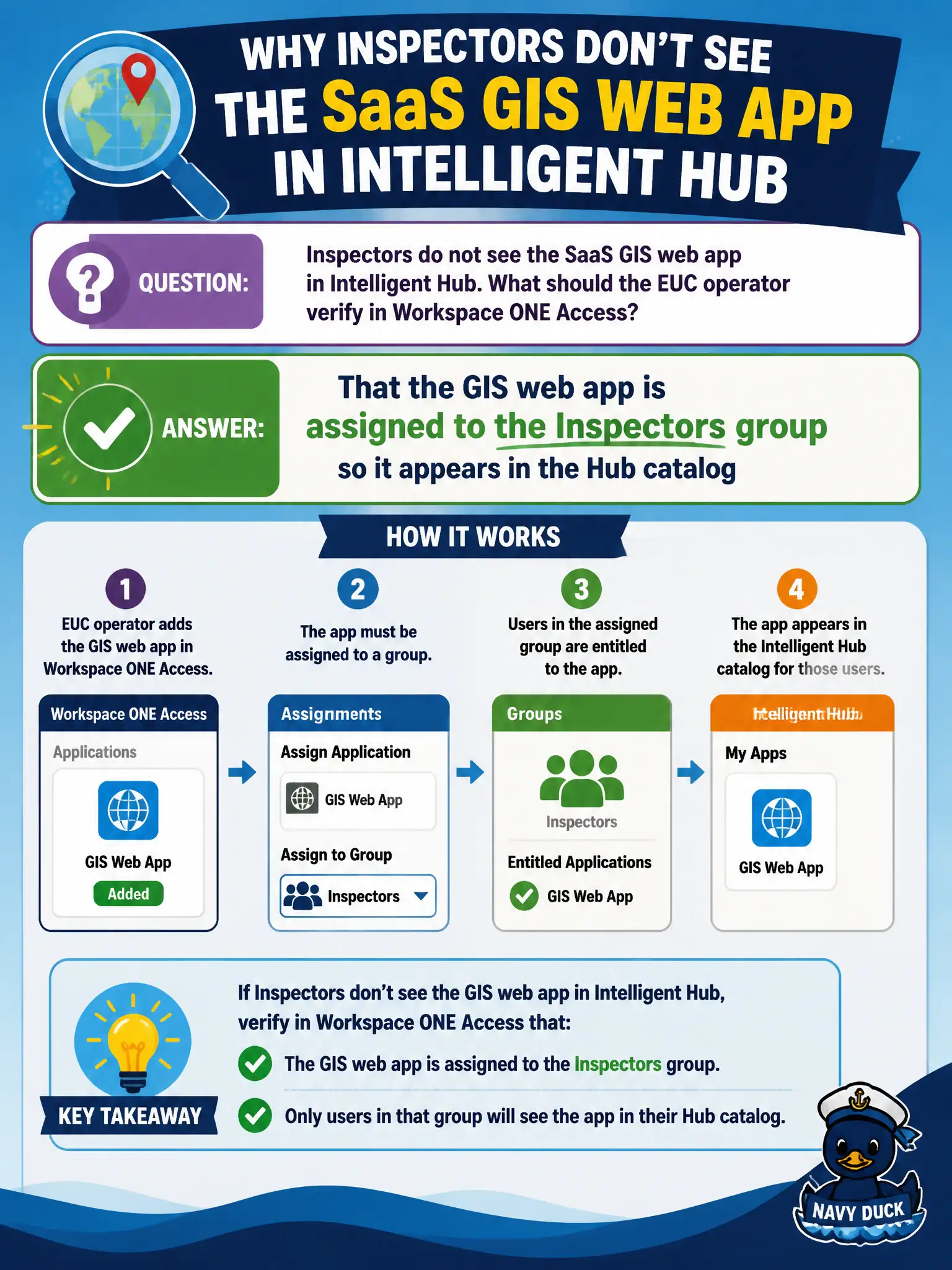
Inspectors do not see the SaaS GIS web app in Intelligent Hub. What should the EUC operator verify in Workspace ONE Access?
Select an answer to reveal the explanation.
Short Explanation
Hub shows what Access assigned. If Inspectors lack the GIS tile, check the Access assignment, not a wipe or a VDI pool.
Full Explanation
When inspectors do not see the SaaS GIS web app in Intelligent Hub, the EUC operator should verify in Workspace ONE Access that the GIS web app is assigned to the Inspectors group so it appears in the Hub catalog. Hub visibility for SaaS titles follows Access assignment rather than wishful device resets. Wiping inspectors' phones so Hub rebuilds the SaaS tile fails by concept: it is destructive and skips entitlement verification. A Horizon desktop pool entitlement does not replace Access assignment for a SaaS web app tile in Hub. An App Volumes package cannot attach a SaaS URL onto a phone as a Hub catalog object. Exam caveat: directory group nesting delays can leave users in AD while still missing from the Access audience—confirm Access group membership and assignment state specifically. Operational check: open the Access Catalog GIS app, confirm Inspectors assignment, wait for or trigger Hub sync, have an inspector refresh Intelligent Hub, and confirm the GIS tile launches under the field profile. In municipal EUC operations, record the console path and the rejected alternatives in the change ticket so the next on-call technician repeats the same evidence-first workflow for city staff.