
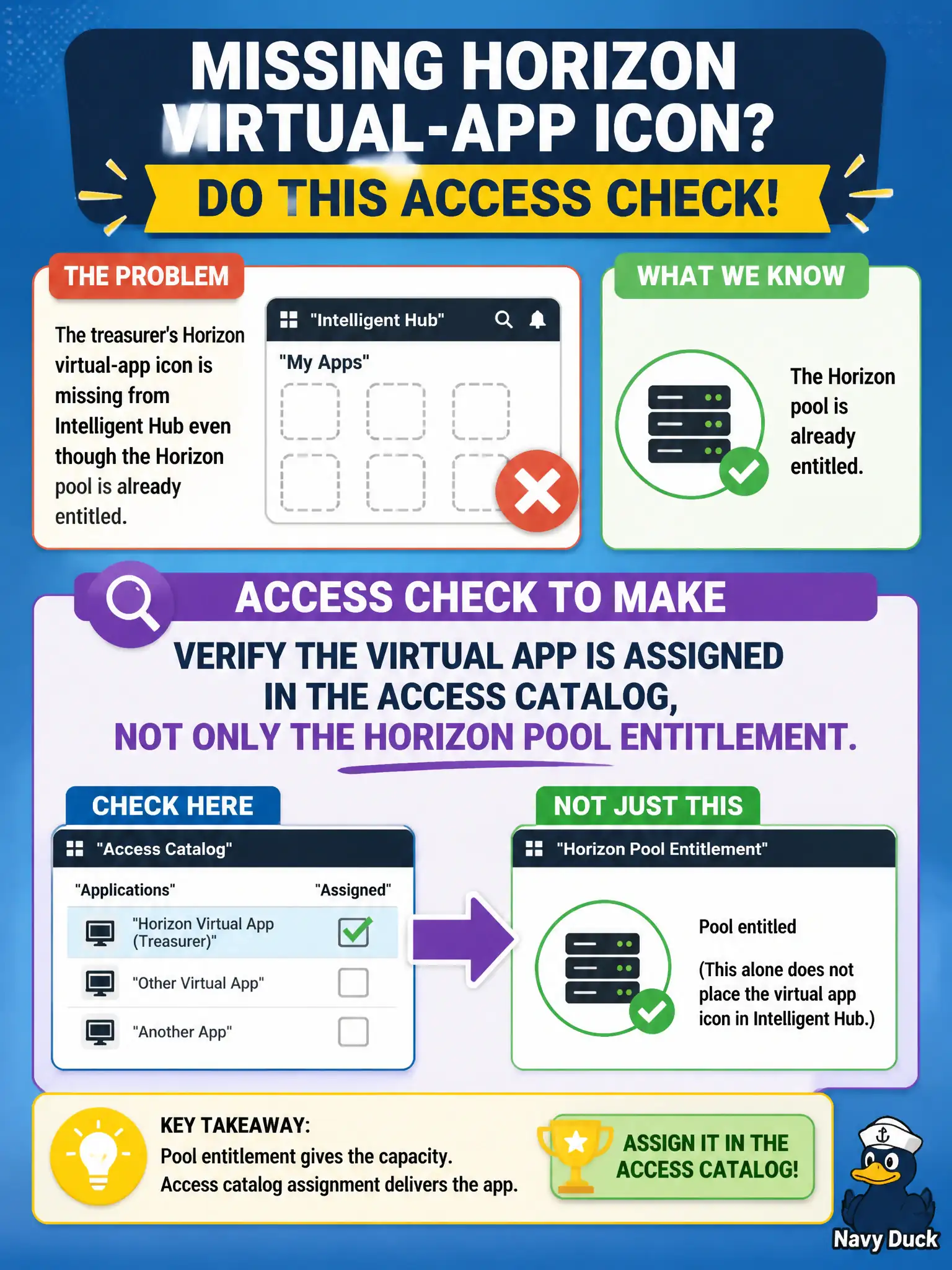
The treasurer's Horizon virtual-app icon is missing from Intelligent Hub even though the Horizon pool is already entitled. What Access check should the operator make?
Select an answer to reveal the explanation.
Short Explanation
Horizon handed out the desktop key; Access still has to hang the Hub icon. Check both doors, and this ticket is the Access door.
Full Explanation
If the treasurer's Horizon virtual-app icon is missing from Intelligent Hub even though the Horizon pool is already entitled, the operator should verify the virtual app is assigned in the Access catalog, not only the Horizon pool entitlement. Hub catalog publication for Horizon resources typically requires Access entitlement/assignment in addition to Horizon entitlement. Skipping Access because Horizon pool entitlement always publishes the Hub icon is a common false assumption. Repairing the missing icon only with an App Volumes attach does not publish Hub catalog metadata. Publishing the virtual app as an Internal APK on UEM skips Access and does not fix Horizon virtual-app Hub visibility. Exam caveat: both Horizon entitlement and Access assignment can be required—prove both before redesigning the farm. Operational check: confirm Horizon pool entitlement for the treasurer, open Access Catalog for the virtual app, assign the treasurer or group, refresh Intelligent Hub, and launch the virtual app icon. In municipal EUC operations, record the console path and the rejected alternatives in the change ticket so the next on-call technician repeats the same evidence-first workflow for city staff.