
City Active Directory sync looks stale. Where should the operator check directory and connector health?
Select an answer to reveal the explanation.
Short Explanation
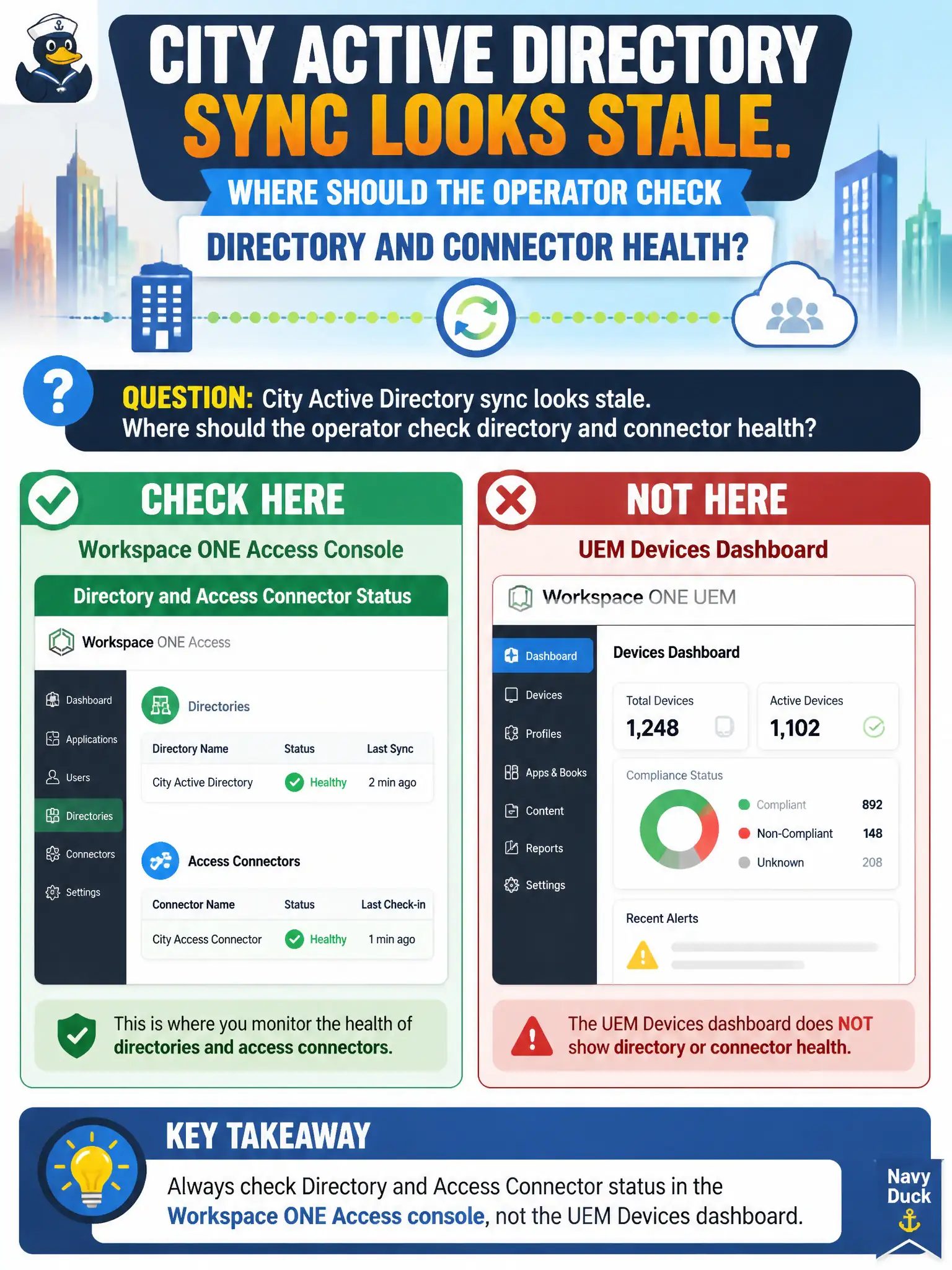
The connector's heartbeat lives in Access, not on the device inventory. If AD looks stale, open the Access console, not the tablet list.
Full Explanation
When city Active Directory sync looks stale, the operator should check directory and Access Connector status in the Workspace ONE Access console rather than substituting nearby EUC views. Access owns connector health, sync schedule, and directory bind errors that explain stale groups or users for Hub and SaaS. The UEM Devices dashboard last-seen column fails by concept: it shows endpoint check-in age, not Access Connector directory sync health. Horizon Help Desk protocol logs describe Blast or PCoIP session issues, not connector directory sync. An Intelligence widget may chart identity risk later but does not replace the Access connector status page for break-fix. Exam caveat: a green UEM enrollment estate can coexist with a failed Access directory sync—do not clear the ticket from Devices alone. Operational check: open Access directory/connector status, note last successful sync and any errors, remediate connector or credential issues, force or wait for sync, and confirm a newly added AD group appears for catalog assignment. In municipal EUC operations, record the console path and the rejected alternatives in the change ticket so the next on-call technician repeats the same evidence-first workflow for city staff.