
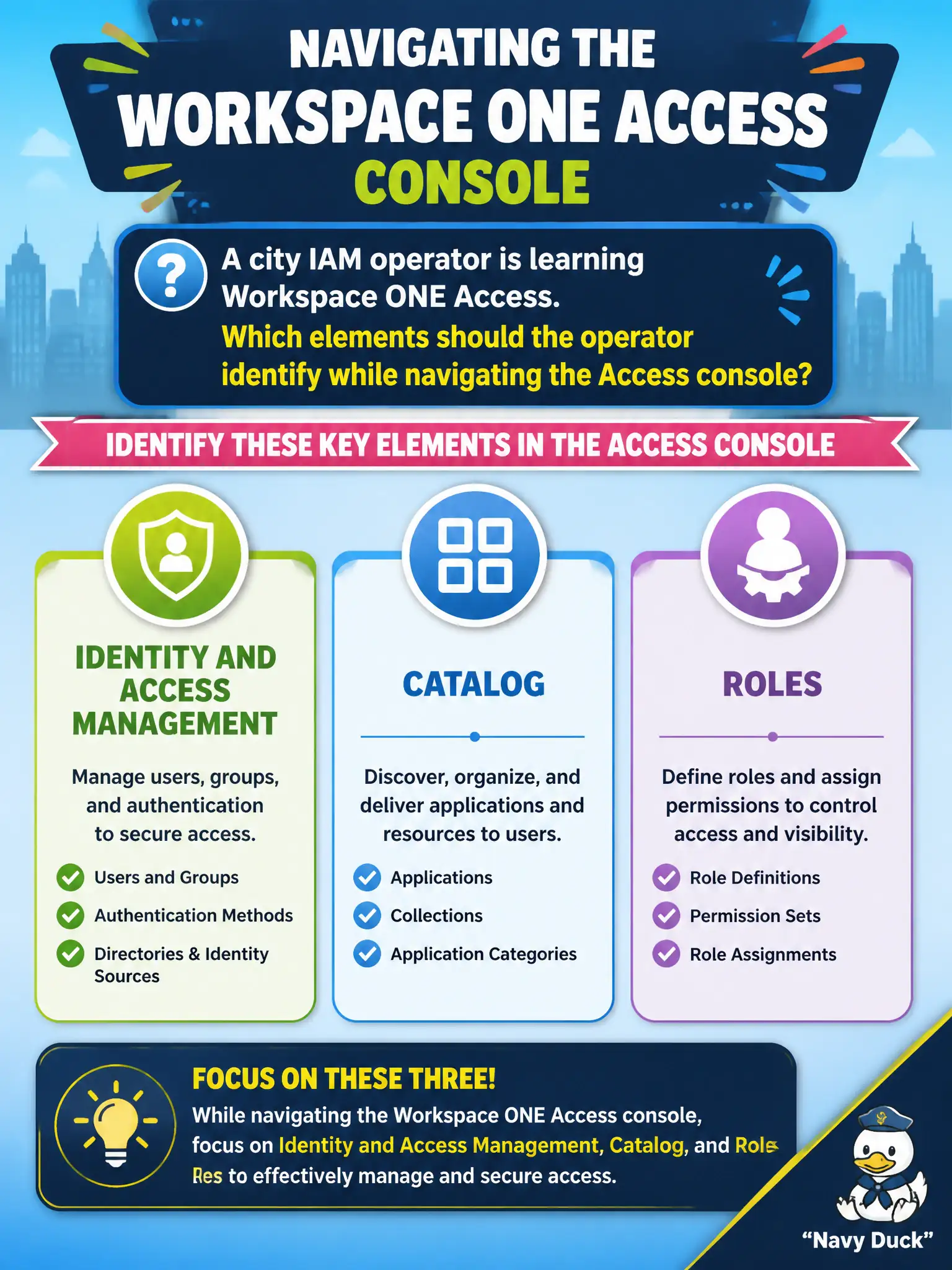
A city IAM operator is learning Workspace ONE Access. Which elements should the operator identify while navigating the Access console?
Select an answer to reveal the explanation.
Short Explanation
Access has identity rooms, a catalog, and a roles wall. It is not Horizon's pool list and it is not NSX routing.
Full Explanation
While learning Workspace ONE Access, a city IAM operator should identify Identity and Access Management, Catalog, and Roles as primary Access console elements. Those areas cover directory and authentication administration, application objects for Hub and SaaS, and administrative role bindings at associate depth. Desktop Pools, Instant Clones, and Help Desk fail by concept because they belong to Horizon Console, not Access navigation. App Volumes packages, writable volumes, and attachments live in App Volumes Manager and are not Access console pillars. NSX Tier-0, Tier-1, and Distributed Firewall are networking and security constructs outside Workspace ONE Access. Exam caveat: product menus evolve, but the exam still expects you to map identity, catalog, and roles to Access rather than hunting them in Horizon or NSX. Operational check: sign in to the civic Access tenant, open Identity and Access Management, Catalog, and Roles, note one sample object in each area, and record the URLs in the IAM onboarding checklist for the next operator. In municipal EUC operations, record the console path and the rejected alternatives in the change ticket so the next on-call technician repeats the same evidence-first workflow for city staff.