
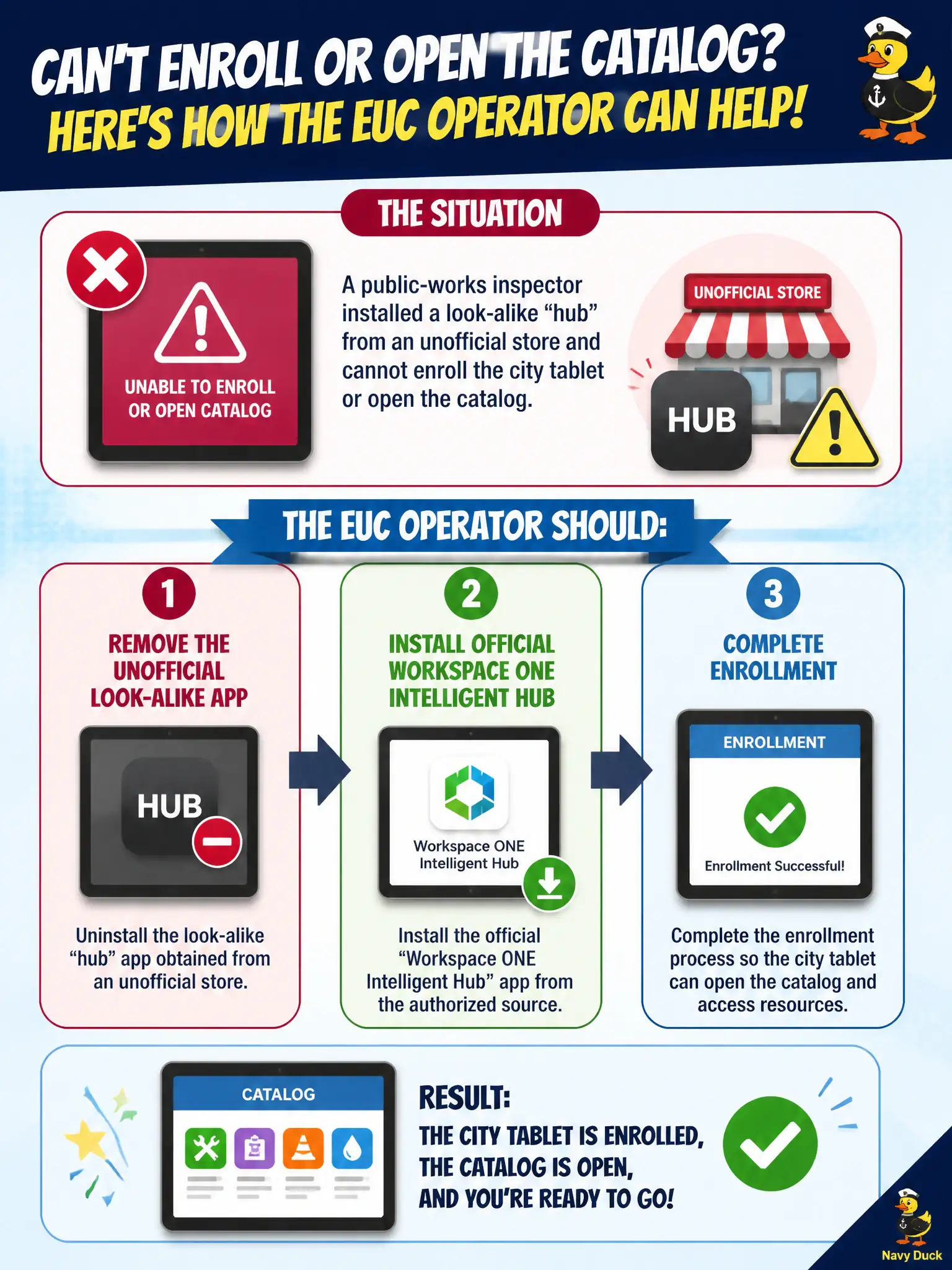
A public-works inspector installed a look-alike "hub" from an unofficial store and cannot enroll the city tablet or open the catalog. How should the EUC operator assist?
Select an answer to reveal the explanation.
Short Explanation
A knock-off name badge does not open city hall. Enrollment and the catalog ride on official Intelligent Hub, so yank the look-alike, put the real Hub on, and enroll.
Full Explanation
When a public-works inspector installed a look-alike "hub" from an unofficial store and cannot enroll the city tablet or open the catalog, the EUC operator should remove the unofficial look-alike app, install the official Workspace ONE Intelligent Hub, and complete enrollment. Official Hub is the supported enrollment and catalog client; spoofed apps break MDM trust and leave the tablet unmanaged. Leaving the unofficial app in place and wrapping it with an App Volumes package on the tablet is invalid—App Volumes does not remediate fake iOS/Android hubs. Opening Horizon Help Desk to entitle a desktop pool so the fake hub can broker VDI confuses VDI brokerage with MDM enrollment. Replacing tablet Wi-Fi with an NSX overlay so any hub-named app can enroll invents a network workaround that does not establish UEM management. Exam caveat: teach inspectors to install Hub only from IT-approved links or store listings to prevent recurrence. Operational check: uninstall the look-alike, install official Intelligent Hub from the city instructions, complete enrollment, confirm the tablet appears in UEM, and verify the Hub catalog loads. In municipal EUC operations, record the console path and the rejected alternatives in the change ticket so the next on-call technician repeats the same evidence-first workflow for city staff.