
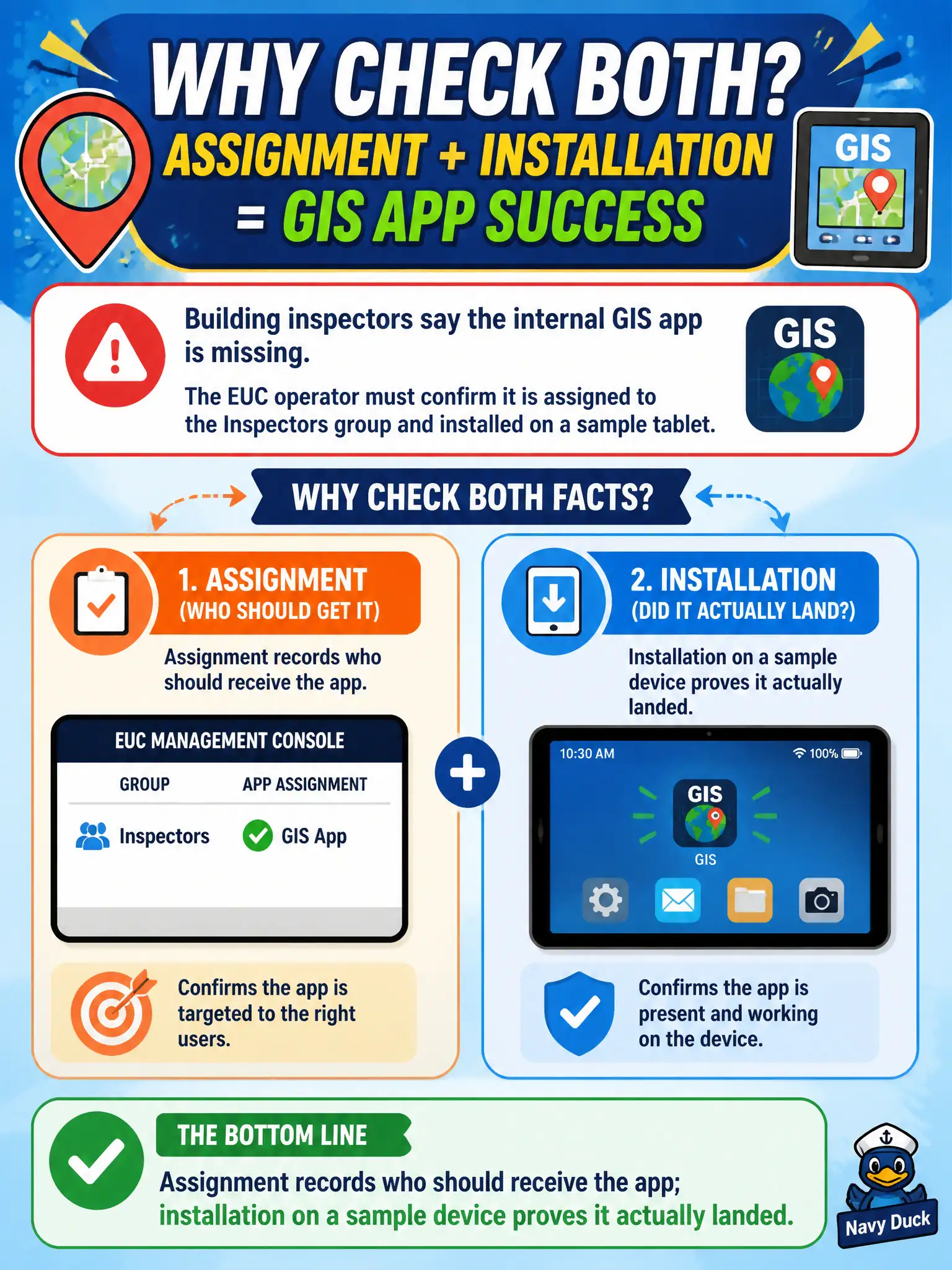
Building inspectors say the internal GIS app is missing. The EUC operator must confirm it is assigned to the Inspectors group and installed on a sample tablet. Why check both facts?
Select an answer to reveal the explanation.
Short Explanation
The packing list is not the box on the truck. Assignment is the city's intent; install status is whether the GIS package actually showed up on a tablet.
Full Explanation
Building inspectors reporting a missing internal GIS app require the operator to confirm the app is assigned to the Inspectors group and installed on a sample tablet. Assignment records who should receive the app; installation on a sample device proves the payload actually landed through UEM. Treating assignment and installation as the same UEM flag so that only last-seen time matters skips install-state proof. Horizon pool entitlement is not proof an Android GIS APK installed on a tablet. NSX firewall logs do not replace UEM assignment and install status for mobile apps. Exam caveat: pending install on offline tablets is not the same as failed assignment—read both fields before repackaging. Operational check: open the internal GIS app in UEM, confirm Inspectors assignment, open a sample tablet Apps list, verify Installed, and if missing fix group membership or re-push, then launch GIS once in the field profile. In municipal EUC operations, record the console path and the rejected alternatives in the change ticket so the next on-call technician repeats the same evidence-first workflow for city staff. Re-validate after the next maintenance window that the same control still holds for the civic tenant.