
An inspector's phone already has Intelligent Hub. How does the operator get Boxer and Tunnel onto that newly enrolled device?
Select an answer to reveal the explanation.
Short Explanation
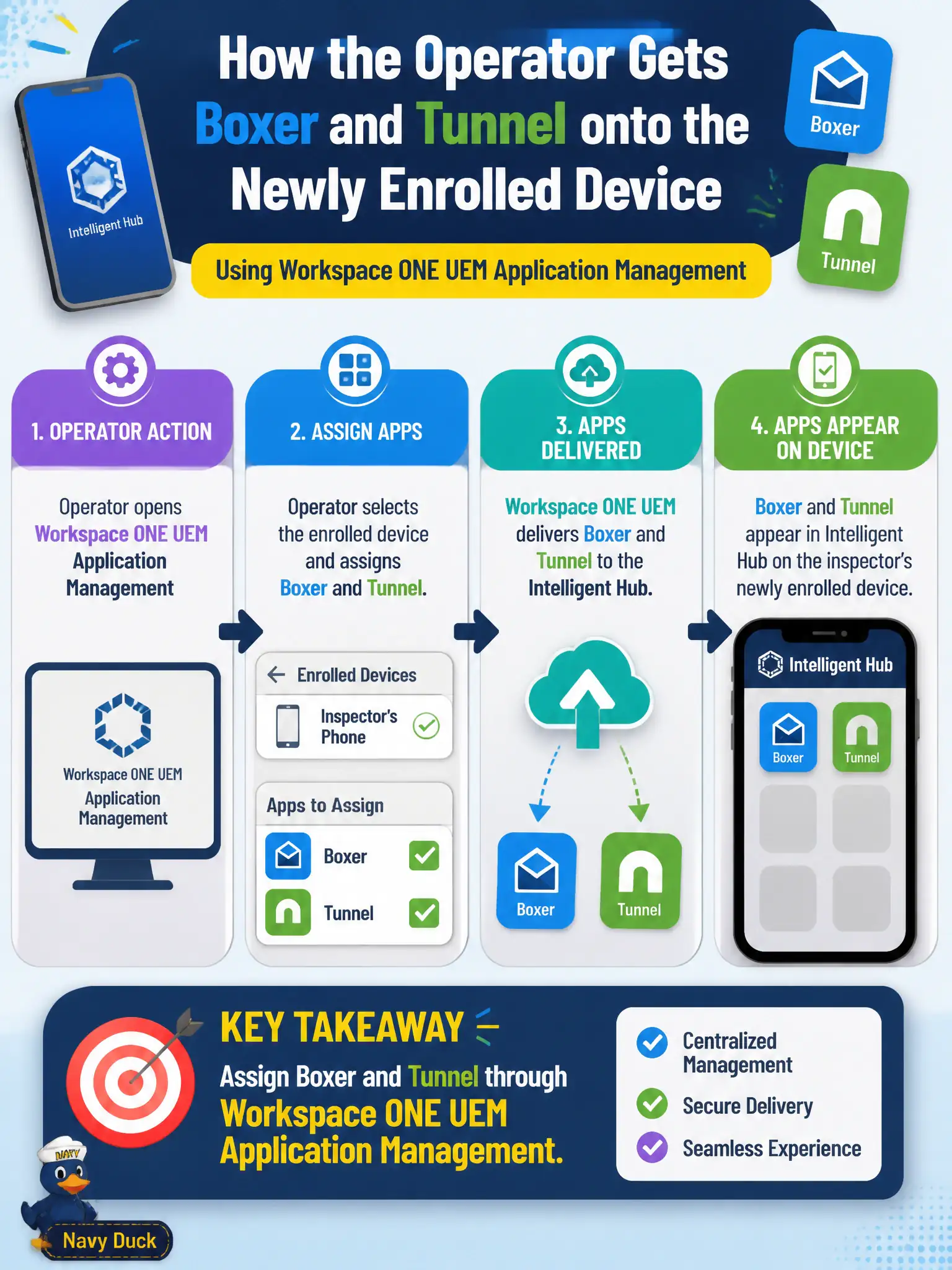
Hub is the front door; Boxer and Tunnel are still apps you push. Assign those productivity apps in UEM application management. Do not sideload, bolt on Intune, or pretend App Volumes talks to a phone IMEI.
Full Explanation
An inspector's phone that already has Intelligent Hub receives Boxer and Tunnel through Workspace ONE UEM application management assignment, not through App Volumes, sideloading, or a second MDM. UEM app management assigns public or internal apps to users and smart groups so Hub can install them on the enrolled device. Assigning App Volumes packages to the phone's IMEI is invalid—App Volumes serves Windows Horizon agents. Asking the inspector to sideload APKs from a personal cloud drive bypasses enterprise signing, inventory, and compliance. Installing Microsoft Intune as a second MDM beside UEM creates conflicting management and is not the associate task. Exam caveat: Hub presence means enrollment channel exists—still assign apps in UEM or they will not appear. Operational check: in UEM Applications, assign Boxer and Tunnel to the Inspectors group as required, sync the sample phone, confirm both show installed, and validate Tunnel can reach the civic GIS endpoint. In municipal EUC operations, record the console path and the rejected alternatives in the change ticket so the next on-call technician repeats the same evidence-first workflow for city staff. Re-validate after the next maintenance window that the same control still holds for the civic tenant.