
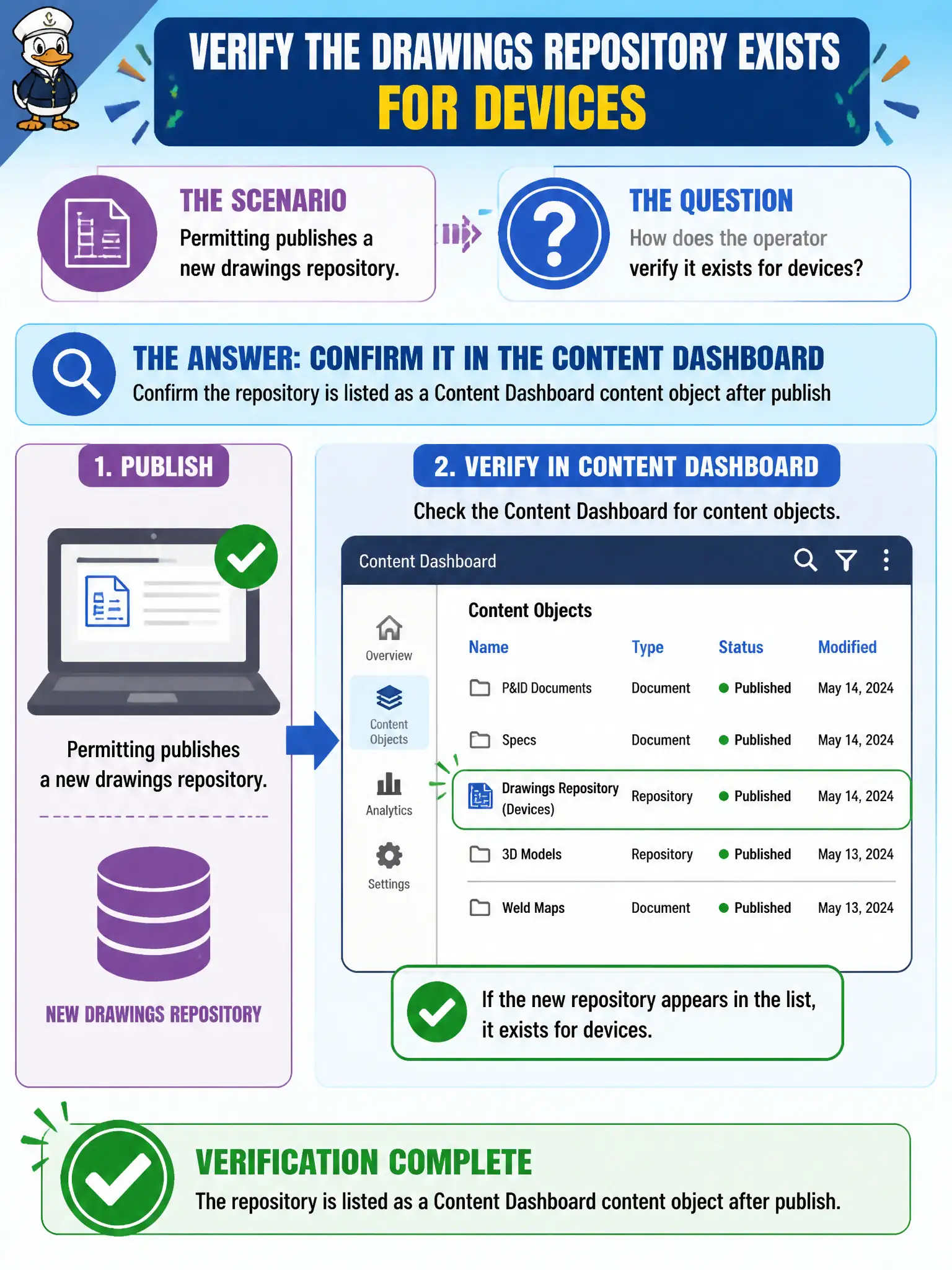
Permitting publishes a new drawings repository. How does the operator verify it exists for devices?
Select an answer to reveal the explanation.
Short Explanation
A new drawing library should show up on the content shelf after publish. Check Content Dashboard for the repository object. App Volumes and desktop pools do not host that MCM repository.
Full Explanation
After permitting publishes a new drawings repository, the operator verifies it exists for devices by confirming the repository is listed as a Content Dashboard content object after publish. That proves the content plane accepted the repository before chasing field installs on civic tablets. Waiting for App Volumes to attach the repository as a package misapplies Windows layering to mobile content management and wastes operator time. Looking for the repository on Mail Dashboard EAS tiles searches the wrong UEM dashboard entirely. Entitling the repository as a Horizon desktop pool does not publish mobile drawings content to permitting tablets. Exam caveat: admin publish success should be confirmed in Content before telling field staff the drawings are live on devices. Operational check: publish the drawings repository, open Content Dashboard, confirm the content object and version appear, assign it to permitting tablets, and verify install on a sample device after sync before closing the change. In municipal EUC operations, record the console path and the rejected alternatives in the change ticket so the next on-call technician repeats the same evidence-first workflow for city staff.