
Boxer comes from the public store and a city-signed inspection APK is internal. How should the operator still get both onto inspector phones?
Select an answer to reveal the explanation.
Short Explanation
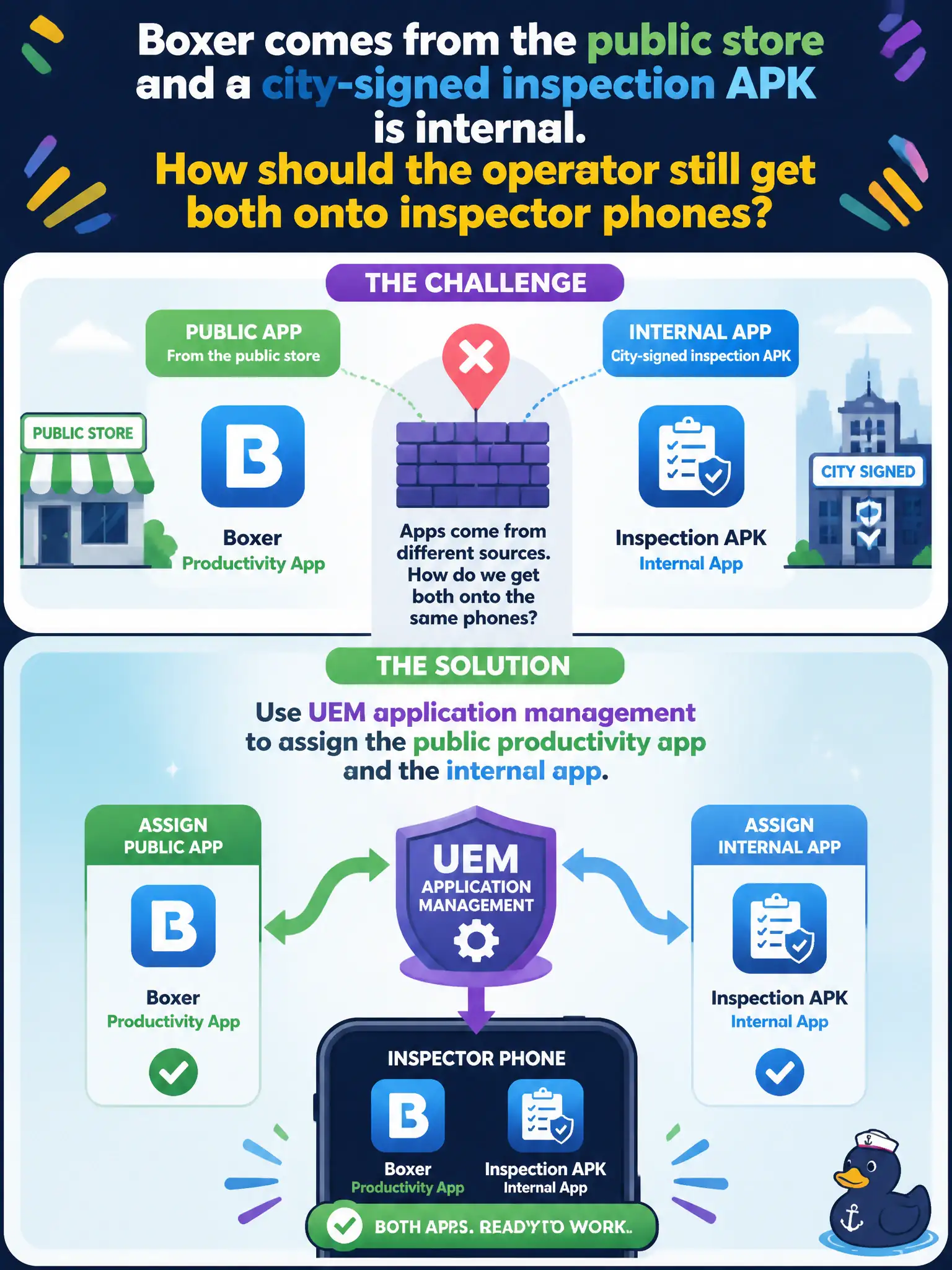
Public-store Boxer and a city APK are just two shelves in the same UEM stockroom. Assign both. Horizon Agent and DEM templates are not how phones get those apps, and VPP is not the only Android path.
Full Explanation
Boxer from the public store and a city-signed inspection APK are both delivered with UEM application management: assign the public productivity app and the internal app to inspector phones. Resource type differs (Public versus Internal), but the assignment console path is still UEM applications. Claiming only public-store apps can install while internal APKs require Horizon Agent is false for Android UEM management. Publishing internal APKs as Dynamic Environment Manager templates confuses Windows DEM with mobile app delivery. Treating Purchased VPP licenses as the only legal resource type on Android ignores Android public and internal models and misuses Apple VPP concepts. Exam caveat: internal apps need correct provisioning profile/signing and assignment; public apps need store availability in the device region. Operational check: classify Boxer as Public and the inspection APK as Internal in UEM, assign both to Inspectors, install on a sample phone, and launch each app once to confirm success. In municipal EUC operations, record the console path and the rejected alternatives in the change ticket so the next on-call technician repeats the same evidence-first workflow for city staff.