
Several city attorneys report mailbox sync failures at the same hour. Where should the operator look for that cluster?
Select an answer to reveal the explanation.
Short Explanation
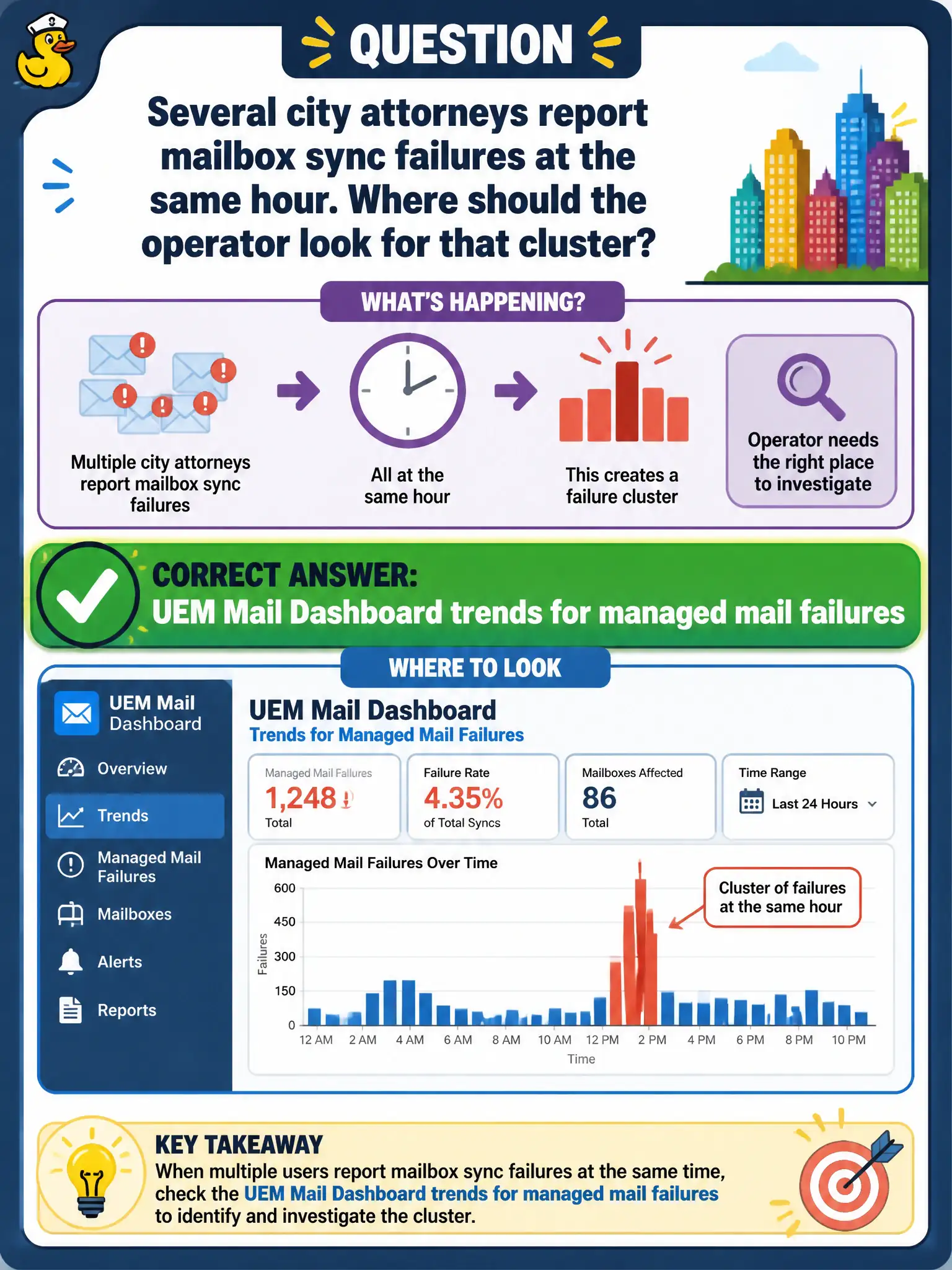
A cluster of dead mailboxes is not a dead desktop pool. Open Mail Dashboard and read the email trend. Horizon Help Desk, BGP, and DRS are other storms.
Full Explanation
When several city attorneys report mailbox sync failures at the same hour, the operator should look on the UEM Mail Dashboard for trends in managed mail failures clustered by time. That view correlates MEM/EAS symptoms across devices better than jumping to unrelated infrastructure first. Horizon Help Desk for a VDI pool outage would matter if desktop sessions failed, but the reported symptom is mailbox sync. NSX Tier-0 BGP neighbor flaps are network underlay events not shown as the first UEM mail operational view. vSphere DRS affinity rules for attorney desktops do not explain ActiveSync failures on phones. Exam caveat: same-hour clusters often indicate Exchange, certificate, or policy changes—use Mail Dashboard to confirm blast radius before changing DRS or BGP. Operational check: open Mail Dashboard trends for the failure hour, list affected attorney devices, confirm client type and block status, and open a bridge with messaging if server errors dominate. In municipal EUC operations, record the console path and the rejected alternatives in the change ticket so the next on-call technician repeats the same evidence-first workflow for city staff. Re-validate after the next maintenance window that the same control still holds for the civic tenant.