
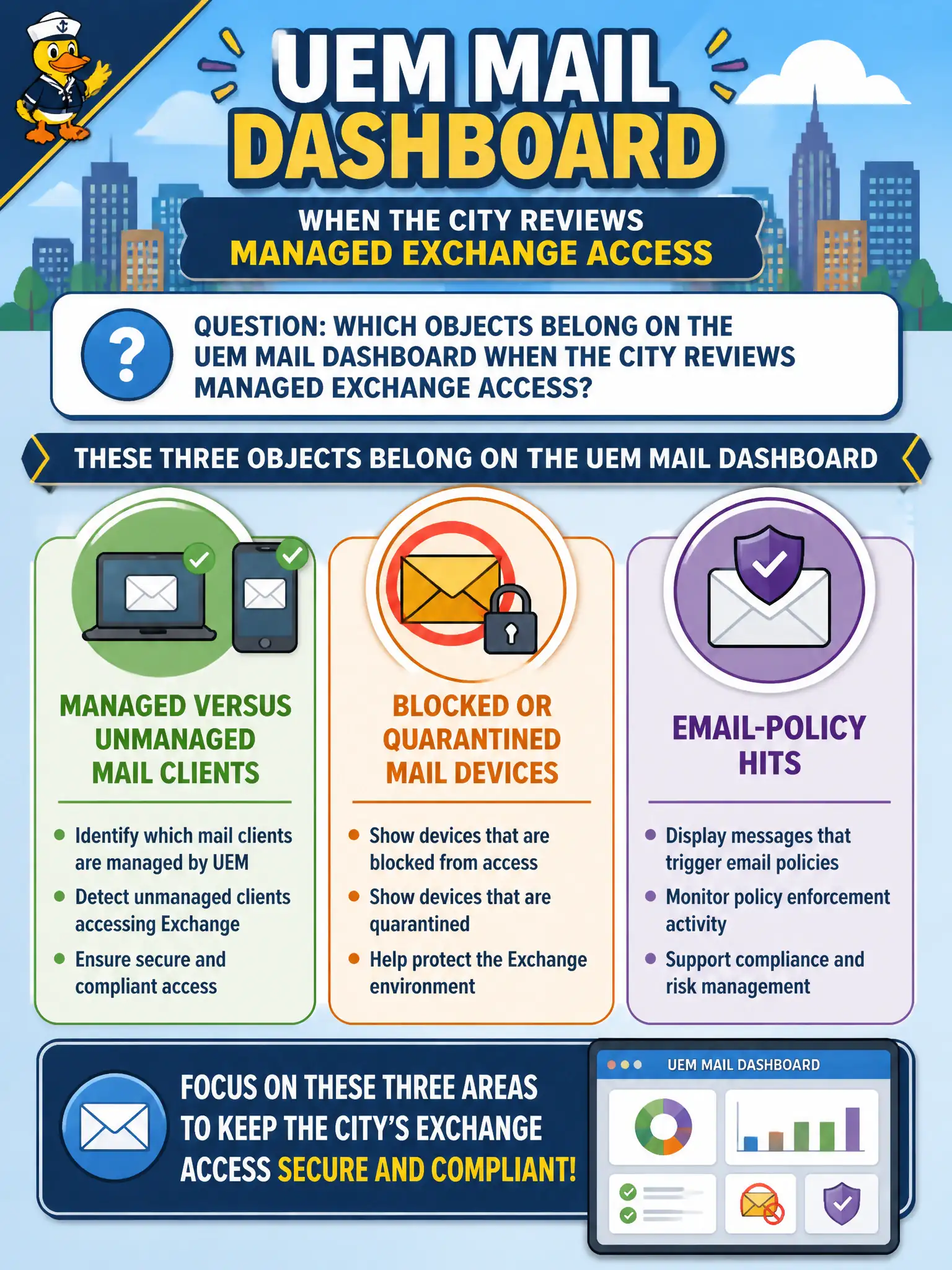
Which objects belong on the UEM Mail Dashboard when the city reviews managed Exchange access?
Select an answer to reveal the explanation.
Short Explanation
Mail Dashboard is the post office window: who is using a managed client, who got blocked, and which policy fired. Clone trees, agenda PDFs, and drive maps belong in other civic buildings.
Full Explanation
Objects that belong on the UEM Mail Dashboard when reviewing managed Exchange access include managed versus unmanaged mail clients, blocked or quarantined mail devices, and email-policy hits. Those tiles answer whether city attorneys and clerks are using approved clients and whether MEM/EAS policies are blocking risky access. Instant-clone snapshot trees and replica Connection Servers belong to Horizon infrastructure views. Content repository versions of council agenda PDFs belong on the Content Dashboard. Dynamic Environment Manager drive-mapping results belong in DEM helpdesk or console views for assessor desktops. Exam caveat: do not use Mail Dashboard as a general device inventory substitute—its job is email access posture. Operational check: open Mail Dashboard, identify managed versus unmanaged client counts, review blocked or quarantined devices, open an email-policy hit sample, and document findings for the Exchange security review. In municipal EUC operations, record the console path and the rejected alternatives in the change ticket so the next on-call technician repeats the same evidence-first workflow for city staff. Re-validate after the next maintenance window that the same control still holds for the civic tenant.