
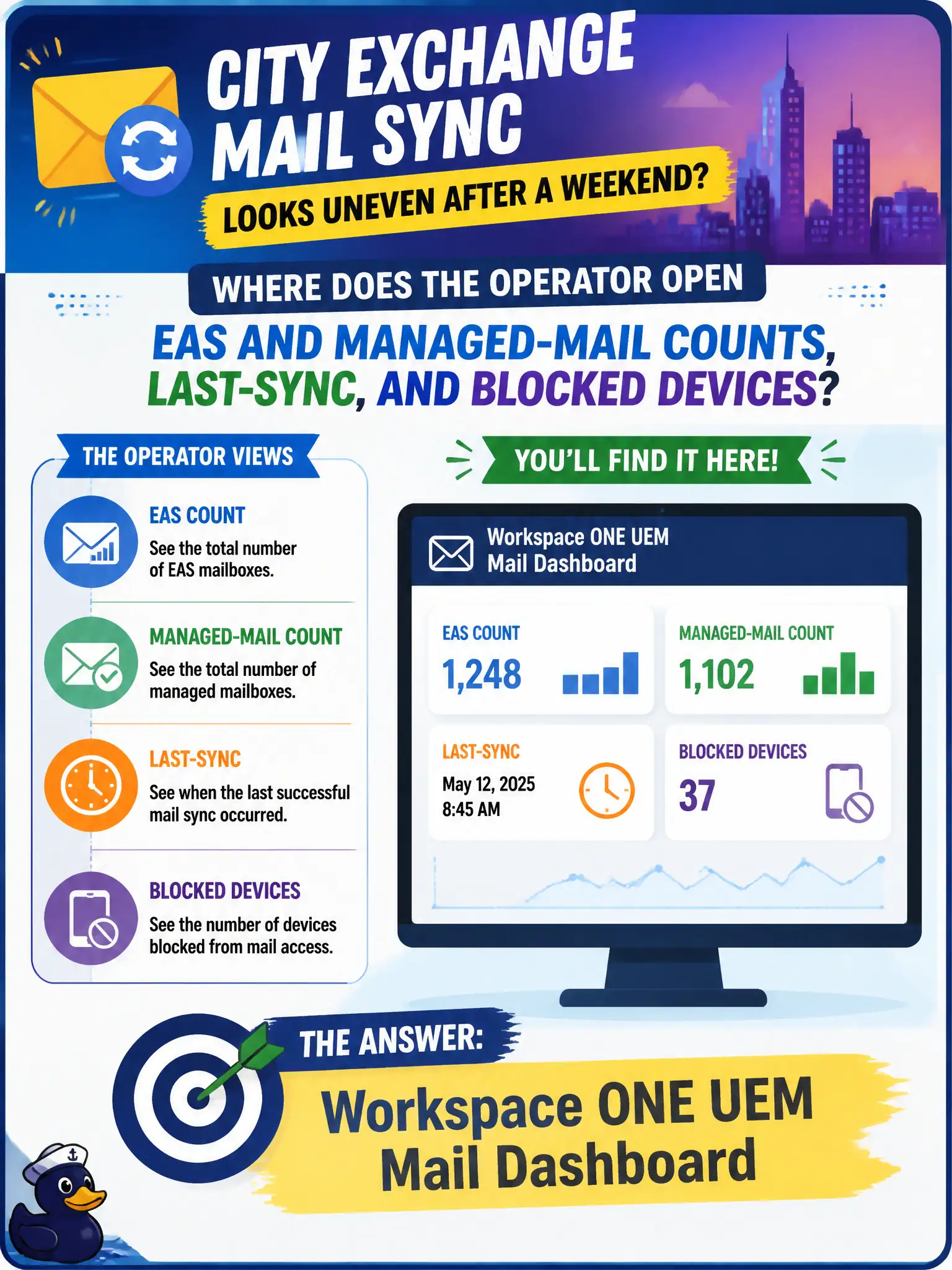
City Exchange mail sync looks uneven after a weekend. Where does the operator open EAS and managed-mail counts, last-sync, and blocked devices?
Select an answer to reveal the explanation.
Short Explanation
Mail trouble lives on the mail scoreboard. UEM Mail Dashboard is where Exchange ActiveSync counts, last-sync, and blocked devices sit. Desktop pools and agenda PDFs are other walls.
Full Explanation
Uneven Exchange mail sync after a weekend is investigated on the Workspace ONE UEM Mail Dashboard, where operators open EAS and managed-mail counts, last-sync indicators, and blocked devices for the civic mail estate. That dashboard is the email-management plane inside UEM. Horizon Administrator desktop-pool entitlement tabs manage VDI access, not ActiveSync health. Content Dashboard published-document lists track content repositories and installs, not mailbox sync. App Volumes Manager package assignment pages track Windows packages, not managed mail clients. Exam caveat: Mail Dashboard trends can distinguish a tenant-wide sync incident from a single blocked attorney device—scope before resetting everyone. Operational check: open UEM Mail Dashboard, review managed-mail and last-sync tiles, identify blocked or failing devices clustered by time, sample one attorney device detail, and escalate to Exchange or MEM if the failure is server-side. In municipal EUC operations, record the console path and the rejected alternatives in the change ticket so the next on-call technician repeats the same evidence-first workflow for city staff. Re-validate after the next maintenance window that the same control still holds for the civic tenant.