
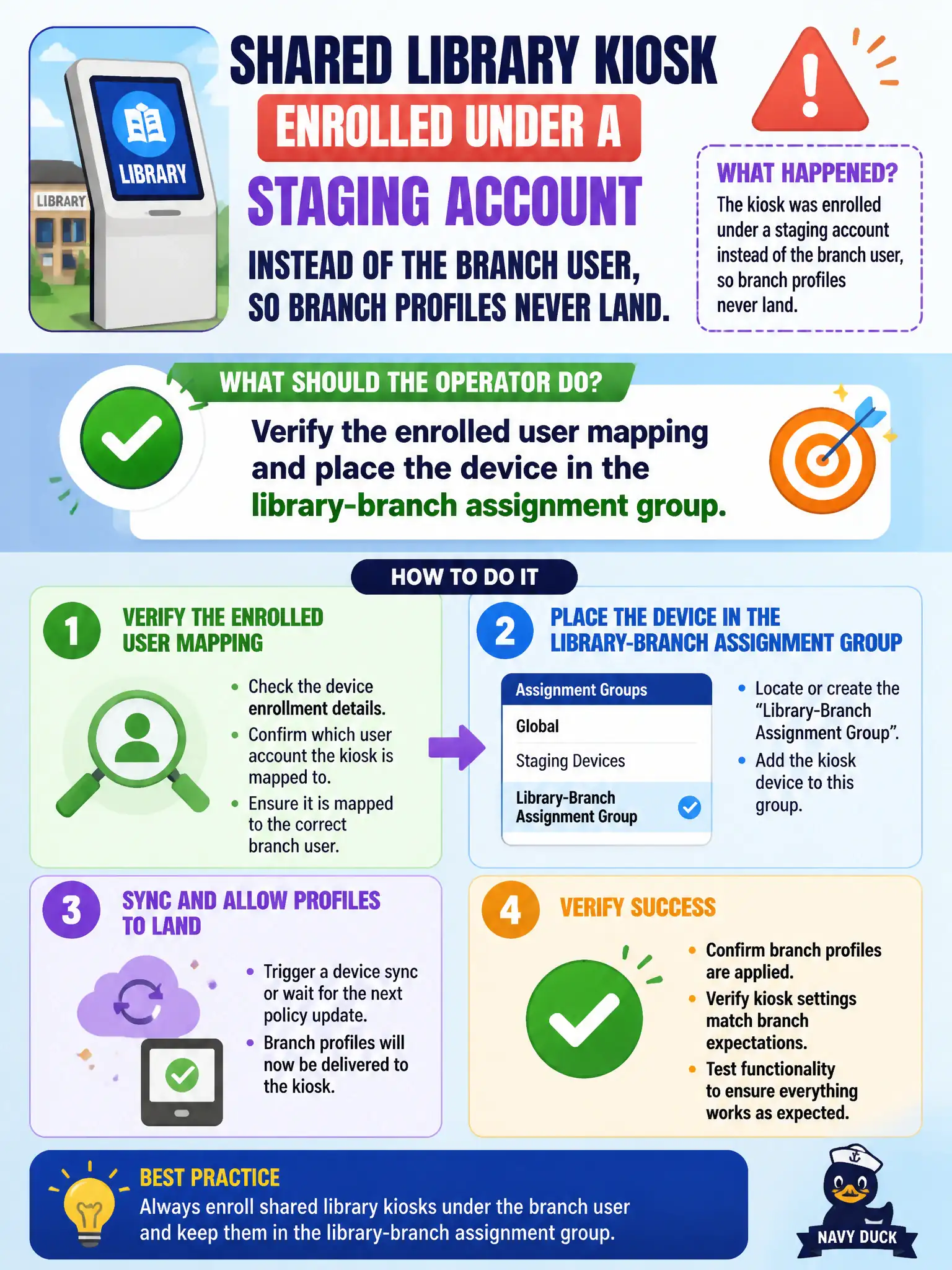
A shared library kiosk enrolled under a staging account instead of the branch user, so branch profiles never land. What should the operator do?
Select an answer to reveal the explanation.
Short Explanation
The kiosk checked in wearing a staging nametag, so the branch locker never opened. Fix who owns the enrollment, then put the device in the library-branch group. Mail Dashboard and App Volumes will not retag that Apple kiosk.
Full Explanation
A shared library kiosk enrolled under a staging account instead of the branch user will not receive branch-scoped profiles and apps. The operator should verify the enrolled user mapping and place the device in the library-branch assignment group so payloads target the kiosk correctly. Entitling a dedicated Horizon pool from Mail Dashboard mixes VDI entitlement with the wrong console and does not fix UEM user mapping. Treating the kiosk as an NSX overlay transport node is an unrelated networking concept. Assigning an App Volumes writable volume to the kiosk Apple ID is invalid for iPadOS MDM. Exam caveat: shared devices often need well-defined staging versus production user models—fix enrollment without remapping leaves permanent assignment gaps. Operational check: open the kiosk device record, correct the enrolled user or ownership mapping per library policy, add the device or user to the branch assignment group, re-push profiles, and confirm the branch Wi-Fi and content apps install. In municipal EUC operations, record the console path and the rejected alternatives in the change ticket so the next on-call technician repeats the same evidence-first workflow for city staff. Re-validate after the next maintenance window that the same control still holds for the civic tenant.