
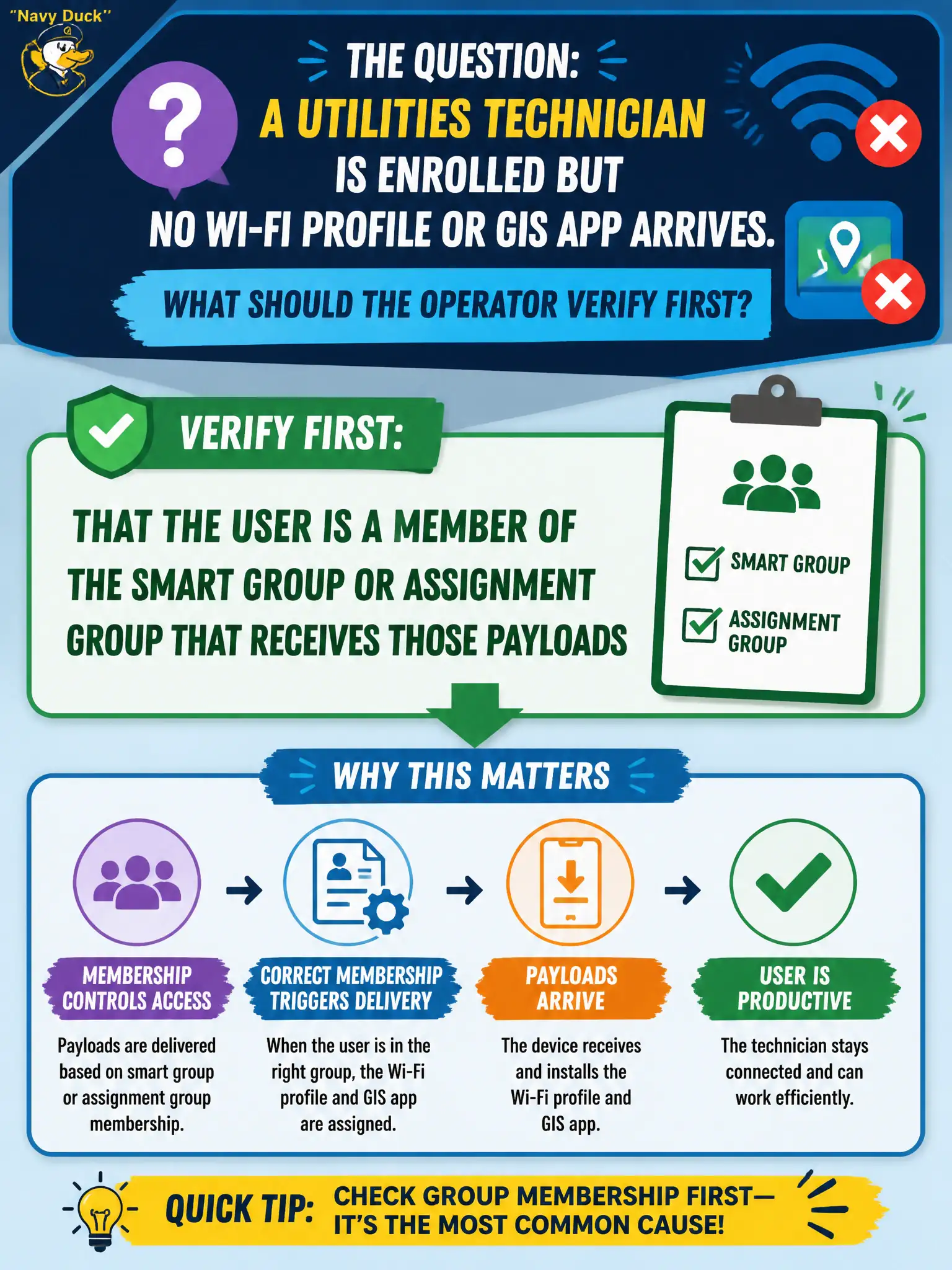
A utilities technician is enrolled but no Wi-Fi profile or GIS app arrives. What should the operator verify first?
Select an answer to reveal the explanation.
Short Explanation
If you are not on the roster, the city does not hand you keys. Enrollment alone is not enough; the technician must sit in the group that gets the Wi-Fi profile and GIS app. vSAN, DEM phone conditions, and vendor-rename trivia are side streets.
Full Explanation
A utilities technician who is enrolled but receives no Wi-Fi profile or GIS app should first be checked for membership in the smart group or assignment group that receives those payloads. UEM delivers profiles and apps by assignment audience; enrollment alone does not imply every city payload applies. The vSAN storage policy on the Horizon cluster does not control mobile Wi-Fi or GIS app assignment. Dynamic Environment Manager condition sets apply to Windows user environments, not as the first check for phone profile delivery. Renaming console branding to Omnissa does not fix missing assignments. Exam caveat: nested AD groups and smart-group rules can exclude users who "should" be included—read the group criteria explicitly. Operational check: open the technician's UEM user and device, verify smart-group membership for Wi-Fi and GIS assignments, add to the correct group if missing, sync the device, and confirm profile installed and GIS app present. In municipal EUC operations, record the console path and the rejected alternatives in the change ticket so the next on-call technician repeats the same evidence-first workflow for city staff. Re-validate after the next maintenance window that the same control still holds for the civic tenant.