
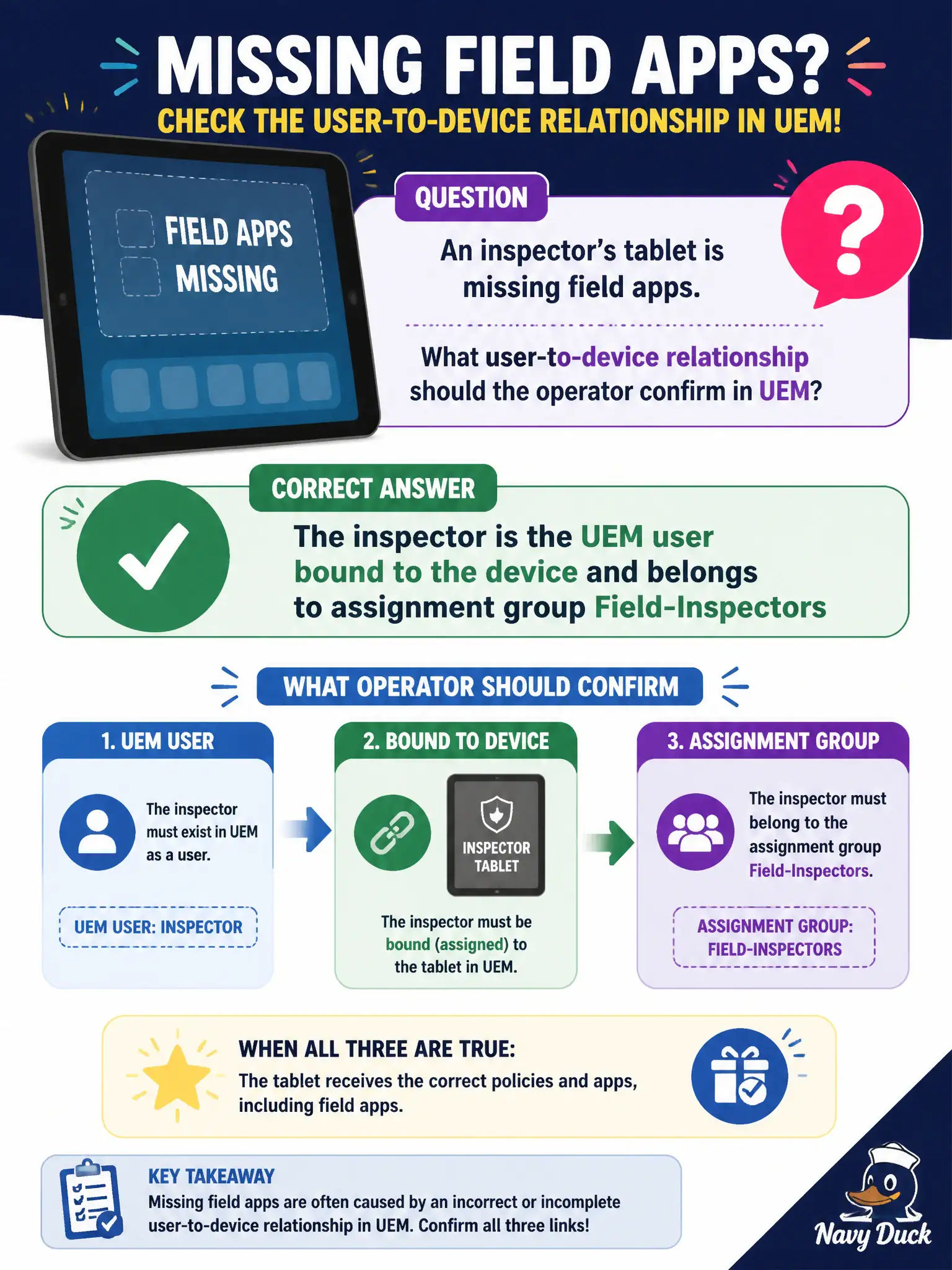
An inspector's tablet is missing field apps. What user-to-device relationship should the operator confirm in UEM?
Select an answer to reveal the explanation.
Short Explanation
Apps follow the nametag on the tablet, then the club that nametag belongs to. Confirm the inspector is the enrolled UEM user and sits in Field-Inspectors. A floating clone or an NSX tag will not push those mobile apps.
Full Explanation
When an inspector's tablet is missing field apps, the operator should confirm the user-to-device relationship in UEM: the inspector is the UEM user bound to the device and belongs to the assignment group Field-Inspectors that receives those apps. Apps and profiles follow user and group assignment; a staging account or wrong group membership explains missing field apps even when enrollment succeeded. The tablet is not explained as a Horizon instant-clone in a floating desktop pool when the symptom is mobile app delivery. The inspector's mailbox being a purchased VPP book confuses mail/content licensing with user-device app assignment. NSX tagging into a Tier-1 overlay segment does not assign UEM mobile applications. Exam caveat: enrollment without correct user and group mapping produces "managed but empty" devices—verify identity binding before repackaging apps. Operational check: open the tablet record, confirm enrolled user is the inspector, confirm Field-Inspectors membership, verify app assignments, and force a sync from Intelligent Hub after correcting group membership. In municipal EUC operations, record the console path and the rejected alternatives in the change ticket so the next on-call technician repeats the same evidence-first workflow for city staff.