
Permitting clerks suddenly fail a parks-only minimum OS-version compliance rule. What should the operator check first?
Select an answer to reveal the explanation.
Short Explanation
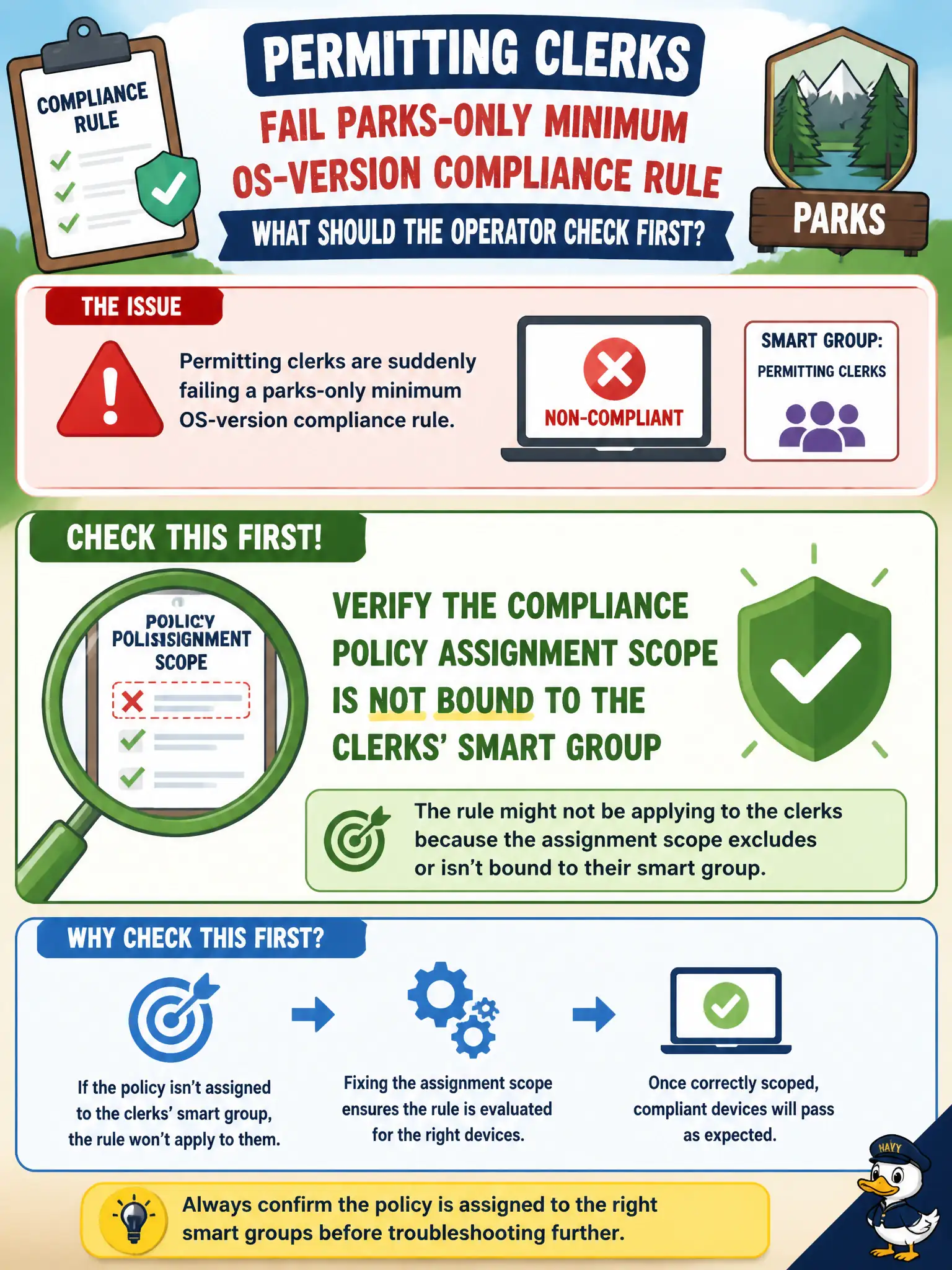
If clerks fail a parks-only yardstick, somebody hung the wrong sign on their door. Check which smart group the compliance policy is assigned to before tearing down Horizon or HA.
Full Explanation
If permitting clerks suddenly fail a parks-only minimum OS-version compliance rule, the operator should first verify the compliance policy assignment scope is not incorrectly bound to the clerks' smart group. Mis-scoped assignments are a common cause of unexpected Not Compliant results across the wrong civic audience. Rebuilding Connection Server so clerk desktops pick up a new golden image does not fix a UEM compliance assignment aimed at phones or tablets. Disabling vSphere HA so compliance evaluations pause is unrelated and introduces cluster risk. Moving clerks onto Citrix so UEM policies no longer apply abandons the Workspace ONE management model rather than correcting scope. Exam caveat: always validate smart-group criteria and exclusions before rewriting OS minimums that parks still needs. Operational check: open the parks OS-version compliance policy, inspect assigned groups, confirm whether permitting clerks are included by nested group error, remove incorrect audience, reevaluate a sample clerk device, and confirm parks devices remain in scope. In municipal EUC operations, record the console path and the rejected alternatives in the change ticket so the next on-call technician repeats the same evidence-first workflow for city staff.