
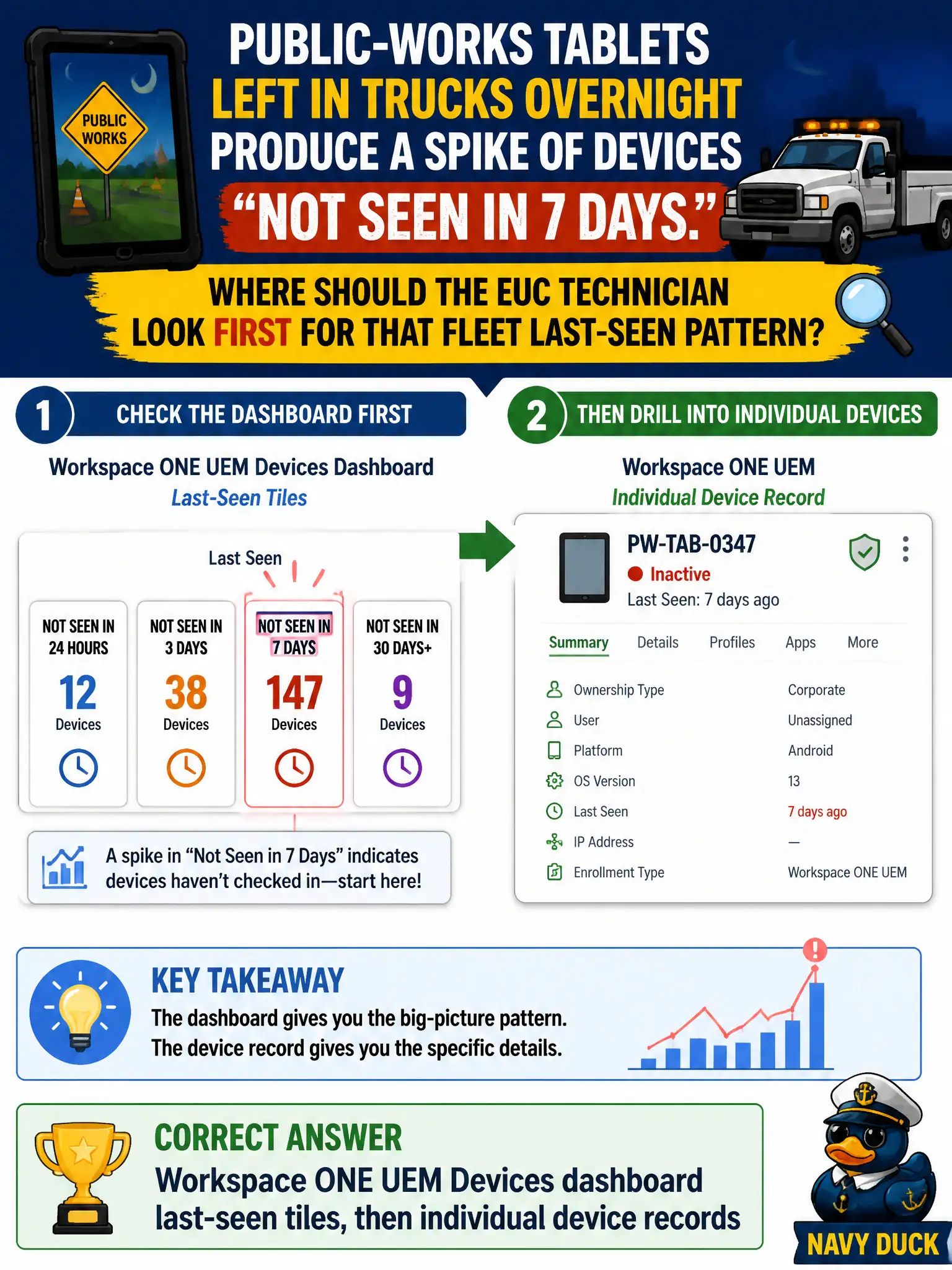
Public-works tablets left in trucks overnight produce a spike of devices "not seen in 7 days." Where should the EUC technician look first for that fleet last-seen pattern?
Select an answer to reveal the explanation.
Short Explanation
A parking-lot of quiet tablets is a fleet problem, not one clerk's VDI session. The Devices dashboard is the city scoreboard for last-seen health; open a single record only after the tile shows the spike.
Full Explanation
Public-works tablets left in trucks overnight often appear as devices not seen within a configured window such as seven days. The EUC technician should look first at Workspace ONE UEM Devices dashboard last-seen tiles, then open individual device records to confirm which tablets stopped checking in and whether the pattern is fleet-wide or limited to a yard or shift. That path matches how UEM surfaces fleet connectivity health for municipal endpoints. Horizon Help Desk for a single inspector BLAST session diagnoses one VDI connection, not tablet MDM last-seen across trucks. App Volumes Manager assignment of a writable volume concerns Windows application persistence, not mobile last-seen tiles. NSX distributed-firewall last-flow timestamps may show network flows but are not the UEM operational view for enrolled-device check-in health. Exam caveat: last-seen gaps can mean powered-off devices, dead batteries, or Wi-Fi profile failure—use the dashboard to scope before mass wipe or re-enrollment. Operational check: open UEM Devices dashboard, identify the not-seen spike, sample three public-works tablet records, verify last-seen and network details, and ticket yards with concentrated offline devices.