
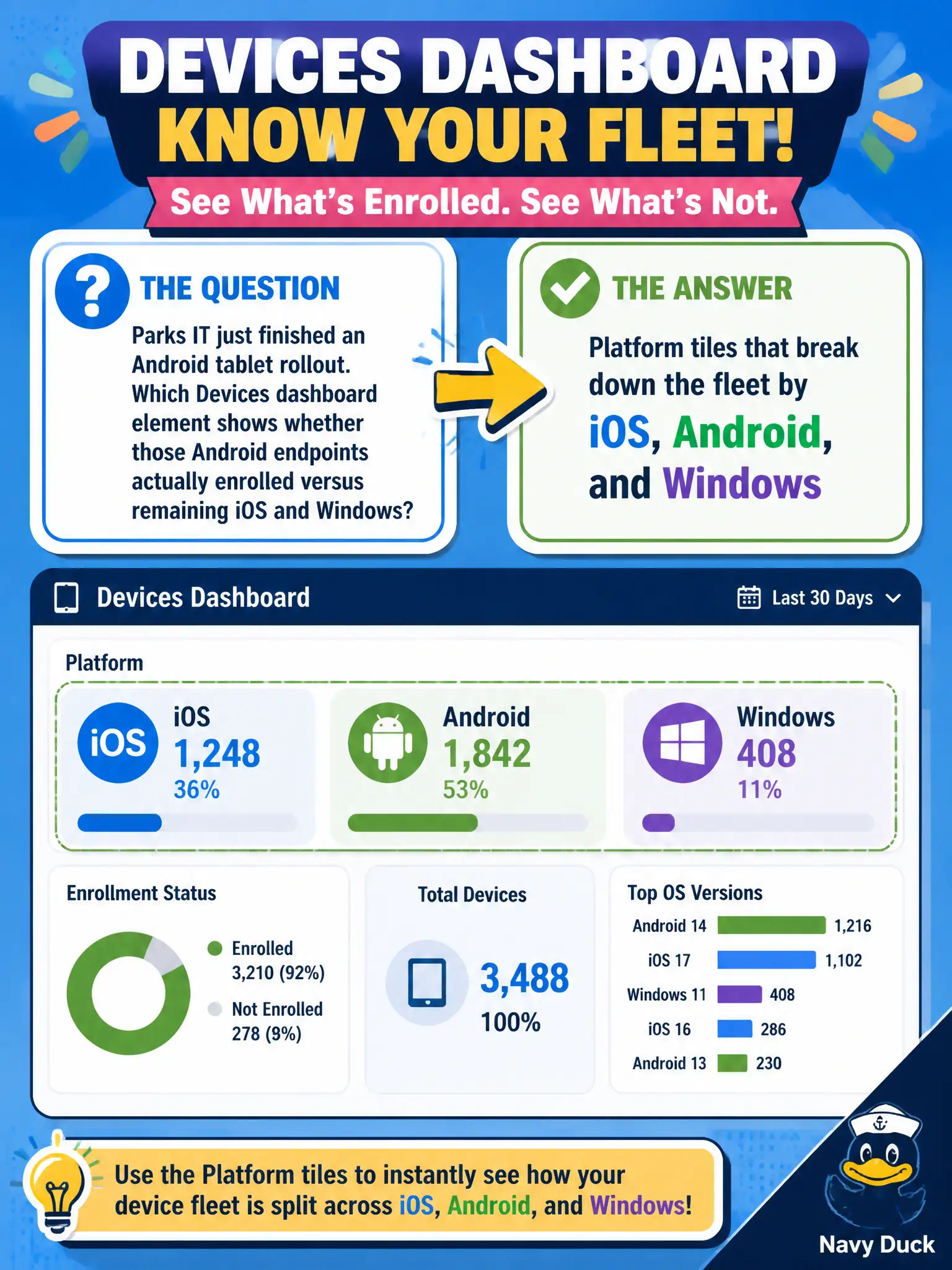
Parks IT just finished an Android tablet rollout. Which Devices dashboard element shows whether those Android endpoints actually enrolled versus remaining iOS and Windows?
Select an answer to reveal the explanation.
Short Explanation
Think of platform tiles as three colored bins on the city garage wall: iOS, Android, and Windows. After a parks Android rollout, the Android bin should grow. Horizon capacity, DEM settings, and UAG counters are different rooms.
Full Explanation
After an Android tablet rollout for parks, platform tiles on the Workspace ONE UEM Devices dashboard show whether those Android endpoints actually enrolled versus remaining counted as iOS or Windows. Platform mix is an enrollment-inventory concept, so Devices dashboard platform breakdown is the correct navigate-and-identify surface. Horizon Cloud Control Plane capacity charts for instant clones describe cloud desktop capacity, not UEM platform enrollment mix for tablets. Dynamic Environment Manager helpdesk user-setting reports show Windows settings applied in a session, not OS platform enrollment tiles. Unified Access Gateway BLAST tunnel counters measure edge protocol connectivity in the DMZ, not whether Android devices enrolled in UEM. Exam caveat: a successful image or purchase order does not equal enrollment—platform tiles prove what actually joined management. Operational check: open UEM Devices dashboard, read iOS/Android/Windows tiles, confirm Android count rose by the parks rollout quantity, drill into an Android sample device, and attach a screenshot to the parks rollout completion ticket. In municipal EUC operations, record the console path and the rejected alternatives in the change ticket so the next on-call technician repeats the same evidence-first workflow for city staff.