
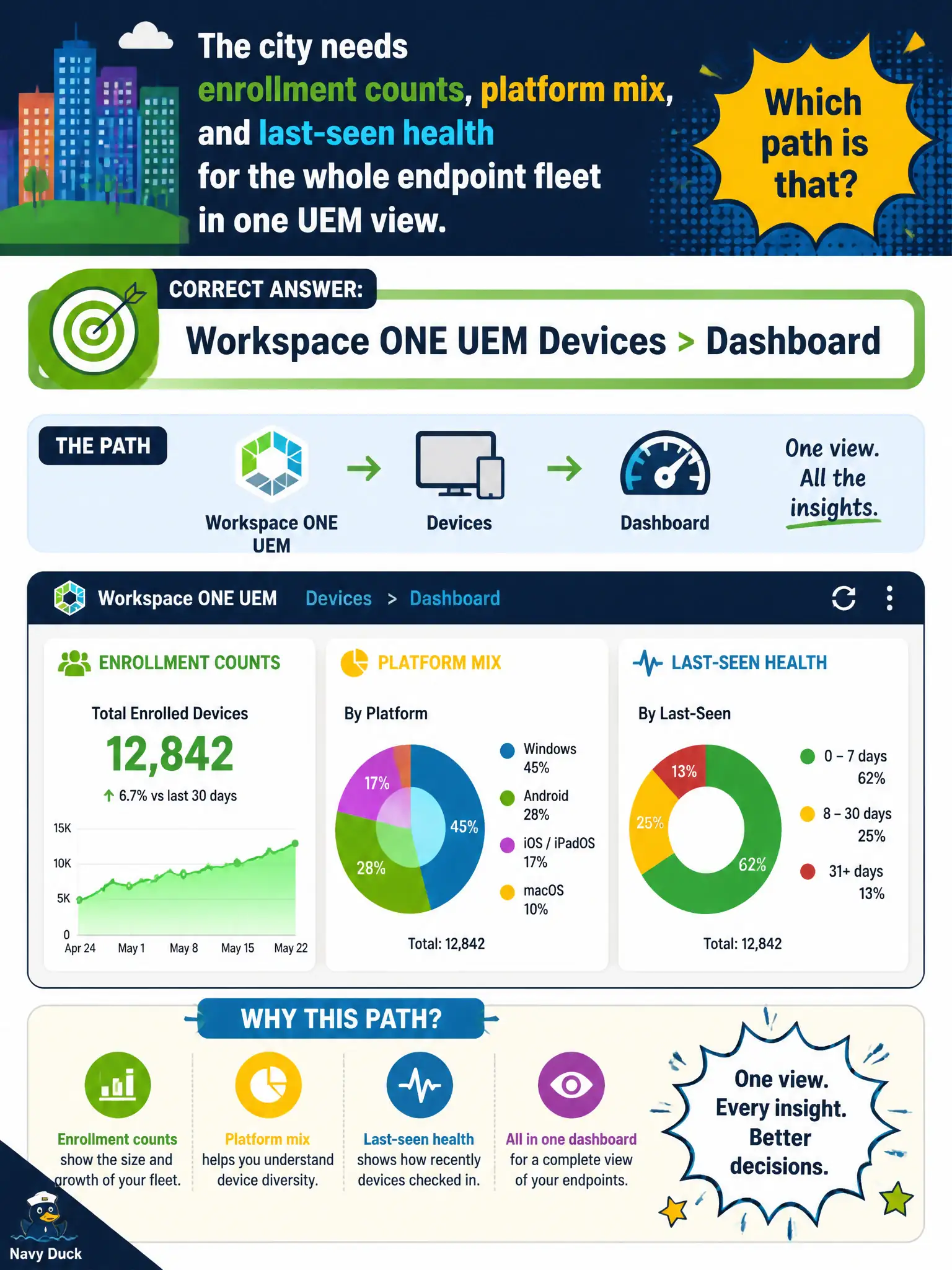
The city needs enrollment counts, platform mix, and last-seen health for the whole endpoint fleet in one UEM view. Which path is that?
Select an answer to reveal the explanation.
Short Explanation
Devices > Dashboard is the city's bird's-eye of phones and tablets: how many enrolled, iOS versus Android versus Windows, who has not checked in. Horizon, Mail, and App Volumes dashboards are other birds.
Full Explanation
Fleet-wide enrollment counts, platform mix, and last-seen health in one UEM operational view are provided by Workspace ONE UEM Devices > Dashboard. That dashboard is designed for EUC technicians to see enrollment posture and device health tiles across the civic endpoint fleet without jumping between mail or content silos. Horizon Administrator dashboards focus on desktop sessions and pod health, not UEM enrollment platform mix for phones and tablets. The Workspace ONE UEM Mail dashboard focuses on managed email clients and sync posture, not the whole-fleet device inventory summary leadership asks for after a rollout. App Volumes Manager dashboards track package attach and manager health for Windows application layering in Horizon. Exam caveat: Mail and Content dashboards are sibling UEM surfaces—choose Devices > Dashboard when the question is enrollment, platform mix, or last-seen rather than mail or content operations. Operational check: open UEM Devices > Dashboard, read enrollment and platform tiles, review last-seen or offline indicators for the city fleet, drill into a sample device record if a tile shows an unexpected spike, and capture a screenshot for the weekly EUC operations packet.