
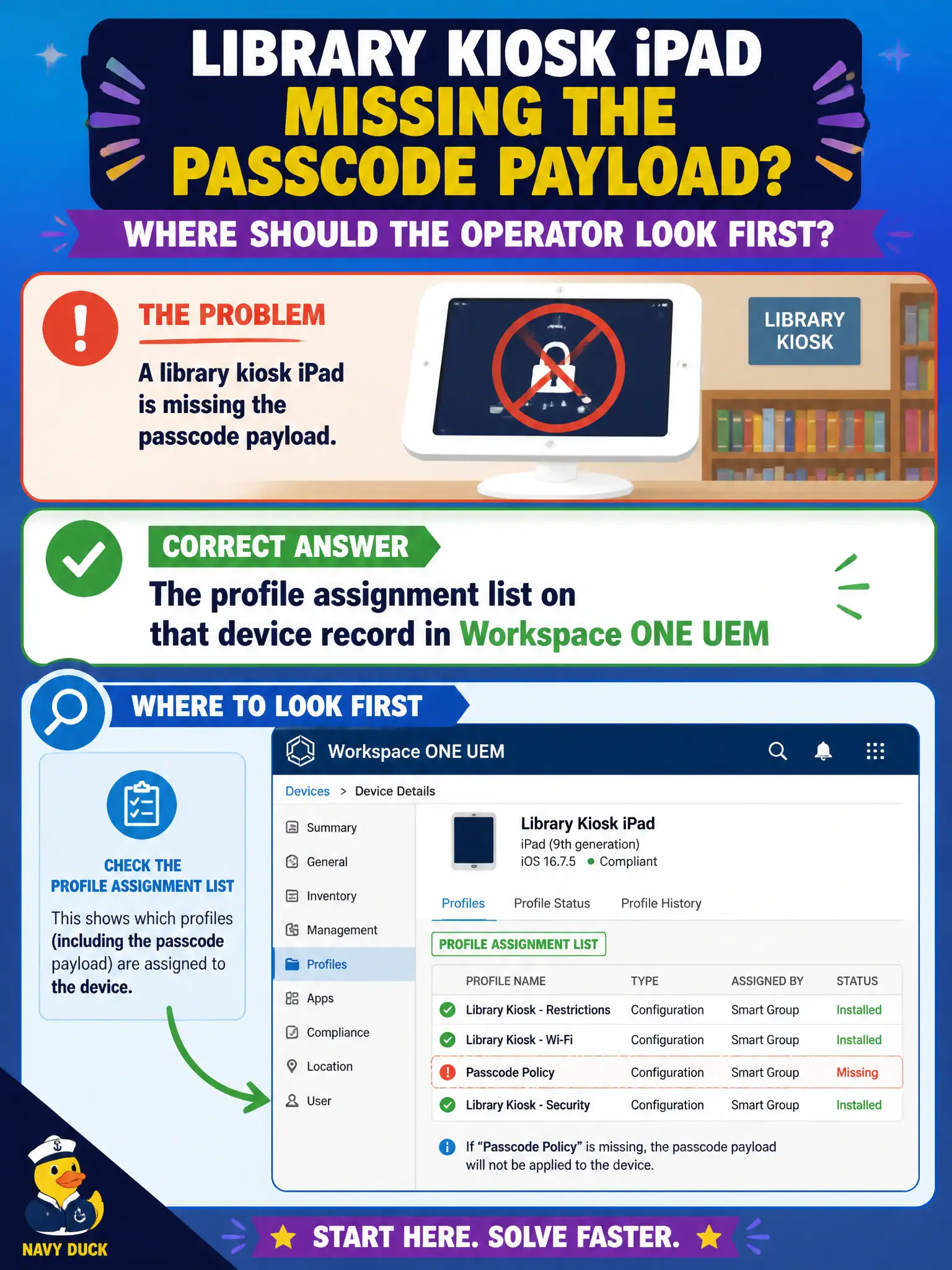
A library kiosk iPad is missing the passcode payload. Where should the operator look first?
Select an answer to reveal the explanation.
Short Explanation
The kiosk's own UEM device page lists which profiles were assigned and whether they installed. That is the first drawer. Help Desk, DEM printers, and an Intelligence widget without the device record are the wrong drawers.
Full Explanation
When a library kiosk iPad is missing the passcode payload, the first place to look is the profile assignment list on that device's record in Workspace ONE UEM. The device record shows which profiles are assigned, pending, installed, or removed, which directly answers whether the passcode payload is targeted and landed on the counter device. Horizon Help Desk for a VDI session does not explain iPad profile state and wastes time on the wrong console. DEM Console printer maps are Windows user-environment objects and do not manage iPad passcode payloads. Relying only on a Workspace ONE Intelligence widget without opening the device record may summarize fleets but skips the authoritative per-device profile list needed for this break-fix. Exam caveat: also confirm the kiosk is in the smart group that should receive the profile after checking the device record, because group drift is a common root cause. Operational check: open the kiosk device in UEM, review Profiles, verify passcode assignment and install state, fix group membership or re-push if missing, then confirm the passcode requirement enforces on the library counter iPad. In municipal EUC operations, record the console path and the rejected alternatives in the change ticket so the next on-call technician repeats the same evidence-first workflow for city staff.