
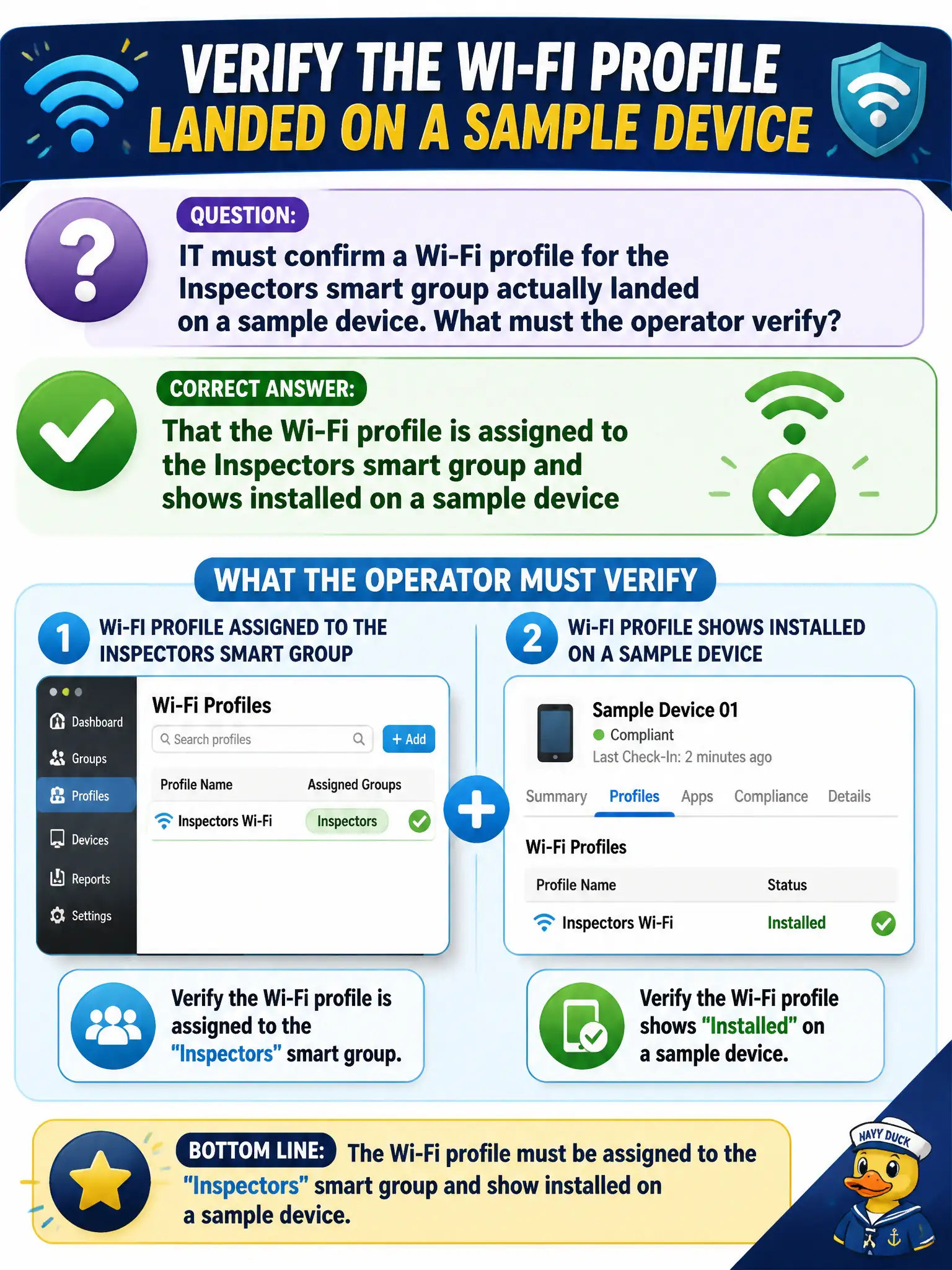
IT must confirm a Wi-Fi profile for the Inspectors smart group actually landed on a sample device. What must the operator verify?
Select an answer to reveal the explanation.
Short Explanation
Assigned is the work order; installed is the sticker on the iPad. Check both for that Inspectors Wi-Fi profile. Horizon Smart Policies and App Volumes packages are not the UEM profile proof.
Full Explanation
Confirming that a Wi-Fi profile reached inspectors requires verifying both assignment and installation: the profile must be assigned to the Inspectors smart group and must show as installed on a sample device. Assignment alone proves targeting intent; installation on a sample proves the payload landed through Hub and UEM channel processing. Checking only that a Horizon Smart Policy exists for inspectors validates a DEM or Horizon session control, not a UEM Wi-Fi profile on phones or tablets. Checking only an App Volumes package named Wi-Fi confuses Windows package delivery with mobile or desktop UEM profile installation. Checking only smart-group assignment without sample install status skips the proof that the device actually received the profile. Exam caveat: profiles can show pending when devices are offline—sample a recently checked-in inspector device before declaring failure or rewriting the profile. Operational check: open the Wi-Fi profile assignment to Inspectors, pick a sample phone with a fresh last-seen, confirm Installed status on the device record, and have the inspector join the civic SSID to validate connectivity in the field. In municipal EUC operations, record the console path and the rejected alternatives in the change ticket so the next on-call technician repeats the same evidence-first workflow for city staff.