
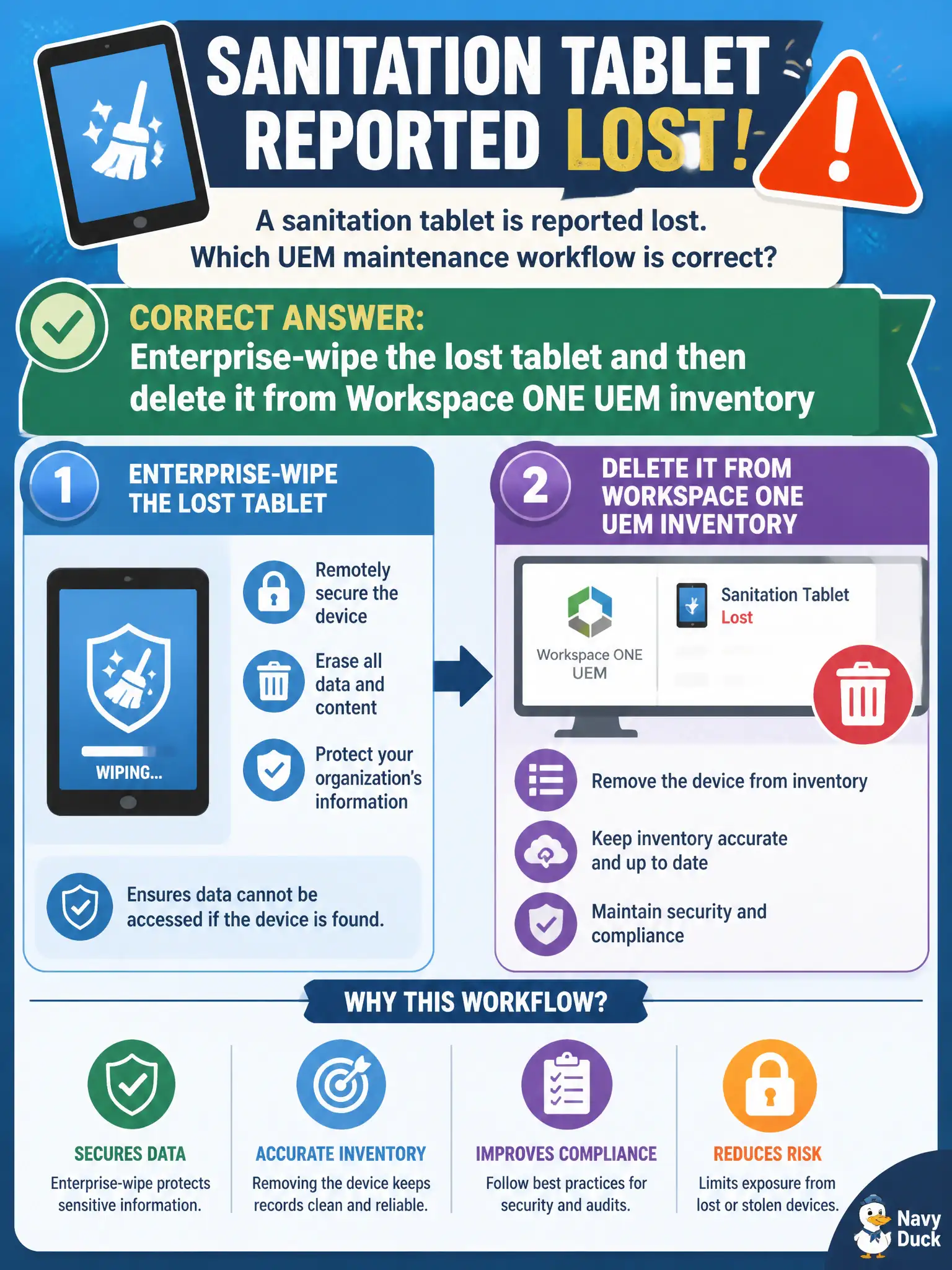
A sanitation tablet is reported lost. Which UEM maintenance workflow is correct?
Select an answer to reveal the explanation.
Short Explanation
A lost tablet is a missing badge, not a mail-log mystery. Enterprise-wipe to kill civic data, then delete it from inventory so the roster is clean. Horizon reconnect and DEM printers do not retire a lost UEM device.
Full Explanation
A sanitation tablet reported lost should follow the UEM lost-device maintenance workflow: enterprise-wipe to remove city data remotely when reachable or queued for wipe, then delete the device from Workspace ONE UEM inventory once wipe disposition and asset loss are recorded. That protects route or customer data and keeps license counts accurate for the municipal fleet. Collecting Workspace ONE Boxer logs first is usually impossible on a lost device and delays protective wipe actions the security team expects. Asking the driver to reconnect Horizon Client does not secure or remove a lost tablet from MDM inventory and confuses VDI connectivity with MDM incident response. Remapping printers in DEM Console only changes Windows user-environment printers and does not revoke mobile device access or remove UEM records. Exam caveat: some policies require selective wipe versus enterprise wipe depending on BYOD versus corporate ownership—follow the city's lost-device standard while still completing inventory removal. Operational check: initiate enterprise wipe for the lost sanitation tablet, confirm wipe status in UEM, delete the inventory record, notify the asset owner and security, and document the chain of custody in the municipal incident ticket.