
A new operator must access the Horizon Cloud Control Plane for the civic tenant for the first time. How should they get in?
Select an answer to reveal the explanation.
Short Explanation
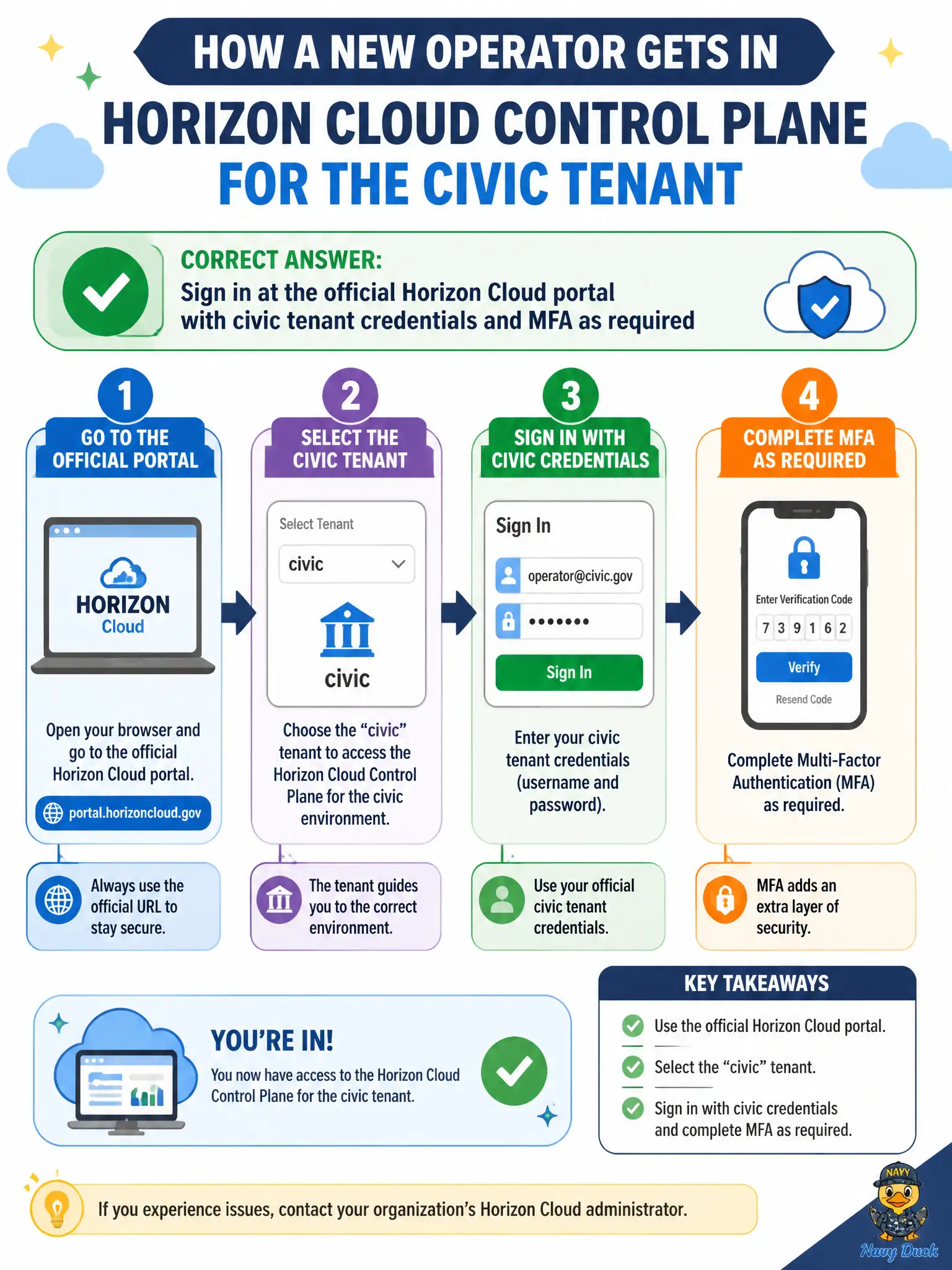
The Control Plane has a front door: the official Horizon Cloud portal, civic tenant login, and MFA if the city requires it. SSH to Connection Server, Hub enrollment, and App Volumes are other buildings.
Full Explanation
First-time access to Horizon Cloud Control Plane is through the official Horizon Cloud portal using the civic tenant's administrator credentials and any required multi-factor authentication. That browser sign-in is the supported SaaS administrative entry for capacity, assignments, and monitoring of county or city DaaS resources. SSH to an on-premises Connection Server provides a shell or local broker access path; it is not Control Plane access and may not exist in a pure DaaS design. Enrolling a phone in Intelligent Hub creates a managed-device relationship for Workspace ONE; Hub login is end-user catalog and device access, not Horizon Cloud Control Plane administration. Opening App Volumes Manager and switching a tenant drop-down does not become Horizon Cloud Control Plane access; App Volumes remains a different console for packages and writables. Exam caveat: bookmark the correct portal URL for the tenant region and verify role membership before assuming lockout is a product outage. Operational check: navigate to the official Horizon Cloud portal, authenticate with civic tenant admin credentials and MFA, confirm the expected tenant name appears in the header, open a read-only capacity or assignment view to prove access, and record the URL in the municipal EUC admin onboarding checklist for the next operator.