
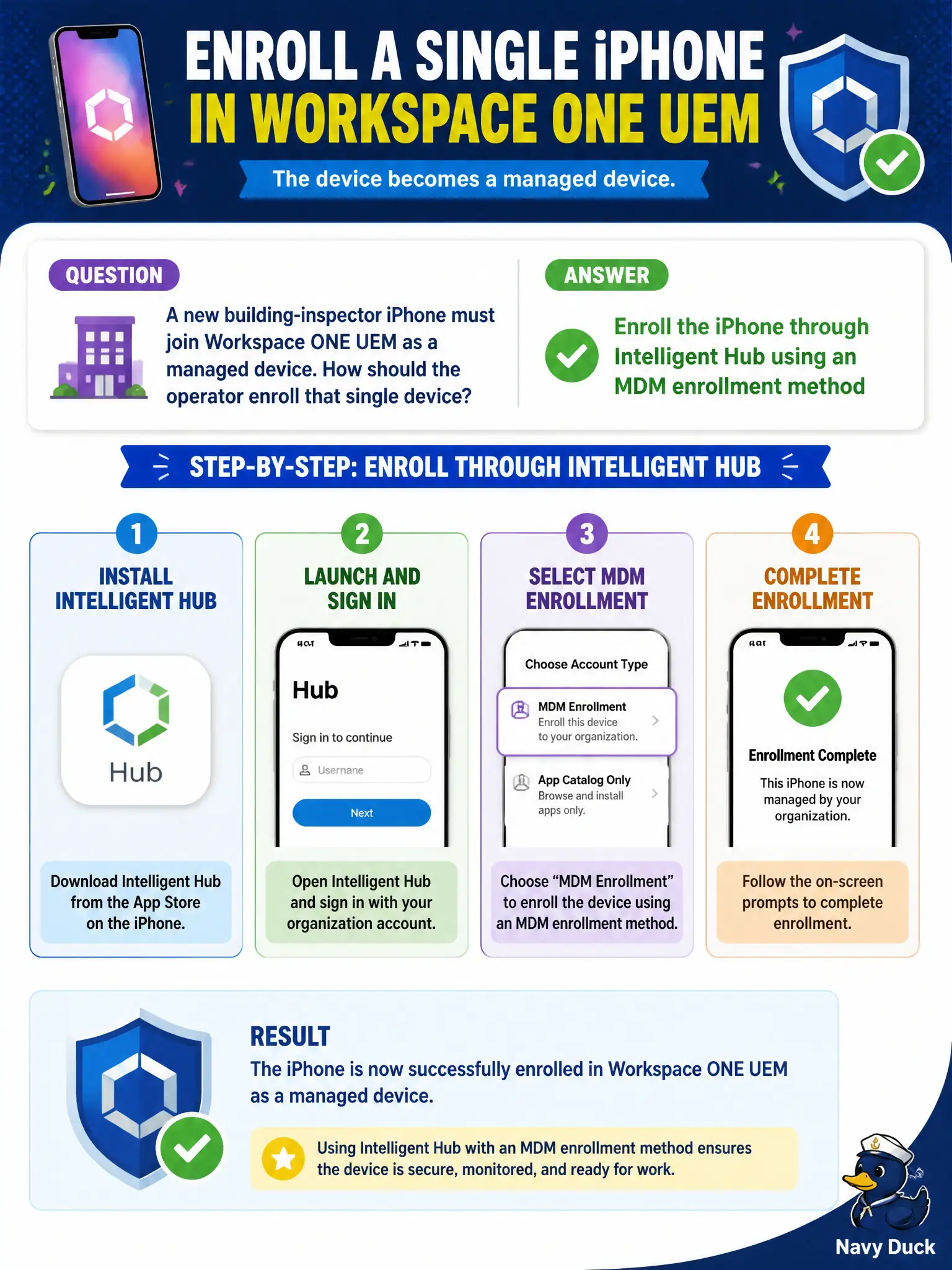
A new building-inspector iPhone must join Workspace ONE UEM as a managed device. How should the operator enroll that single device?
Select an answer to reveal the explanation.
Short Explanation
Hub is the badge printer for phones. MDM enrollment of that inspector iPhone happens in Intelligent Hub, not Horizon Client, not App Volumes, and not DEM.
Full Explanation
Workspace ONE UEM enrollment for a single iOS device is performed by enrolling through Intelligent Hub using an MDM enrollment method appropriate to the ownership model (for example, user-initiated or supervised/DEP workflows where configured). A new building-inspector iPhone joins management that way so profiles, apps, and compliance can apply under the city's mobile standard. Installing only Horizon Client provides remote desktop access; Client installation is not MDM enrollment for iOS and does not register the phone in UEM inventory. Assigning an App Volumes package to the inspector's AD account delivers Windows application layers in Horizon sessions, not iPhone MDM enrollment. Running the DEM helpdesk tool against a desktop session diagnoses Windows user-environment settings and has no effect on iOS enrollment. Exam caveat: associate tasks often start with one device before automation—single-device Hub enrollment is an intentional competency, not a shortcut to skip in favor of mass DEP design. Operational check: open Intelligent Hub on the inspector iPhone, complete the city's MDM enrollment flow, confirm the device appears in UEM inventory bound to the inspector's user, verify a baseline Wi-Fi or passcode profile shows as assigned, and only then stage additional inspector apps.