
Where do cloud-side image and assignment objects live, and how does that differ from App Volumes Manager?
Select an answer to reveal the explanation.
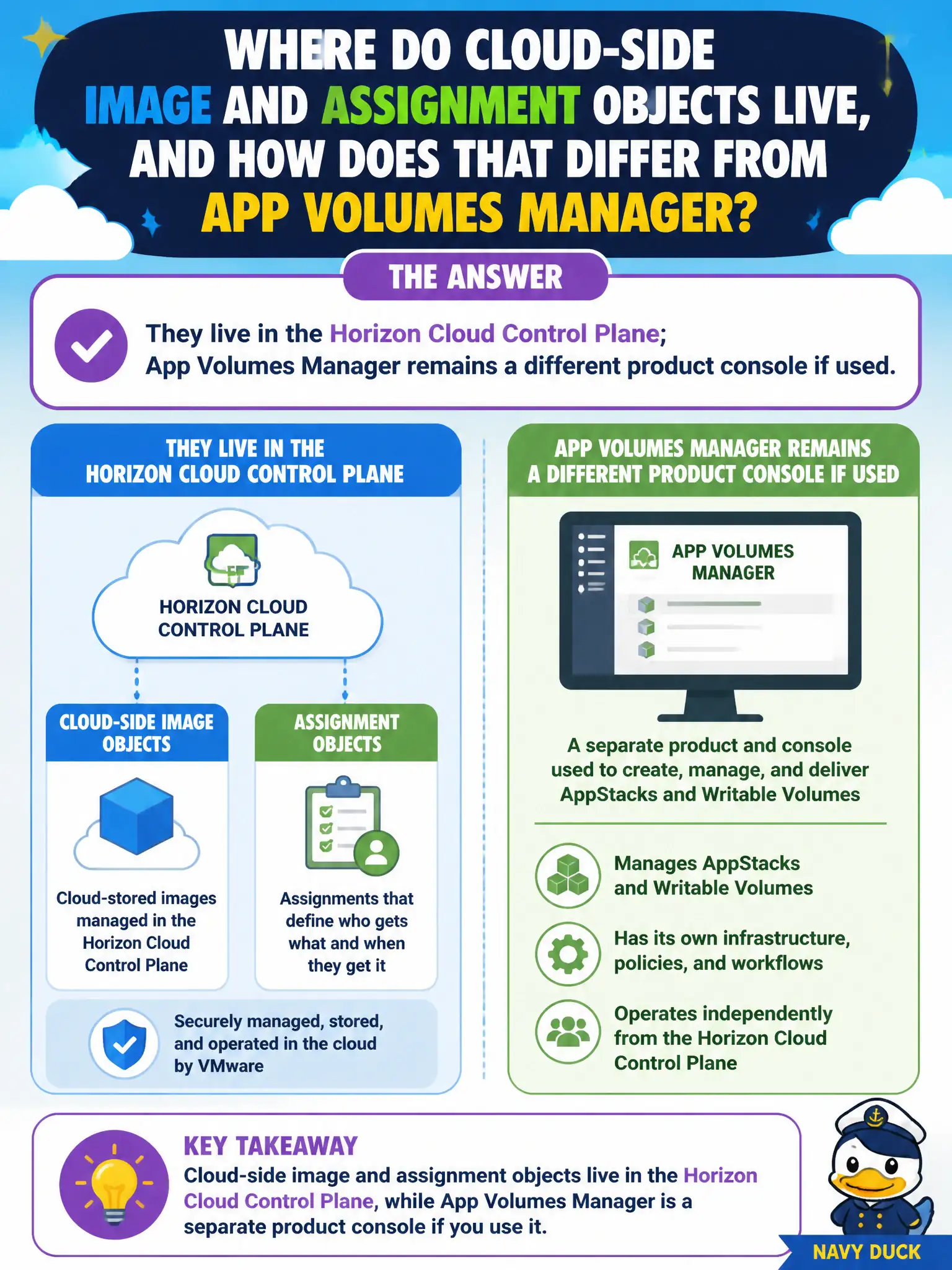
Short Explanation
Cloud images and assignments sit on the Control Plane clipboard. App Volumes Manager is still the package-and-writable shop if the city uses it. UEM and DEM do not become the Horizon Cloud image catalog just because they are VMware consoles.
Full Explanation
Cloud-side image and assignment objects for Horizon Cloud live in the Horizon Cloud Control Plane. App Volumes Manager, when used, remains a separate product console for application packages, assignments, and writable volumes—it is not renamed Horizon Cloud and does not replace Control Plane image and assignment administration. Operators must keep those boundaries clear so civic image publishes and desktop assignments are edited in the correct plane. Workspace ONE UEM is not the Horizon Cloud image catalog; UEM manages devices, profiles, and mobile/desktop management payloads. Equating App Volumes Manager with the Horizon Cloud Control Plane collapses two products into one and leads to failed searches for cloud assignments. DEM Console stores user-environment settings such as printer maps and does not store cloud image assignments. Exam caveat: integrations exist across the Omnissa/VMware EUC stack, but navigate-and-identify tasks still expect distinct consoles for distinct object types. Operational check: in Control Plane locate image and assignment objects for the civic tenant, then—if App Volumes is deployed—open App Volumes Manager separately and confirm packages are not being hunted inside Control Plane image lists.