
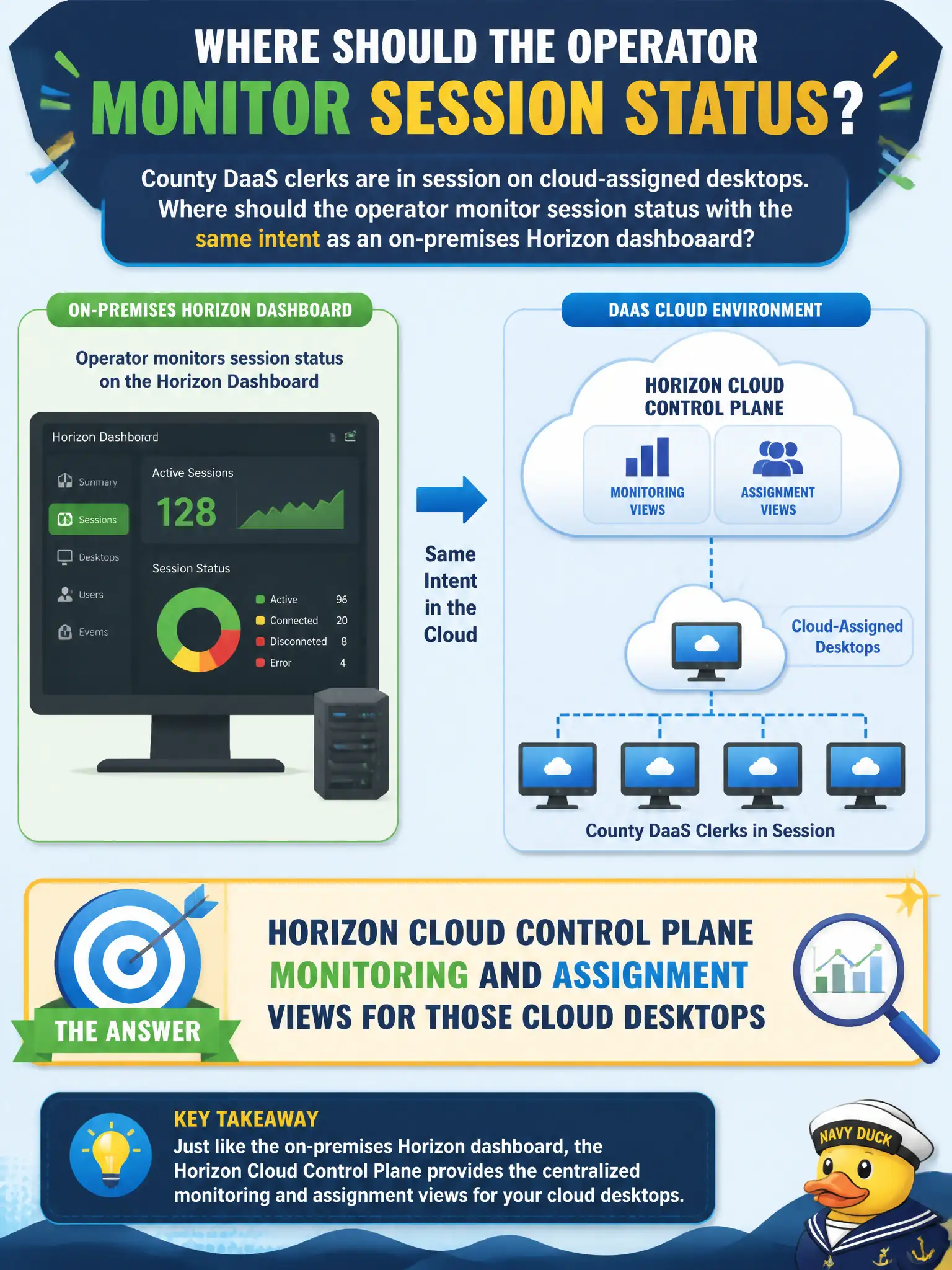
County DaaS clerks are in session on cloud-assigned desktops. Where should the operator monitor session status with the same intent as an on-premises Horizon dashboard?
Select an answer to reveal the explanation.
Short Explanation
Same job, different glass: watch cloud sessions on the Control Plane the way you watch an on-prem dashboard. Boxer logs and App Volumes health are not the session board. And an on-prem Help Desk is not the only place cloud sessions live.
Full Explanation
For Horizon Cloud or DaaS assignments, session and assignment monitoring is performed in Horizon Cloud Control Plane monitoring and assignment views, which serve the same operational intent as an on-premises Horizon dashboard for brokered sessions. County DaaS clerks on cloud-assigned desktops should be observed there so operators can see connection state, assignment health, and related activity without pretending an unused on-premises Help Desk is authoritative. Claiming that only on-premises Horizon Help Desk can show sessions ignores the Control Plane's role for cloud desktops. Workspace ONE Boxer logs reflect mobile mail sync, not whether a Horizon desktop session is connected. App Volumes Manager health indicates package and manager service status; package attach is related to application delivery but is not the primary session-monitoring surface for cloud desktop assignments. Exam caveat: hybrid estates may require checking both Control Plane and on-premises Help Desk depending on where the desktop is brokered—match the console to the assignment plane. Operational check: open Control Plane monitoring/assignment views for the county cloud desktops, confirm clerk sessions appear, and document that Boxer and App Volumes are secondary if mail or package symptoms accompany the report.