
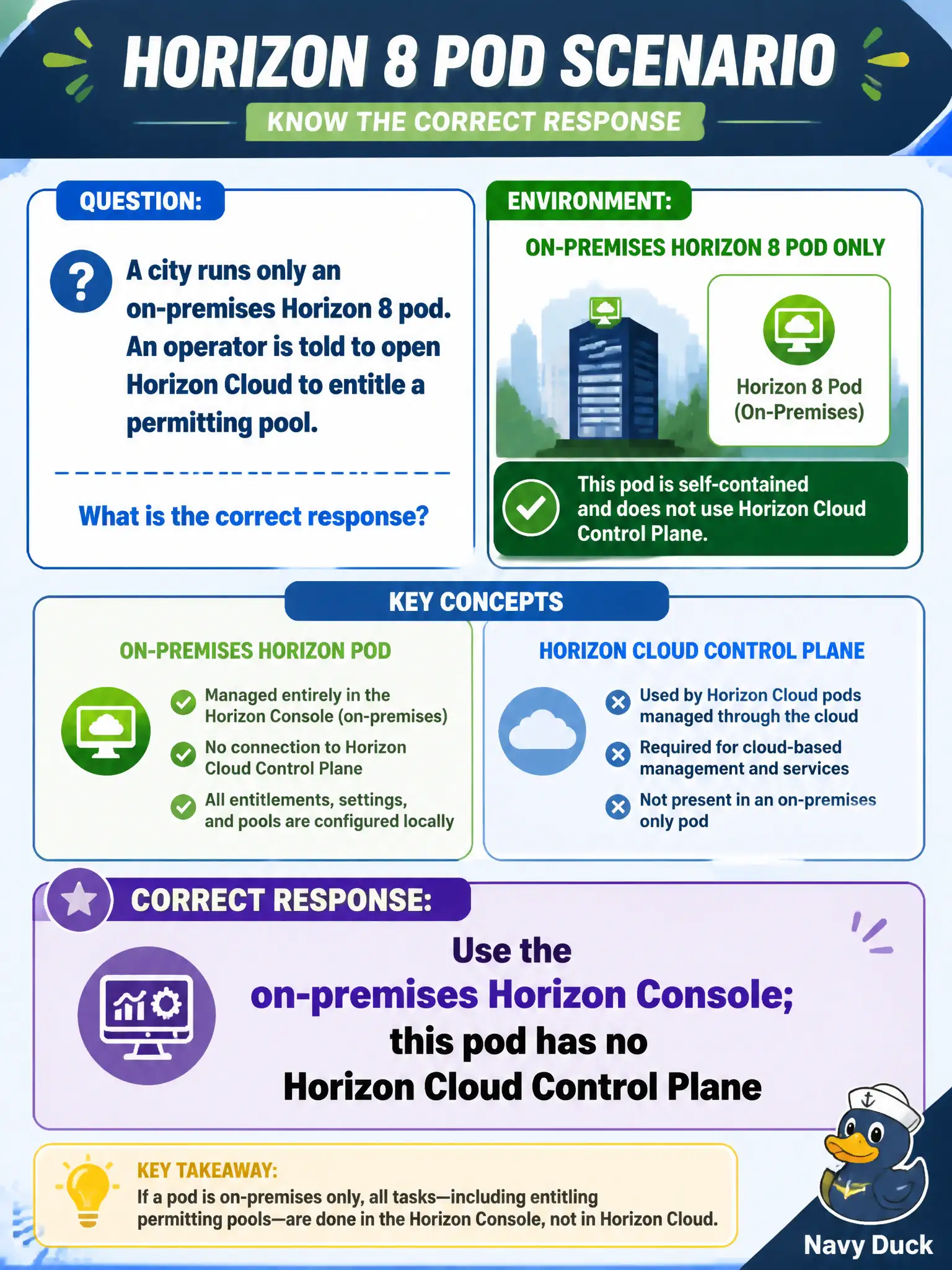
A city runs only an on-premises Horizon 8 pod. An operator is told to open Horizon Cloud to entitle a permitting pool. What is the correct response?
Select an answer to reveal the explanation.
Short Explanation
An on-prem pod is a city-owned building with no magic cloud lobby. Entitle the permitting pool in the on-prem Horizon Console. Do not send that operator to Horizon Cloud, UEM, or Intelligence.
Full Explanation
An on-premises-only Horizon 8 pod is administered from the on-premises Horizon Console (Connection Server-backed). It does not automatically include a Horizon Cloud Control Plane, so an operator told to open Horizon Cloud to entitle a permitting pool should instead use the on-premises Horizon Console for that pod. Assuming every Horizon pod has a Control Plane confuses optional Horizon Cloud or DaaS models with classic Horizon 8 deployments that cities still run locally. Workspace ONE UEM Devices dashboards do not entitle VDI pools; UEM manages devices and profiles, while Horizon Console manages pool entitlements. Workspace ONE Intelligence reports provide analytics and can drive automations, but generating a report does not create a Horizon entitlement. Exam caveat: product branding and hybrid subscriptions evolve, yet the exam distinction remains—on-premises pod entitlement work is done where that pod's Horizon Console lives unless Cloud is actually in use. Operational check: confirm the city architecture is on-premises Horizon 8 only, open Horizon Console, locate the permitting pool, verify entitlements there, and reject a Horizon Cloud login attempt that has no civic tenant. In municipal EUC operations, record the console path and the rejected alternatives in the change ticket so the next on-call technician repeats the same evidence-first workflow for city staff.