
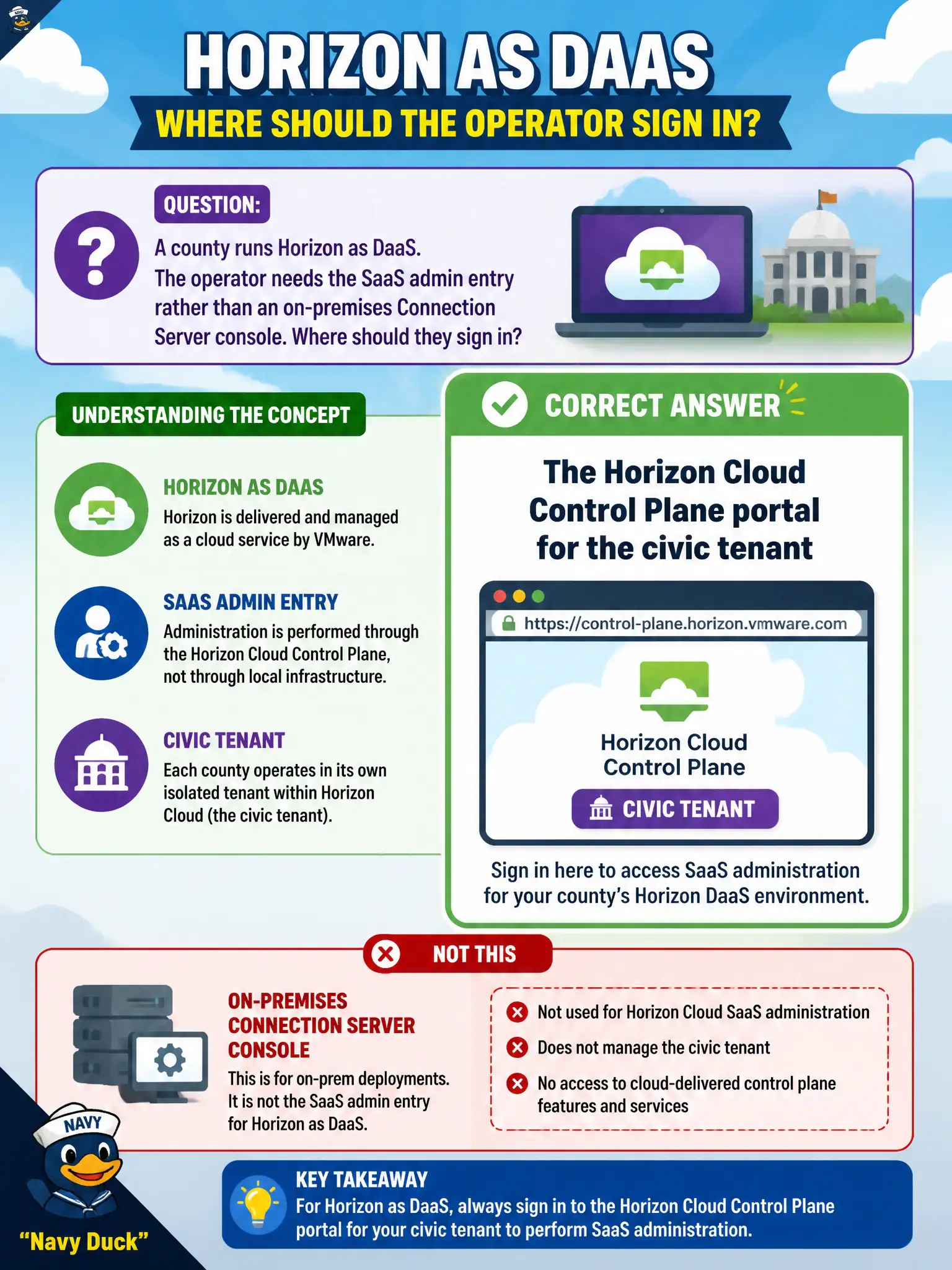
A county runs Horizon as DaaS. The operator needs the SaaS admin entry rather than an on-premises Connection Server console. Where should they sign in?
Select an answer to reveal the explanation.
Short Explanation
DaaS is the city's rented office tower, not the basement pod. The front desk is the Horizon Cloud Control Plane in the browser, not the old on-prem Connection Server URL, not UEM, and not vCenter.
Full Explanation
Horizon delivered as Desktop-as-a-Service is administered primarily from the Horizon Cloud Control Plane portal for the customer tenant, not from a classic on-premises Connection Server administrator URL alone. When a county runs Horizon as DaaS, the operator who needs the SaaS admin entry should sign in to the Horizon Cloud Control Plane for the civic tenant to manage capacity, assignments, and related cloud desktop operations. Relying only on an on-premises Connection Server URL assumes a pod-based Horizon 8 deployment model that DaaS customers may not use as their primary console. The Workspace ONE UEM Devices tab manages endpoint enrollment and profiles; it is not the Horizon Cloud admin portal. The civic vCenter Hosts and Clusters view may show underlying infrastructure in some architectures, but it is not the SaaS Horizon administrative entry for entitlements and cloud assignments. Exam caveat: hybrid designs can still include on-premises components, yet the exam's DaaS navigate task points to Control Plane as the cloud admin surface. Operational check: open the official Horizon Cloud portal, authenticate with civic tenant credentials and MFA, confirm the tenant context, and locate capacity and assignment areas before making changes for county clerks.