
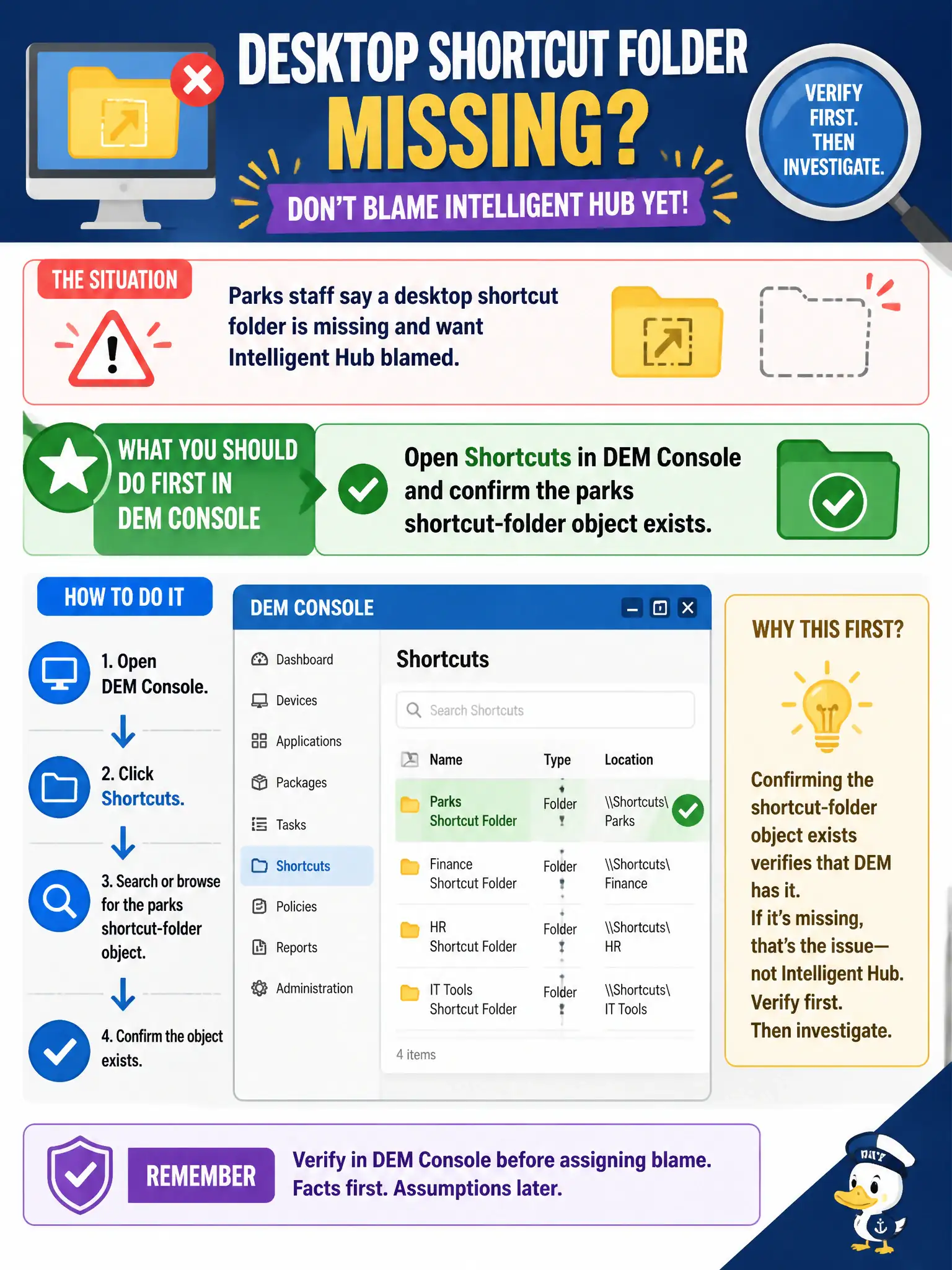
Parks staff say a desktop shortcut folder is missing and want Intelligent Hub blamed. What should the operator do first in DEM Console?
Select an answer to reveal the explanation.
Short Explanation
If the shortcut is a DEM object, look in the DEM Shortcuts drawer before yelling at Hub. Hub is the phone-and-SaaS catalog, not the Windows desktop folder factory. Confirm the parks shortcut object exists first.
Full Explanation
Desktop shortcut folders for Horizon Windows sessions are DEM user-environment Shortcut objects. When parks staff report a missing shortcut folder and want Intelligent Hub blamed, the operator should first open Shortcuts in DEM Console and confirm the parks shortcut-folder object exists, is enabled, and is assigned to the correct audience. That establishes whether the configuration object is present before expanding into unrelated catalogs or packages. Adding the folder as a public app in the Intelligent Hub catalog publishes a Hub/UEM application tile; it does not create an Explorer shortcut folder on a Windows desktop. Attaching a new App Volumes package that contains Explorer shortcuts confuses application-layer delivery with DEM shortcut settings and adds packaging overhead for a user-environment problem. Rewriting a Boxer email signature only changes mobile or mail signature text and cannot place a desktop shortcut folder for parks staff. Exam caveat: Hub catalog issues and DEM shortcut gaps can both be reported as "missing shortcut," so console choice must follow the symptom domain—Windows desktop versus mobile Hub. Operational check: in DEM Console open Shortcuts, verify the parks folder object and assignment, have a ranger log on, then use DEM helpdesk to confirm the shortcut setting applied before investigating Hub.