
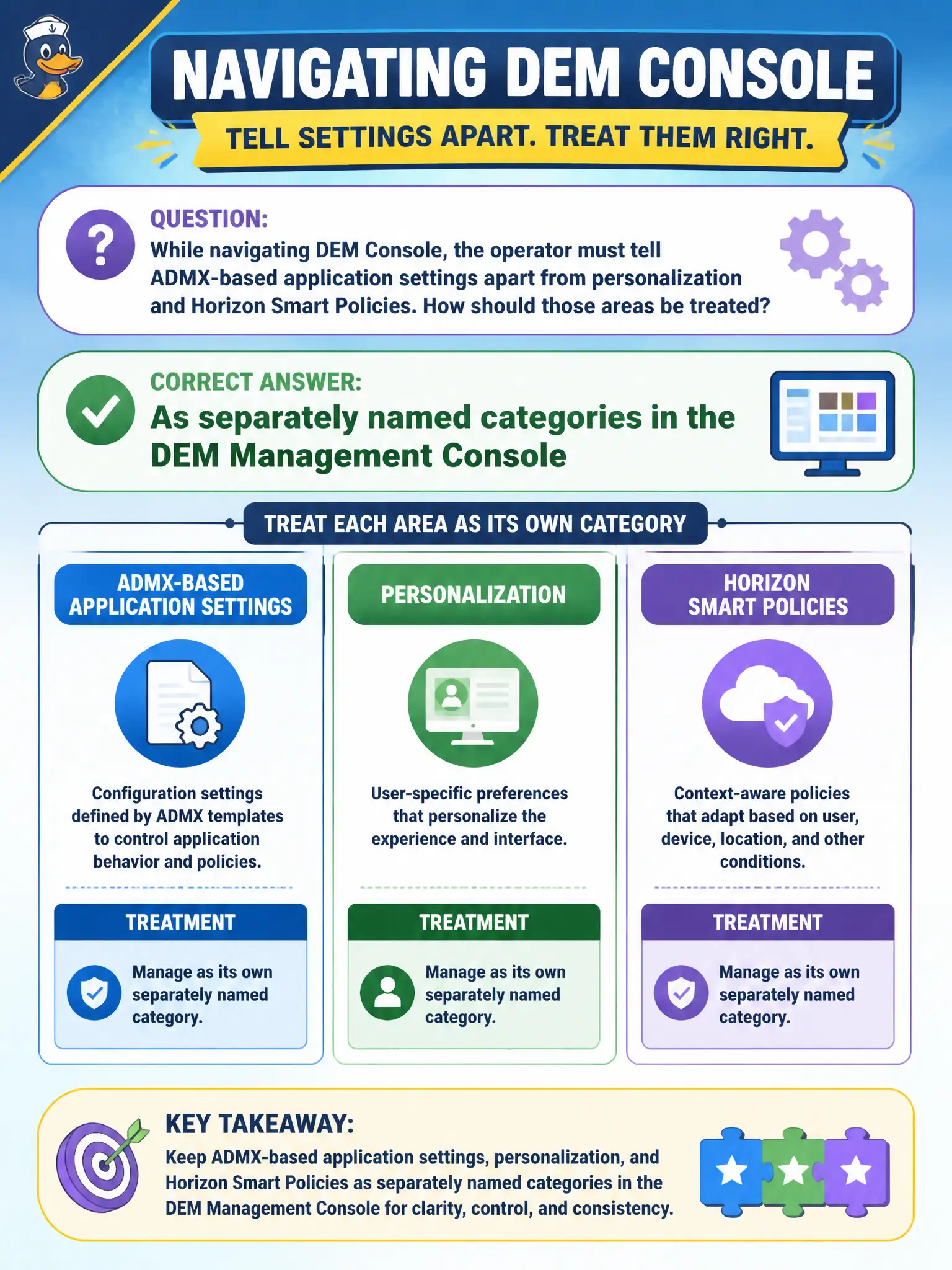
While navigating DEM Console, the operator must tell ADMX-based application settings apart from personalization and Horizon Smart Policies. How should those areas be treated?
Select an answer to reveal the explanation.
Short Explanation
DEM Console is a filing cabinet with labeled drawers: ADMX settings in one, personalization in another, Horizon Smart Policies in a third. Do not go hunting in Horizon replica settings, UEM iOS payloads, or App Volumes writables for those labels.
Full Explanation
Inside the DEM Management Console, ADMX-based application settings, personalization configuration, and Horizon Smart Policies appear as separately named categories so operators can navigate without conflating policy types. ADMX-based settings apply administrative template-style application configuration; personalization captures and restores user-specific application data; Horizon Smart Policies apply contextual Horizon session controls such as clipboard or USB behavior based on conditions. Treating them as separate categories matches how DEM organizes the console and how associate-level identify tasks are written. They are not replica Connection Server settings on the Horizon dashboard, which concern broker topology and pod health rather than DEM policy categories. They are not Workspace ONE UEM compliance payloads for iOS, which enforce mobile device posture. They are not App Volumes writable-volume templates, which define persistent user-writable disks for applications and user data at the App Volumes layer. Exam caveat: Smart Policies may be authored in DEM yet enforce Horizon session capabilities—knowing the category name still matters for navigation even when the effect is Horizon-facing. Operational check: open DEM Console, identify the distinct category labels for ADMX-based application settings, personalization, and Horizon Smart Policies, and confirm a parks or permitting sample object sits under the expected category before editing.