
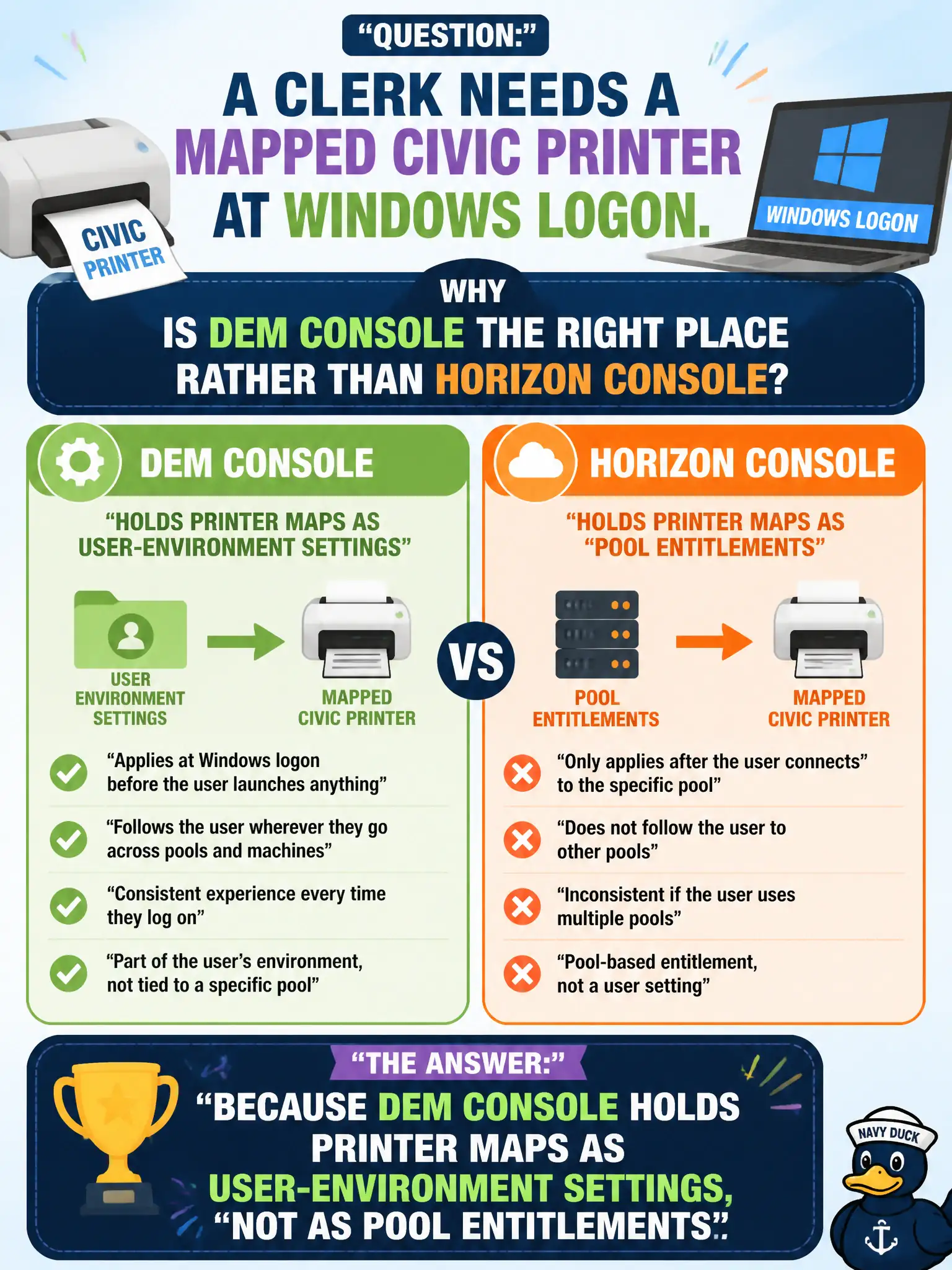
A clerk needs a mapped civic printer at Windows logon. Why is DEM Console the right place rather than Horizon Console?
Select an answer to reveal the explanation.
Short Explanation
A printer map is a DEM desk accessory, not a Horizon pool badge. Horizon Console entitles who gets a desktop; DEM Console says which printer shows up when they sit down. Mail dashboards and Intelligence widgets do not hang printers on a Windows session.
Full Explanation
Printer mappings for Windows Horizon sessions are Dynamic Environment Manager user-environment settings configured and maintained in DEM Console, not Horizon Console pool entitlements. When a clerk needs a mapped civic printer at logon, DEM is the correct console because that is where printer-map objects, conditions, and assignments live for FlexEngine to apply. Horizon Console manages pods, pools, entitlements, and session brokerage; treating it as the only supported path for pooled-VDI printers confuses broker configuration with user-environment injection. Workspace ONE Mail dashboards govern managed Exchange and mobile mail clients; they do not publish Windows printers into VDI sessions. Workspace ONE Intelligence widgets visualize risk and analytics and do not attach printers based on a low risk score. Exam caveat: some environments also use GPO or print servers, but in the VMware EUC associate model tested here, DEM is the product expected for logon printer maps alongside Horizon. Operational check: open DEM Console, locate the civic printer-map setting, confirm assignment to the clerk's group, validate the UNC path, then use DEM helpdesk after logon to prove the printer applied on the municipal desktop.