
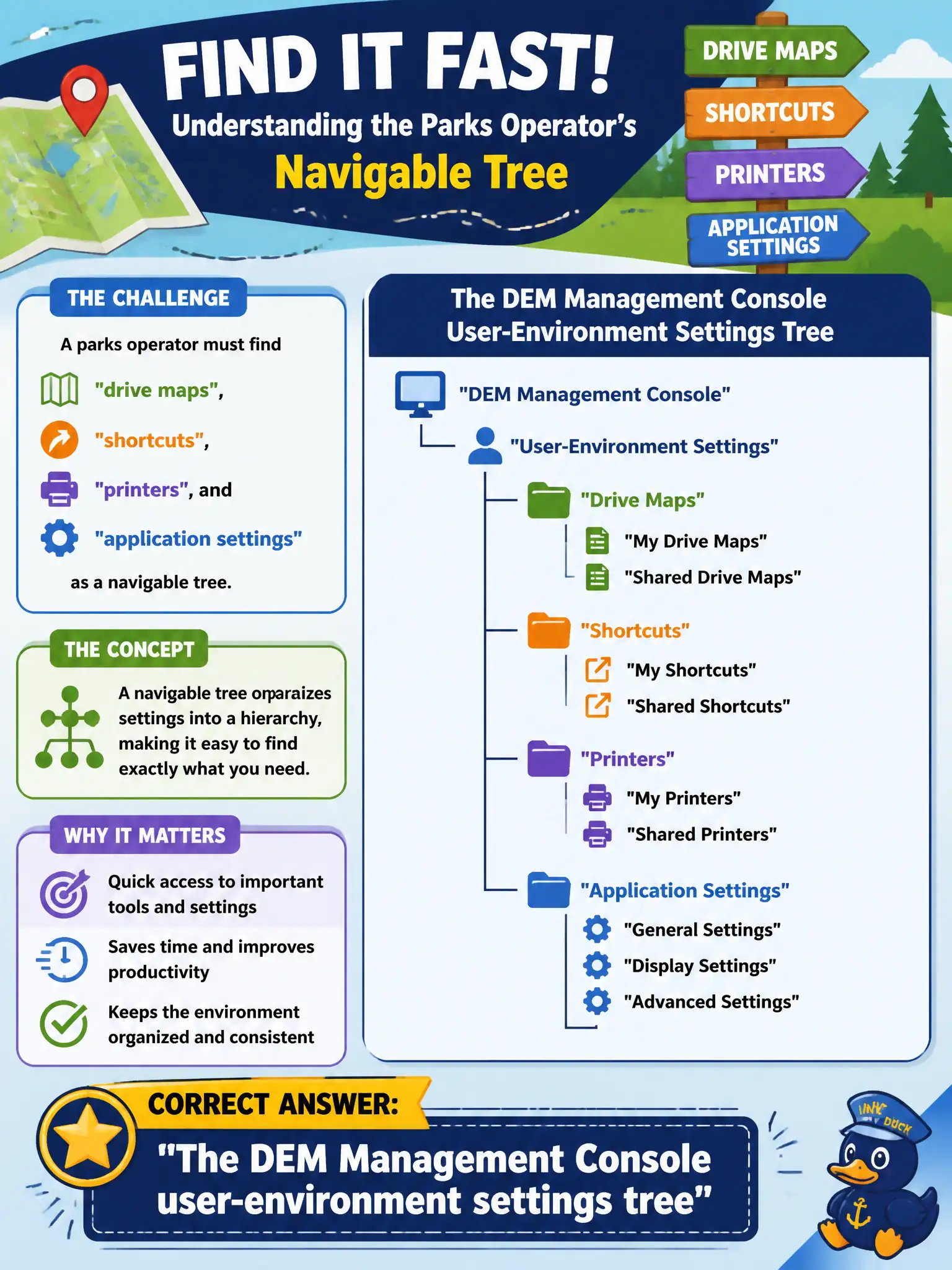
A parks operator must find drive maps, shortcuts, printers, and application settings as a navigable tree. Which console and structure is that?
Select an answer to reveal the explanation.
Short Explanation
DEM Console is the city-hall directory of desk setups: drive maps, shortcuts, printers, and app settings hanging on one tree. Horizon lists pools, UEM lists phones, and App Volumes lists packages. Different buildings, different directories.
Full Explanation
Dynamic Environment Manager stores drive maps, shortcuts, printers, ADMX-based application settings, personalization, and related user-environment objects in the DEM Management Console as a navigable settings tree. A parks operator who must locate those objects should open DEM Console and walk that tree rather than searching unrelated EUC consoles. Horizon Administrator catalogs desktop pools, farms, and entitlements; it does not present DEM user-environment settings as a management tree. Workspace ONE UEM Devices dashboards show mobile and endpoint enrollment inventory, compliance, and profiles—not Windows DEM drive maps or shortcut folders. App Volumes Manager Packages tabs manage application packages and assignments for attach at logon or launch; they are not the console for DEM printer maps or Explorer shortcuts. Exam caveat: VCTA-level tasks emphasize navigate-and-identify across products—knowing which console owns which object prevents wasted troubleshooting on the wrong plane. Operational check: sign into DEM Management Console, expand user-environment settings, confirm parks drive maps, shortcuts, printers, and application settings appear as discrete objects, and document the path in the civic runbook so on-call staff do not open Horizon or UEM first for those items.