
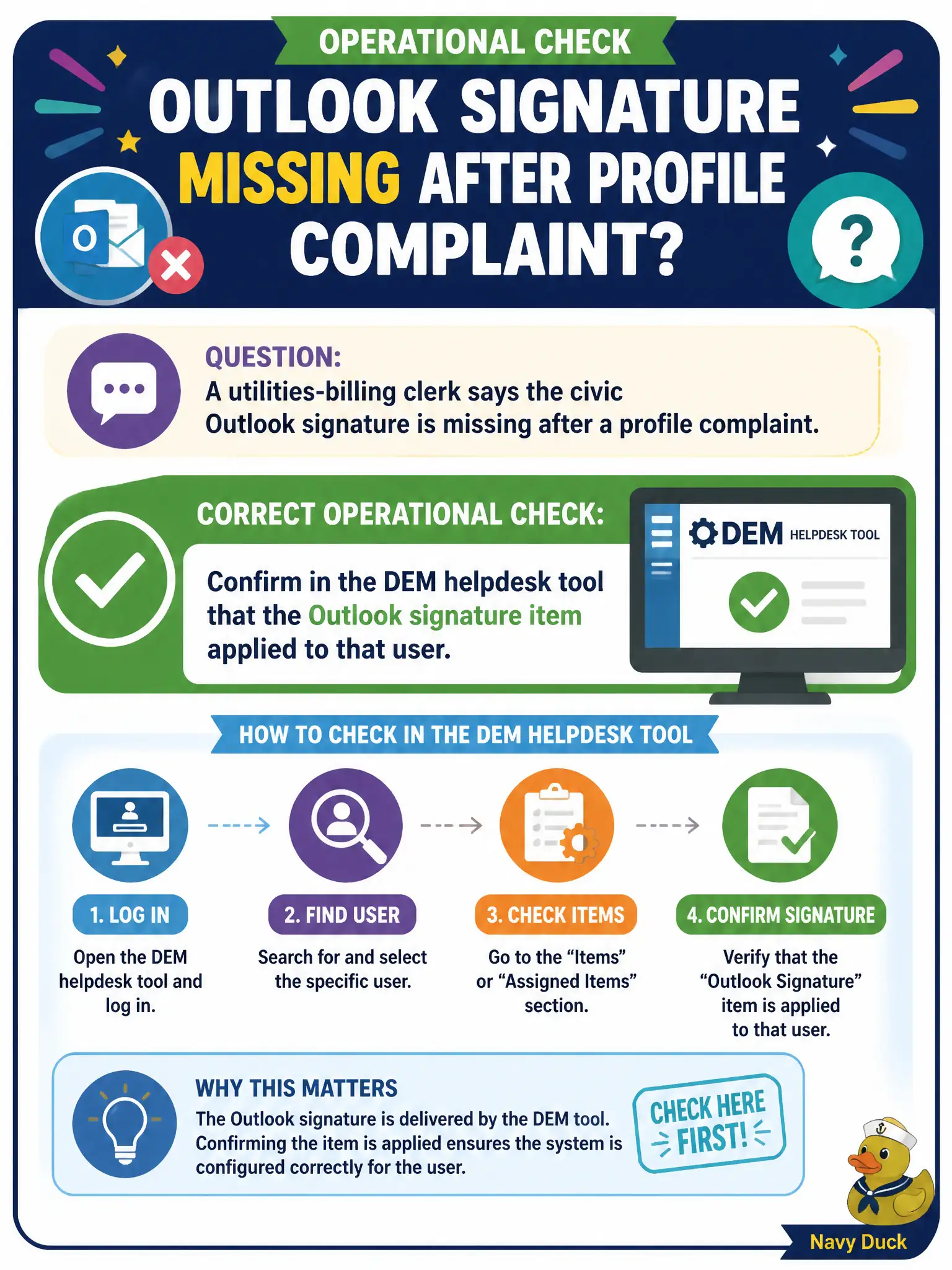
A utilities-billing clerk says the civic Outlook signature is missing after a profile complaint. What is the correct operational check?
Select an answer to reveal the explanation.
Short Explanation
The signature is a DEM sticker on the mailbox door, not a new construction project. First open the helpdesk tool and see whether that Outlook-signature item actually applied. Authoring a brand-new condition set is the architect's job, not the Day-2 check.
Full Explanation
Outlook signatures for Horizon desktops are commonly delivered as Dynamic Environment Manager user-environment or application settings, not as App Volumes package content and not as a Workspace ONE UEM mobile wipe action. When a utilities-billing clerk reports a missing civic Outlook signature after a profile complaint, the correct operational check is to confirm in the DEM helpdesk tool that the signature item evaluated and applied for that user. Helpdesk evidence shows whether FlexEngine processed the setting, skipped it on a condition, or failed path resolution, which guides the next change without redesigning the entire signature estate. Authoring a brand-new condition set that rebuilds every signature from scratch escalates scope before evidence exists and can break clerks whose signatures already work. Repackaging the Outlook client as an App Volumes application package addresses binary delivery, not per-user signature text applied at logon. Enterprise-wiping the clerk's iPhone from Workspace ONE UEM is a mobile MDM action unrelated to a Windows Outlook signature on a VDI desktop. Exam caveat: profile resets can clear personalization overlays, but signature delivery still belongs in DEM configuration evidence first. Operational check: run DEM helpdesk for the clerk, locate the Outlook signature setting, verify Applied versus Not Applied, fix assignment or path if needed, then have the clerk relaunch Outlook on the municipal billing desktop.